
 EN
EN Spanish
 French
 Portuguese
 Arabic
 Turkish
 German
 Italian
 Polish
 Greek
Greek Russian
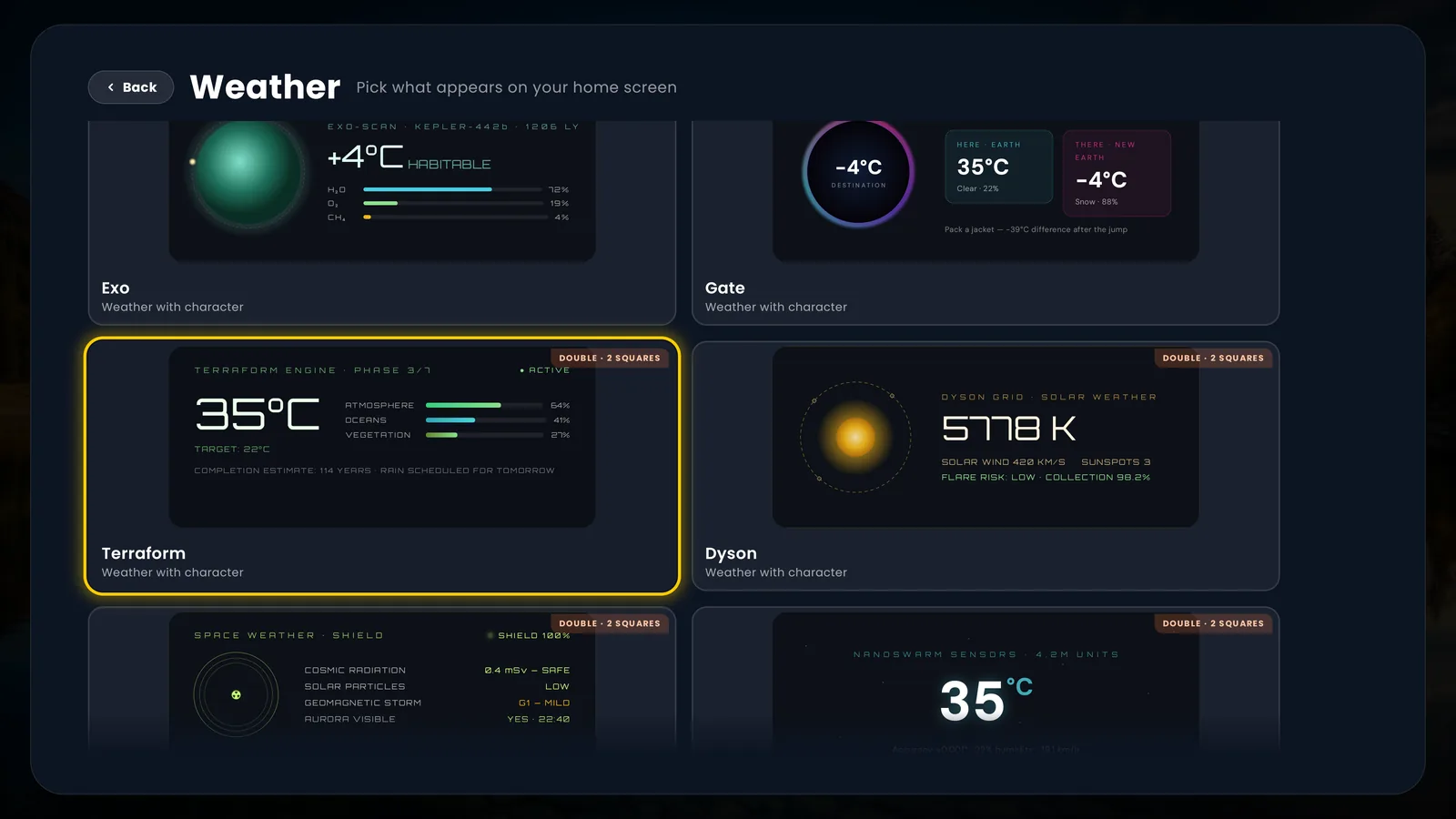
The Premium TV Launcher UI (PLUI) feature tour: 82 live weather faces, 38 clocks, a widget dashboard you compose yourself, ten user profiles, live ONVIF security cameras on the Android TV home screen, aerial video backgrounds and cloud backup.
Six scenes from a transformed TV
Not a spec list. This is what a day with Premium TV Launcher UI (PLUI) looks like — every scene is real, from the launcher as it ships today.
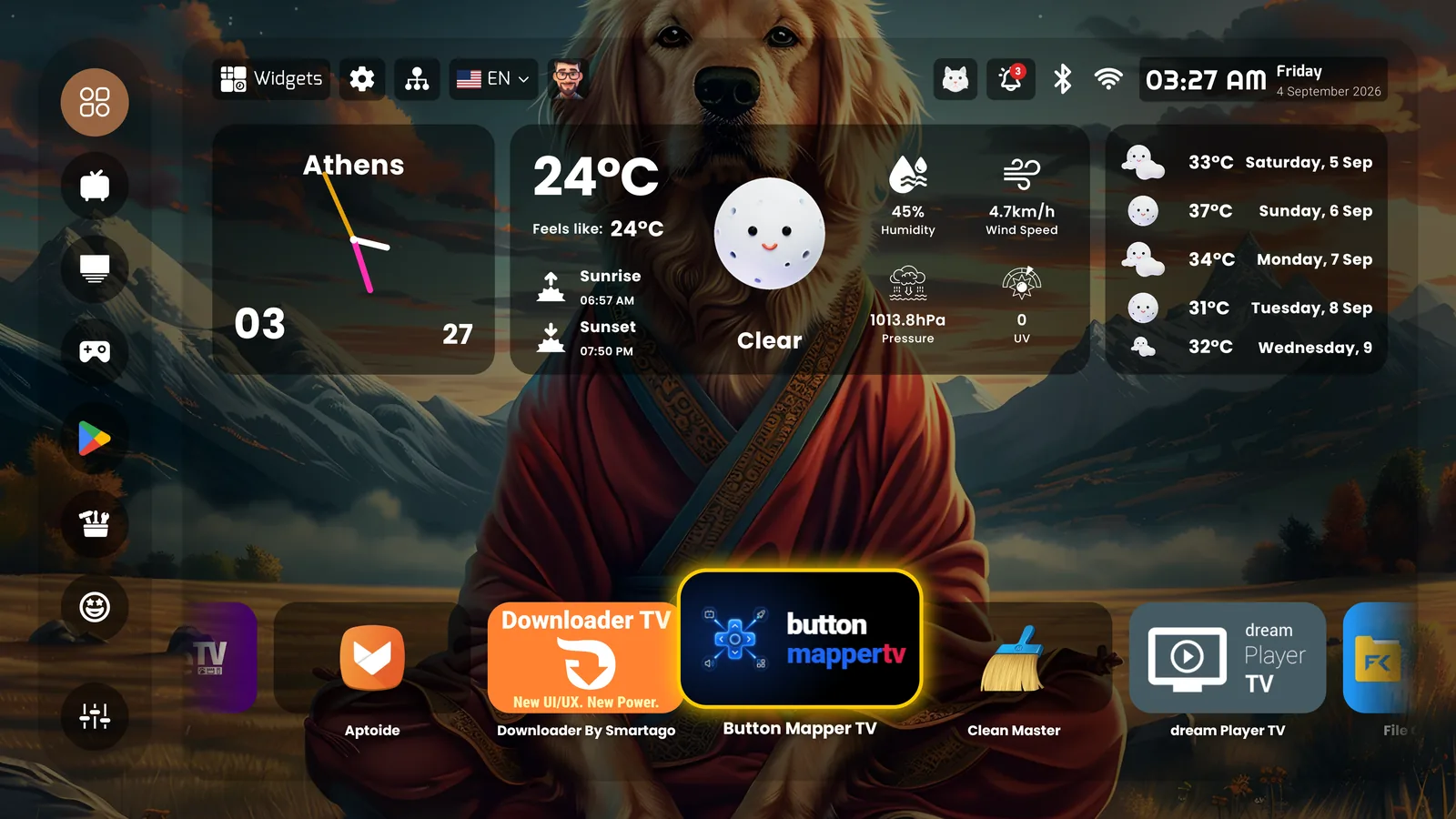
The TV greets you
Coffee in hand, the screen already knows the day: live weather rendered as a work of art — 80 designed faces, not one number — 38 clocks to choose from, and a five-day forecast floating on glass.
Beautiful before you press play
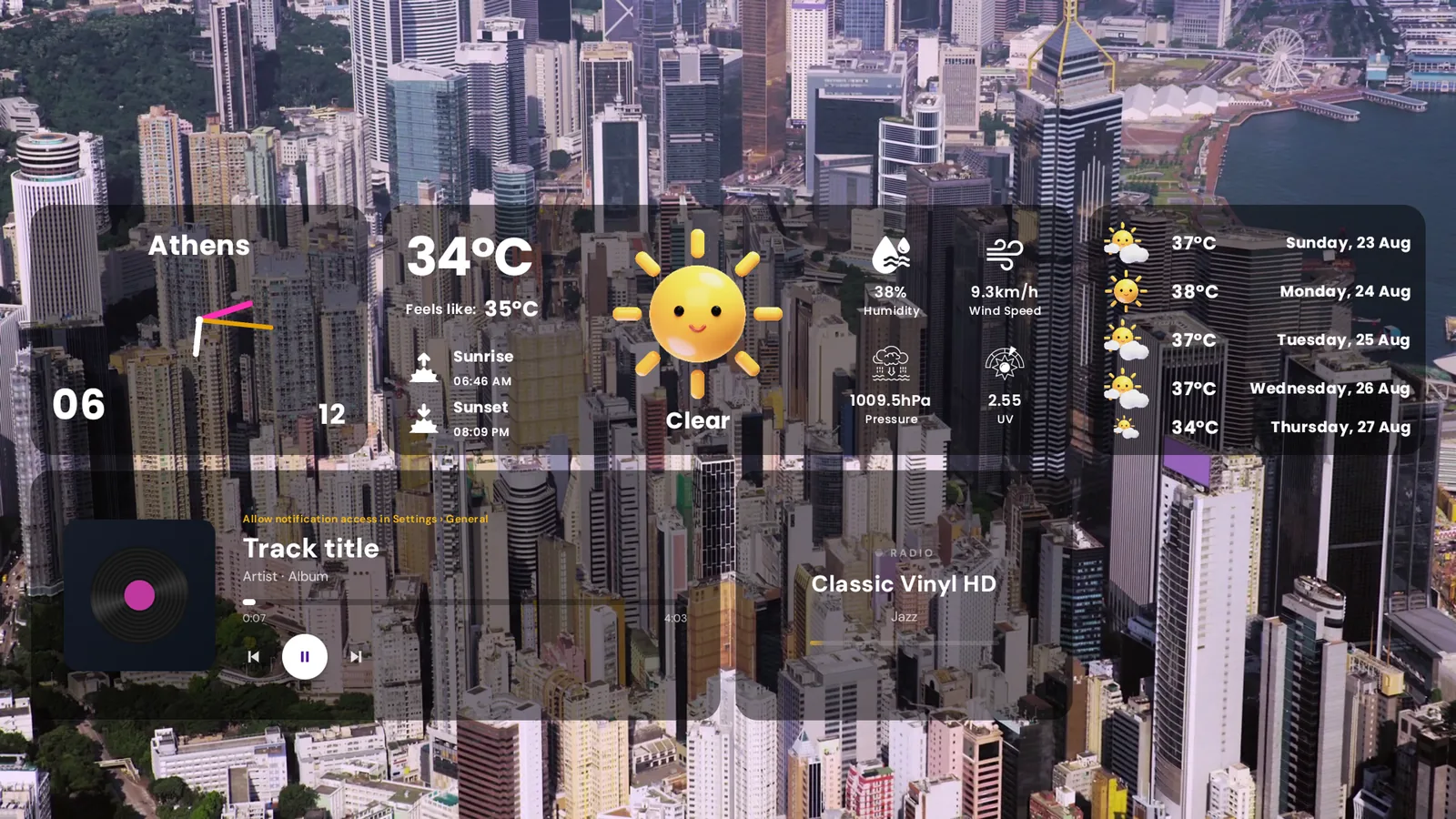
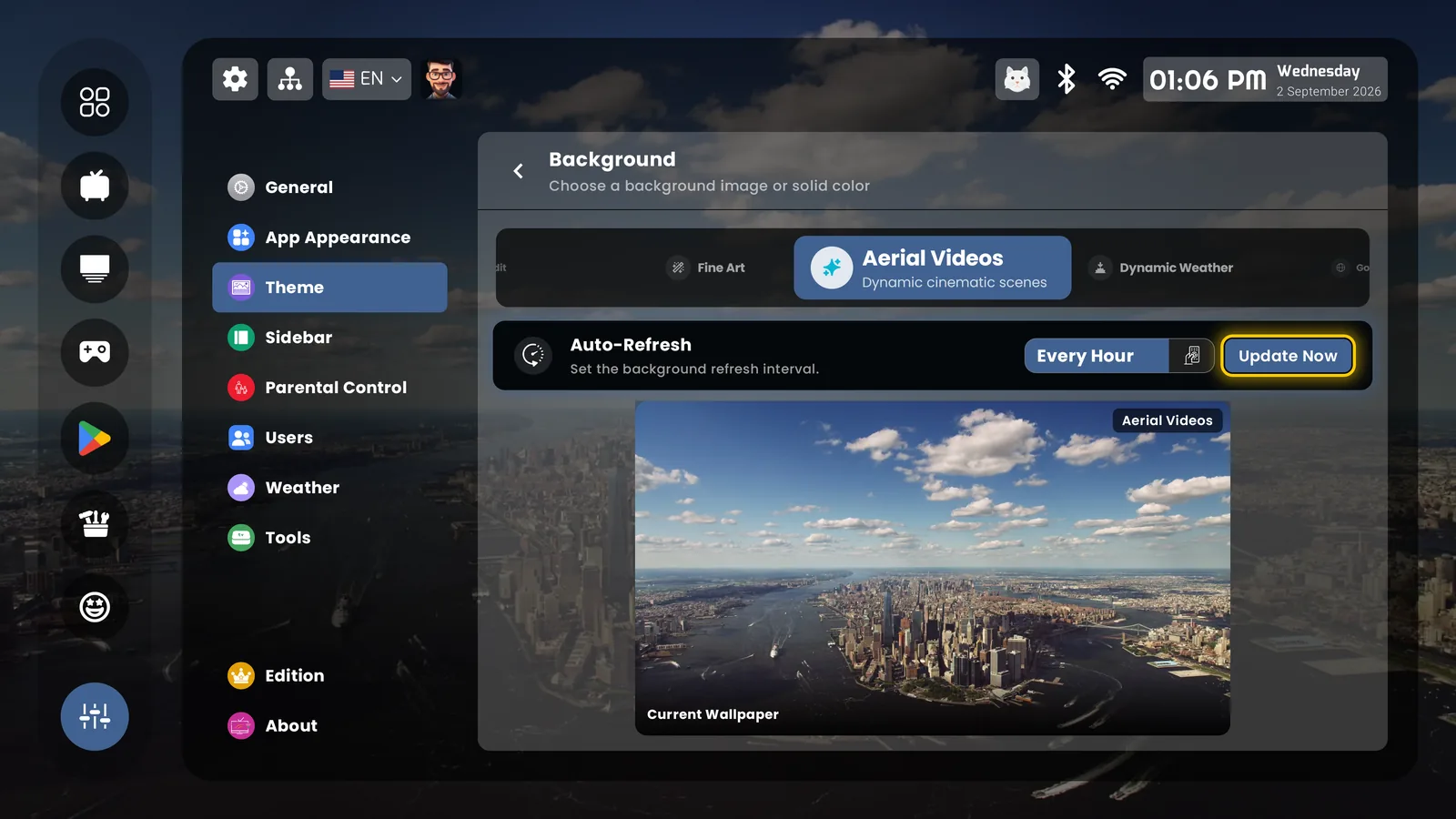
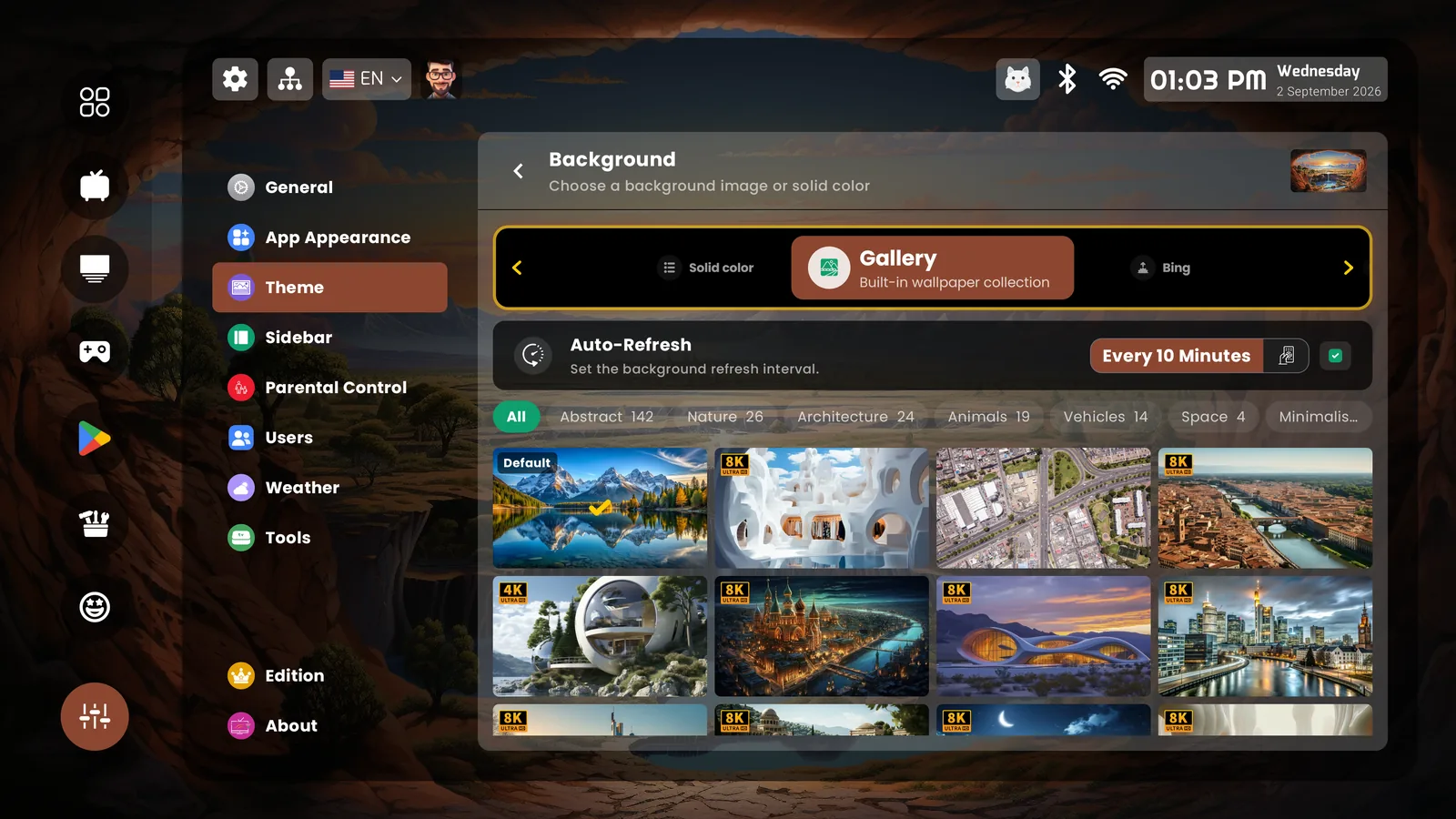
Lights down. Aerial video backgrounds drift behind a cinematic grid; the gallery goes up to 8K, or Bing's picture of the day, or your own photographs. Adaptive Colors tint the whole interface from the wallpaper. The screensaver alone earns the install.
Everyone gets their own
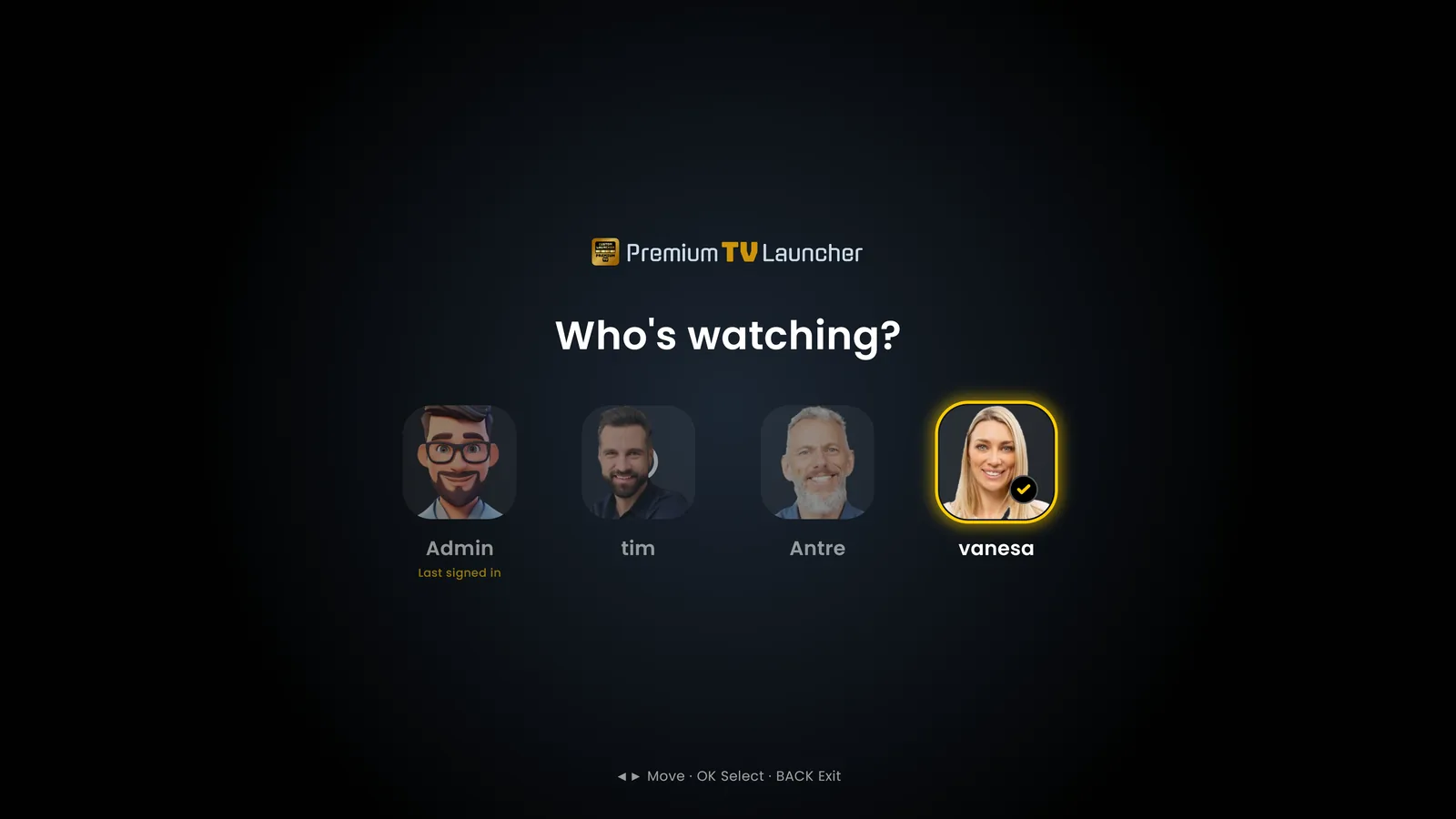
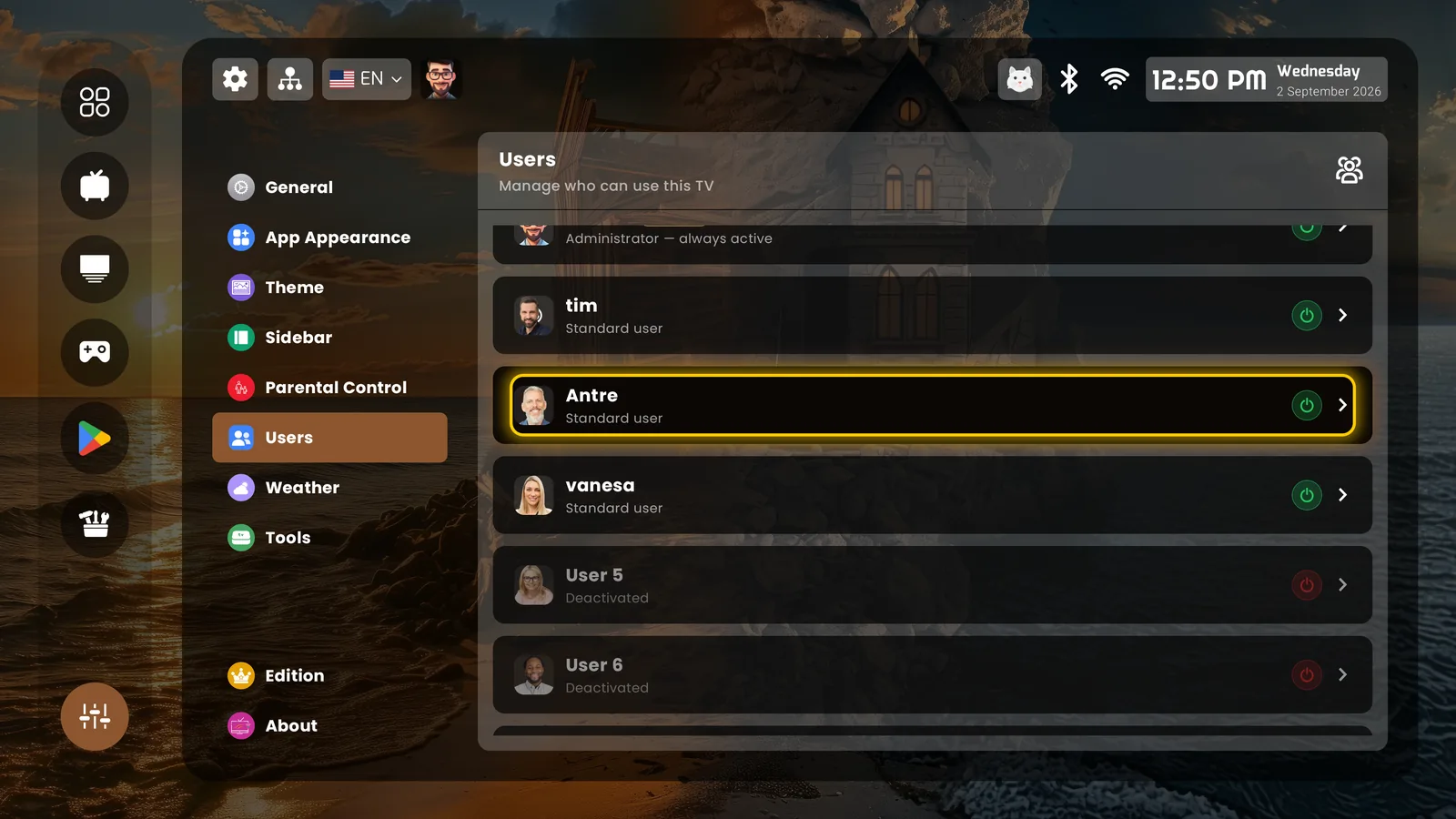
Ten profiles behind "Who's watching?" — 100+ avatars or your own photo. Each person gets their own apps, sidebar, backgrounds, theme, language and widgets, and the admin decides what each one may change. Parental control adds a PIN per category and a daily screen-time limit.
The home screen watches the house
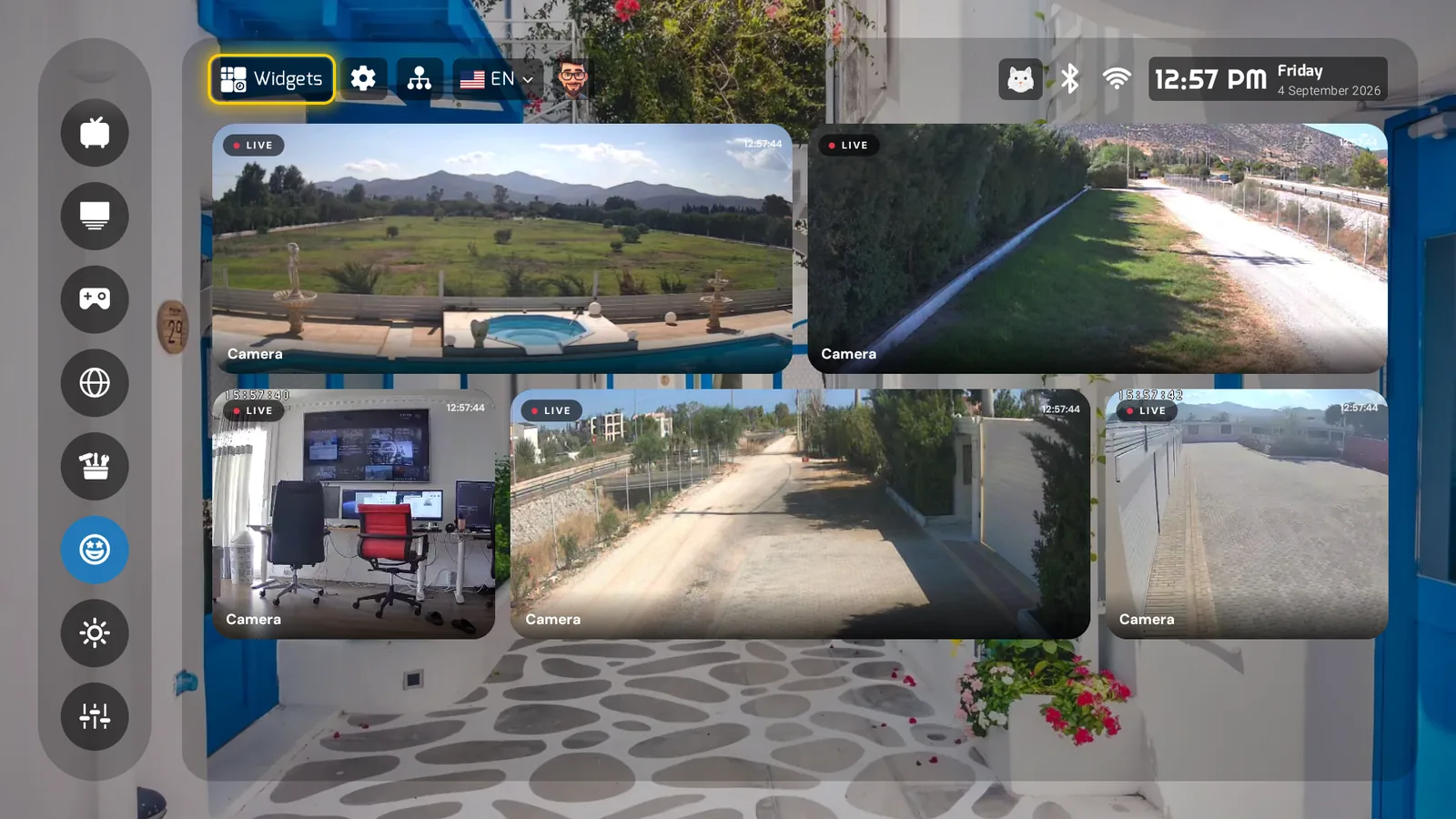
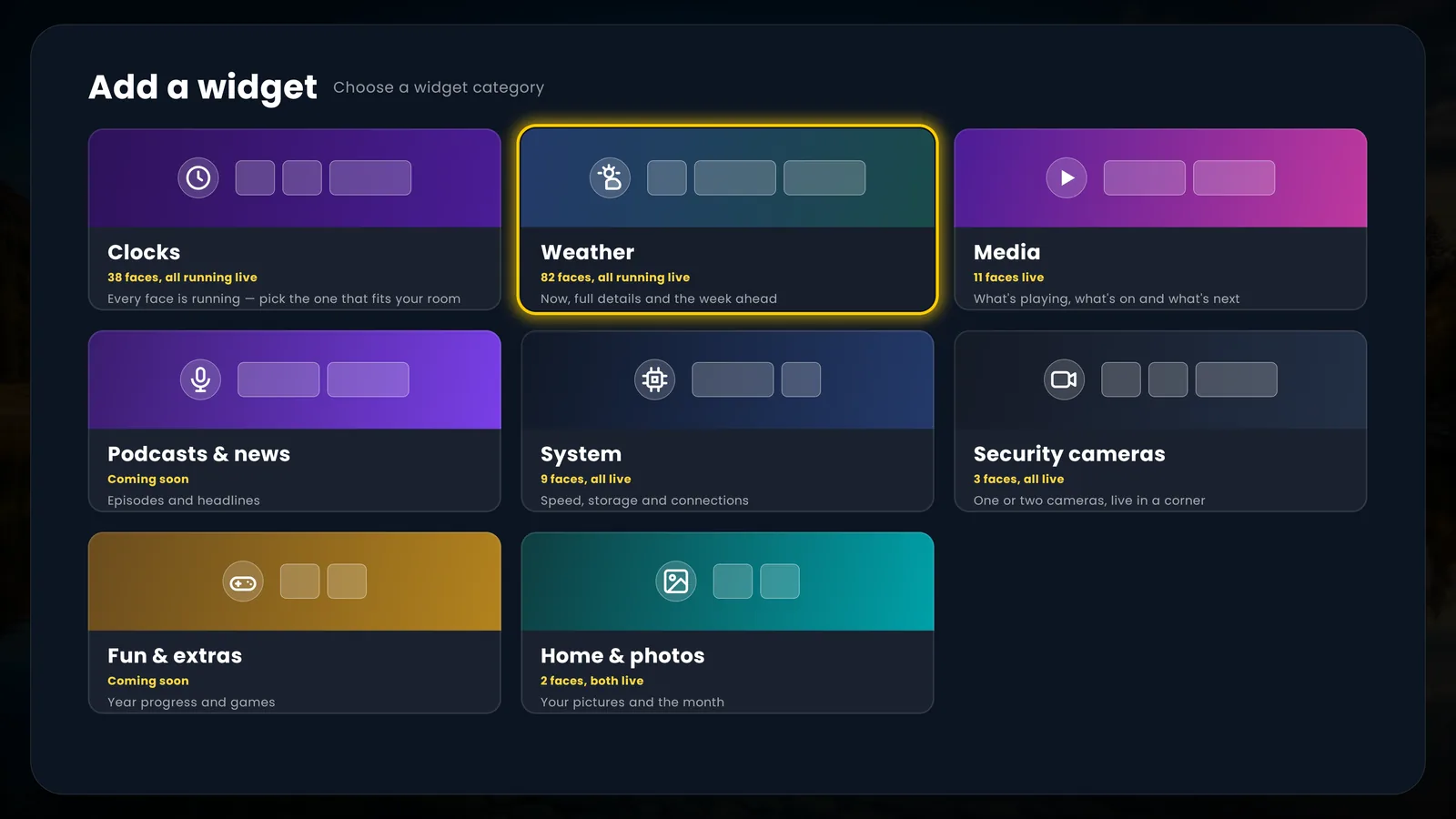
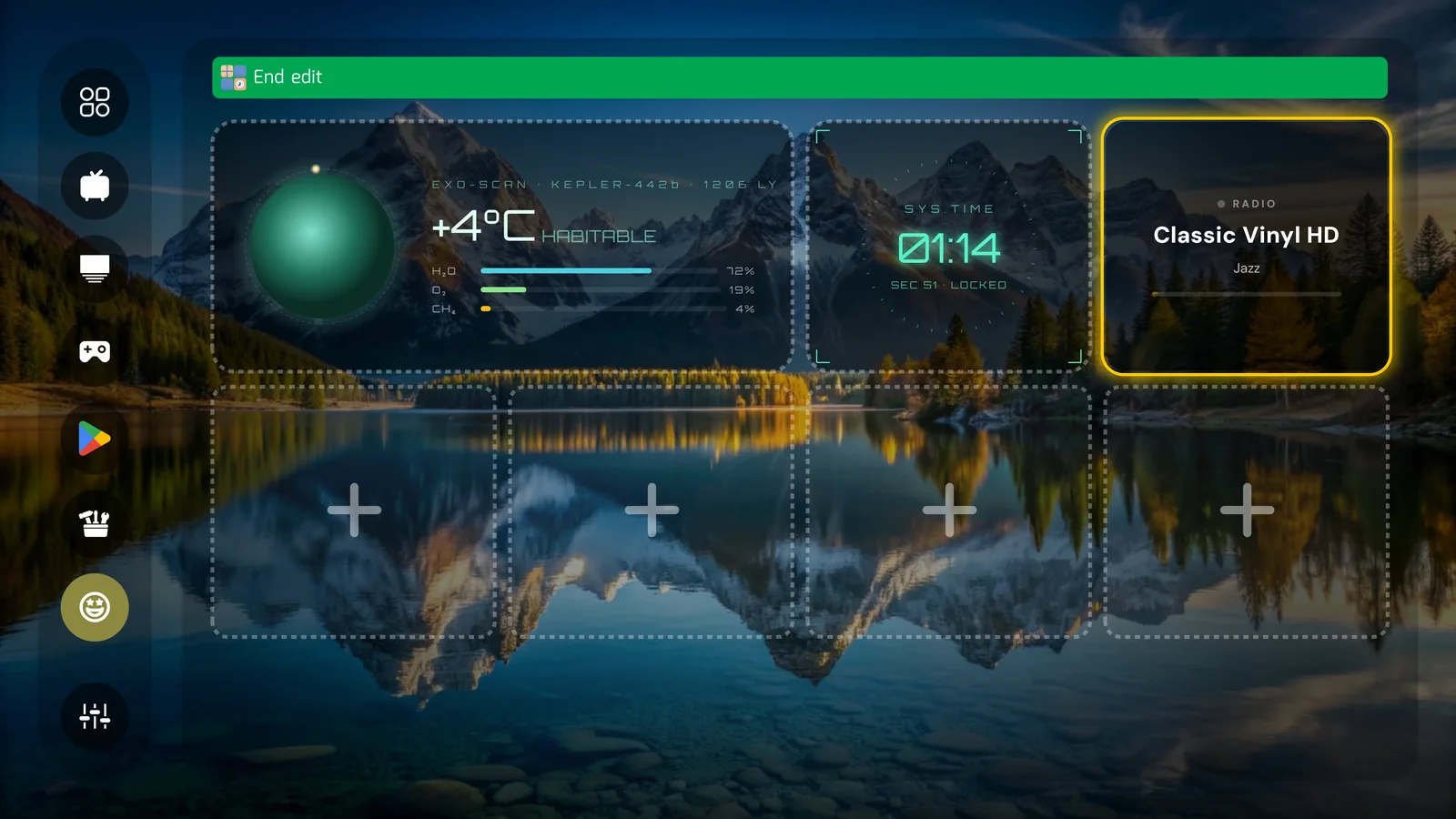
Live security cameras — ONVIF and RTSP, tested on real hardware — sit on the widget dashboard next to storage, network and device health. No other launcher even attempts this.
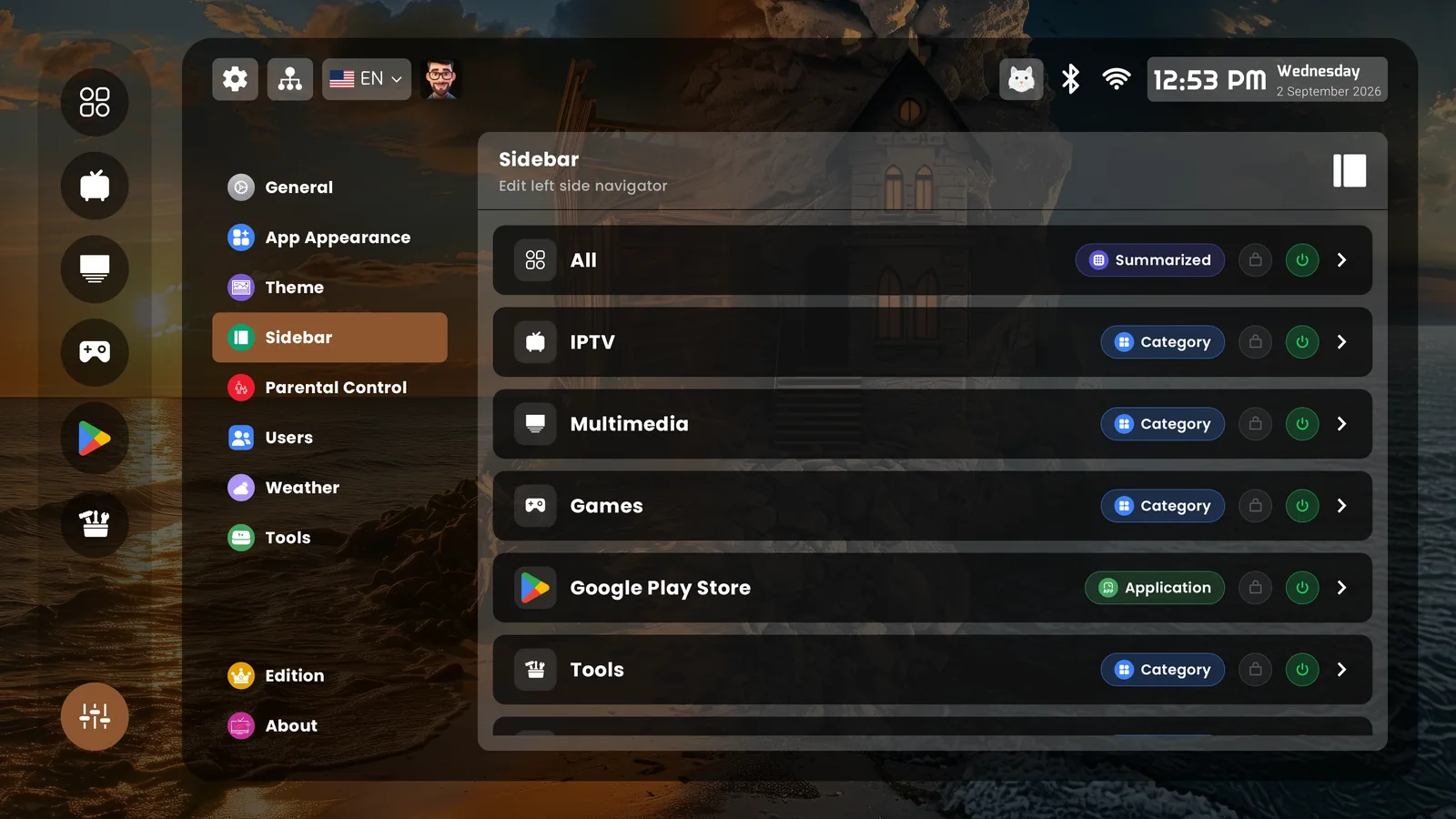
A sidebar you build yourself
100 slots for categories, apps, widget pages and extensions — each with its own icon, layout, widget group and parental lock. Shortcut Buttons map the remote: the red button opens Cameras, Num 1 opens Games — single, double or long press.
A new box, the same home
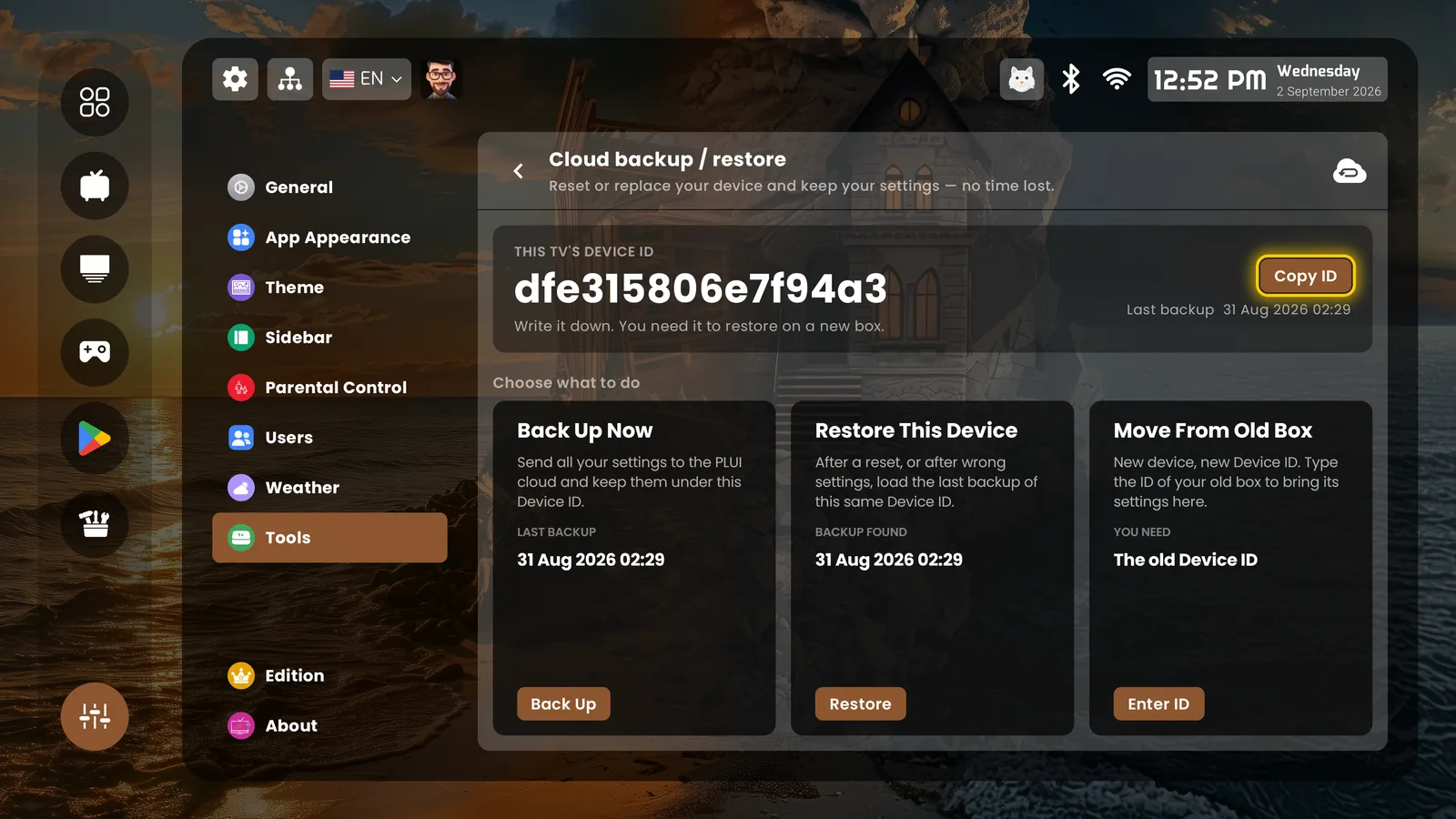
Cloud backup keeps your whole setup — all ten users, every widget, every background — and restores it on a new device in minutes. The launcher speaks 45 languages, updated live without an app update.
Everything the category demands — covered
Shortcut buttons work while you're in the launcher — system-wide remapping is our companion app, Button Mapper TV. Profiles belong to the launcher, not to your streaming logins. Continue Watching shows what your installed apps publish — it depends on each app.
Real screens, as it ships
 See it on your TV