
Premium TV Launcher UI
EN
Get it on your TV

Real screenshots of the Premium TV Launcher UI (PLUI) Android TV launcher as it ships: the home screen, the widget dashboard, ten user profiles, the sidebar, backgrounds and screensaver, settings and the start wizard.

Gallery

Real screens, as it ships

Every image below is Premium TV Launcher UI itself, as it ships today — no mockups, no renders.

The home screen

Glass over your wallpaper
PLUI home screen: glass clock and weather widgets over a jungle wallpaper, app grid and sidebar below
Widgets, the app grid and a sidebar that takes its color from the wallpaper
PLUI home screen laid out as horizontal app rows under the widget board
The same home, laid out as rows — you choose per category
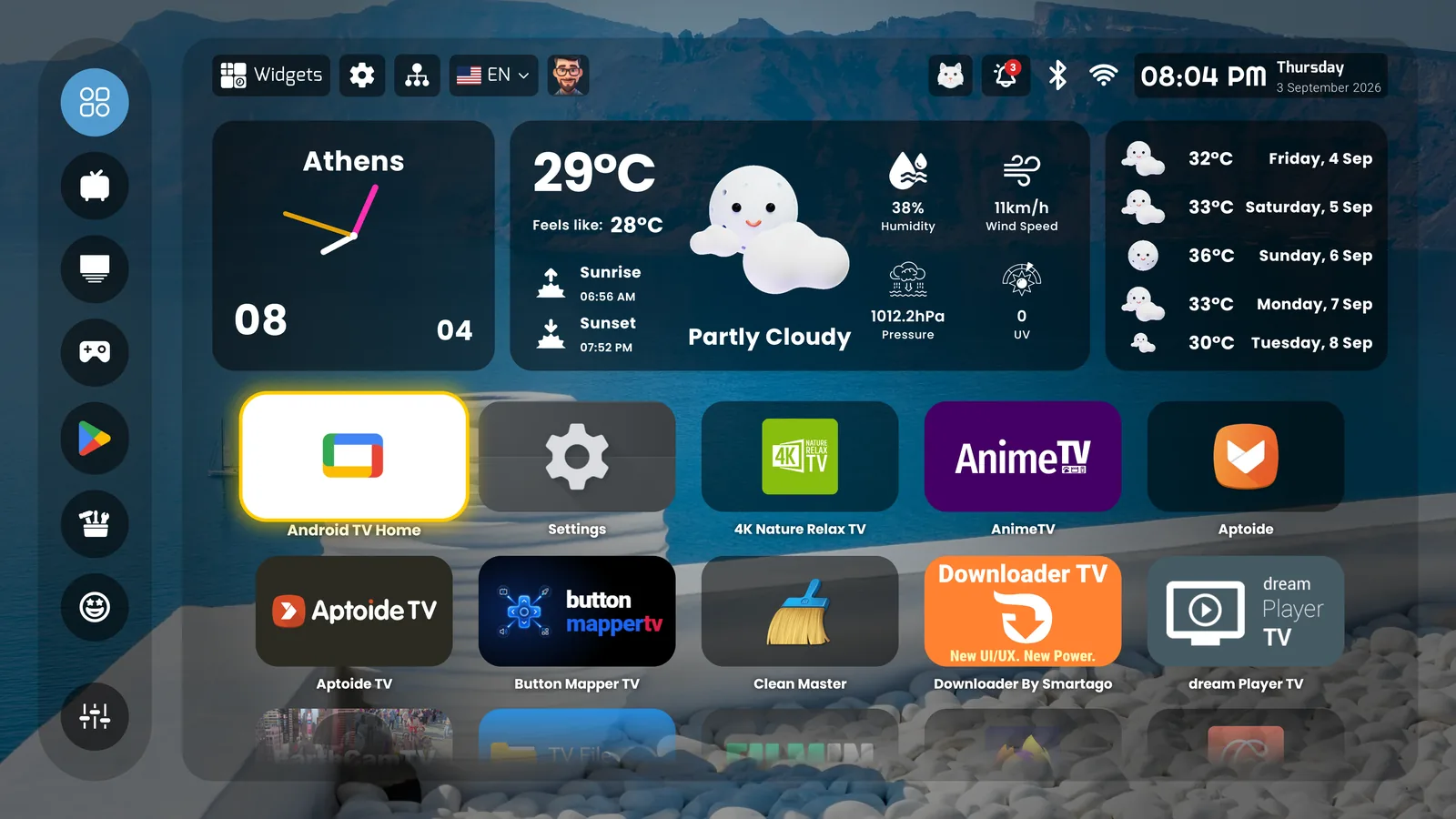
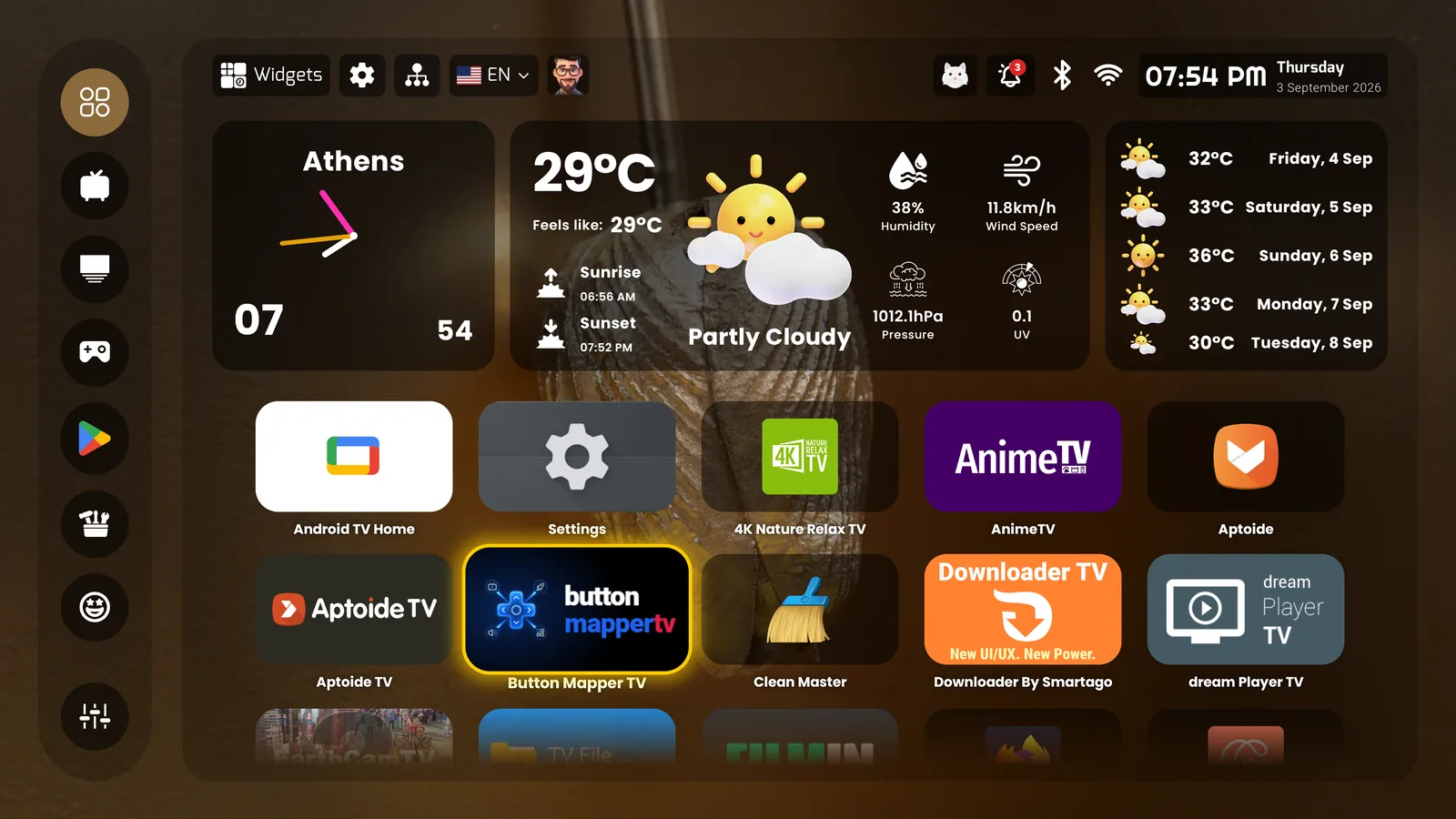
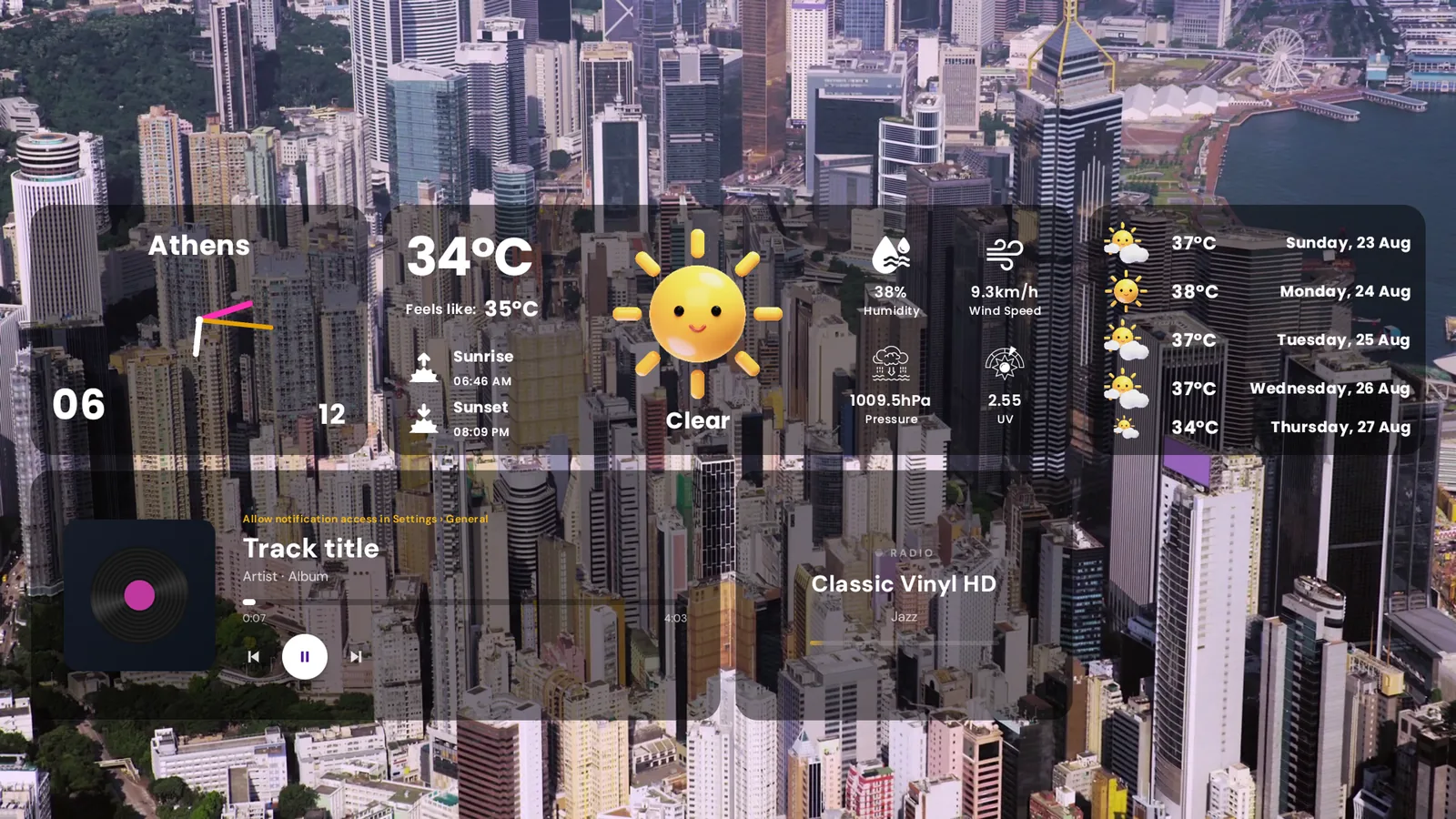
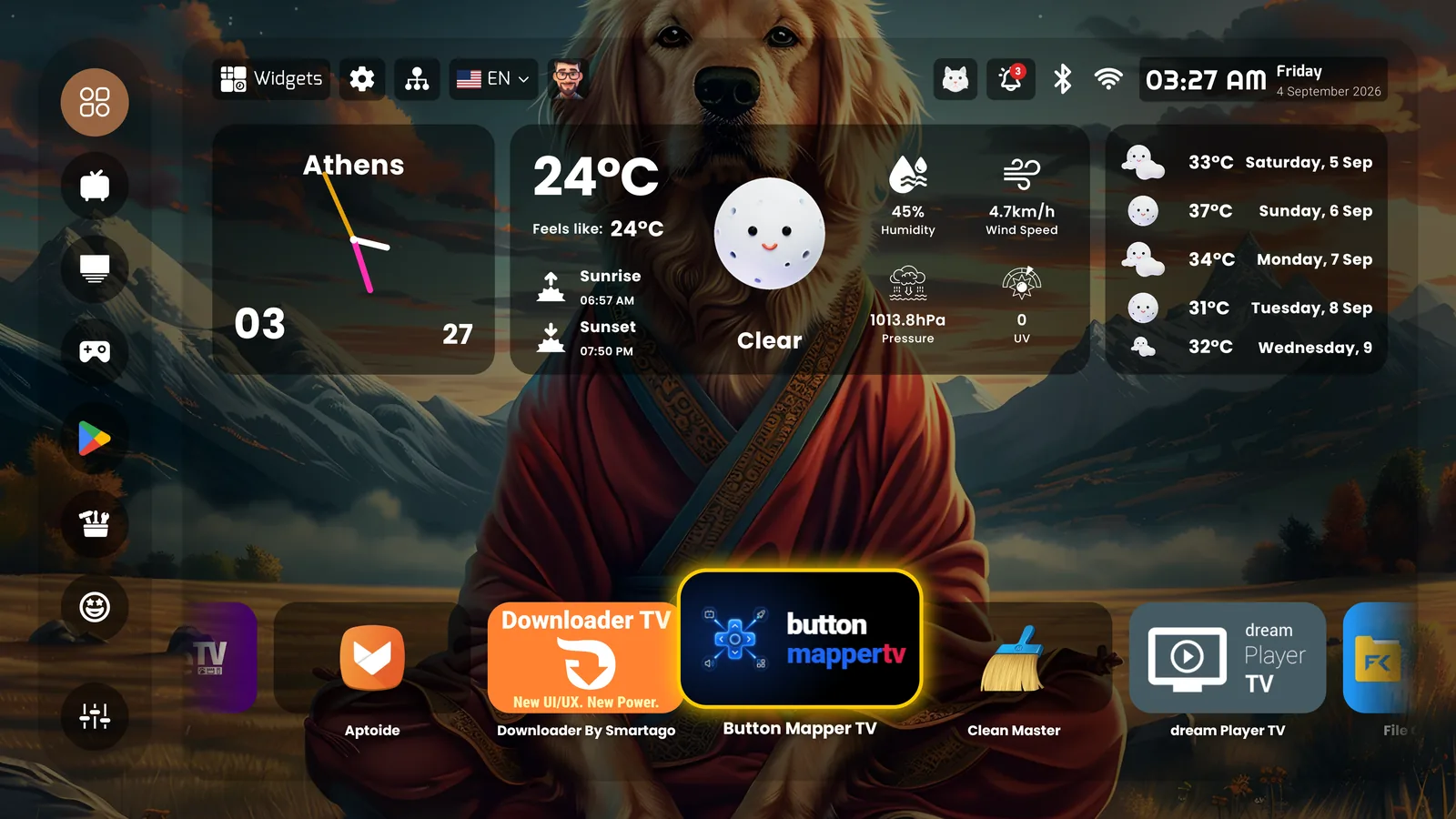
PLUI home screen: glass clock, weather and five-day forecast over a wallpaper, app grid below
Clock, weather and forecast on glass, the app grid below — the everyday view
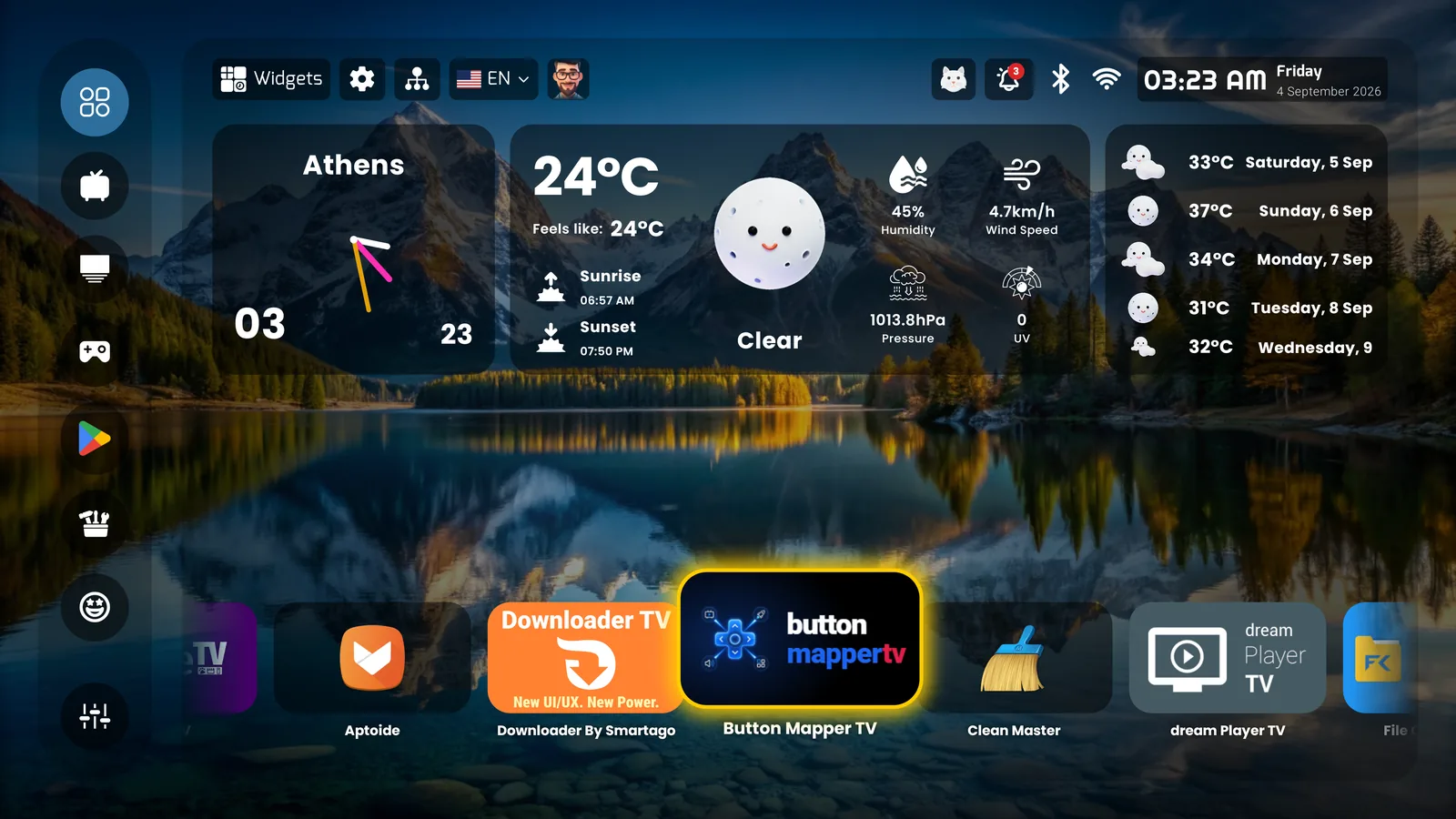
PLUI home screen with the owner’s own photograph as wallpaper and a horizontal app rail
Your own photo as wallpaper; the app rail as an alternative to the grid
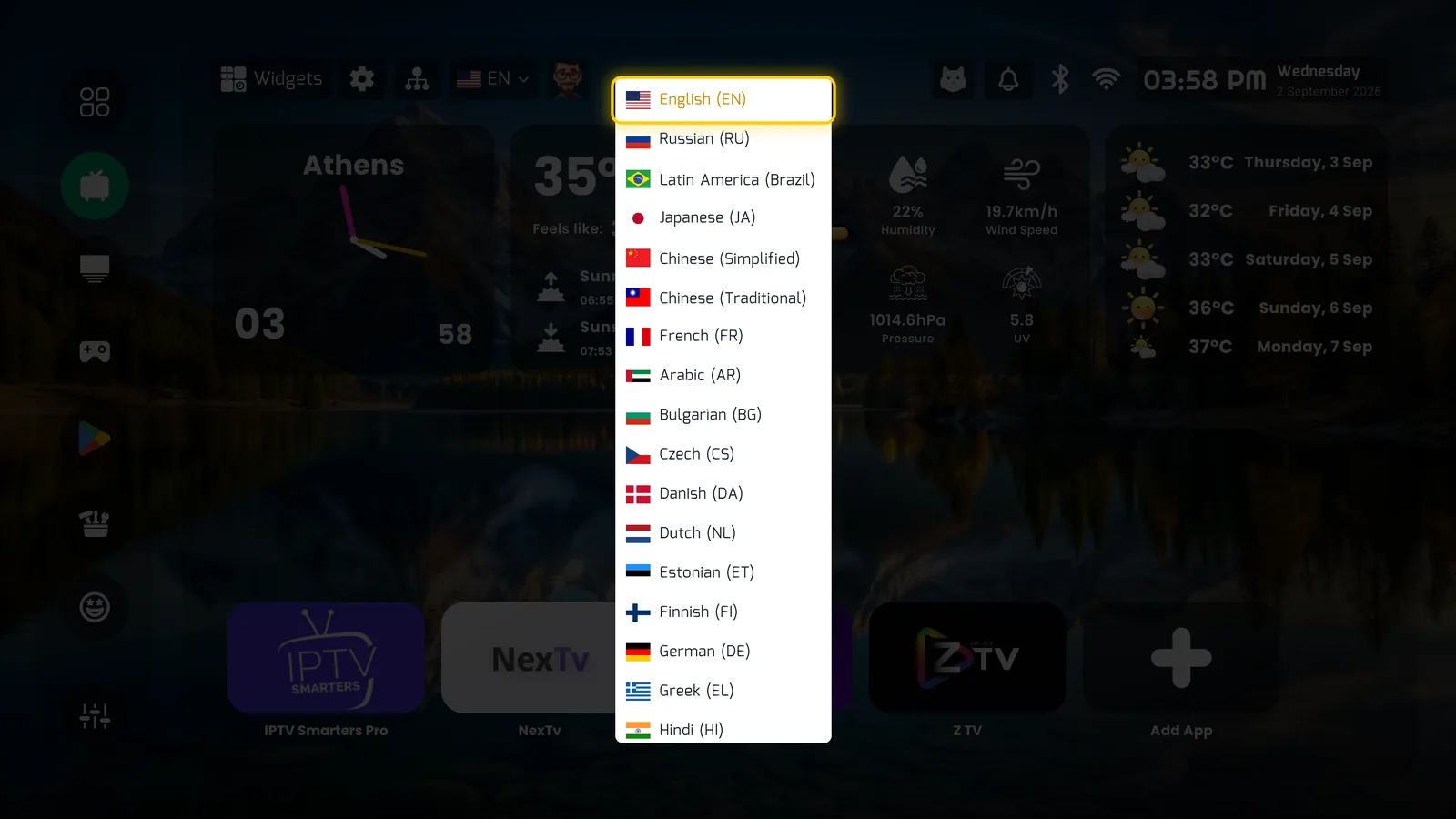
Language switcher on the home screen
45 languages, switched from the top bar
The widget dashboard

Compose it yourself
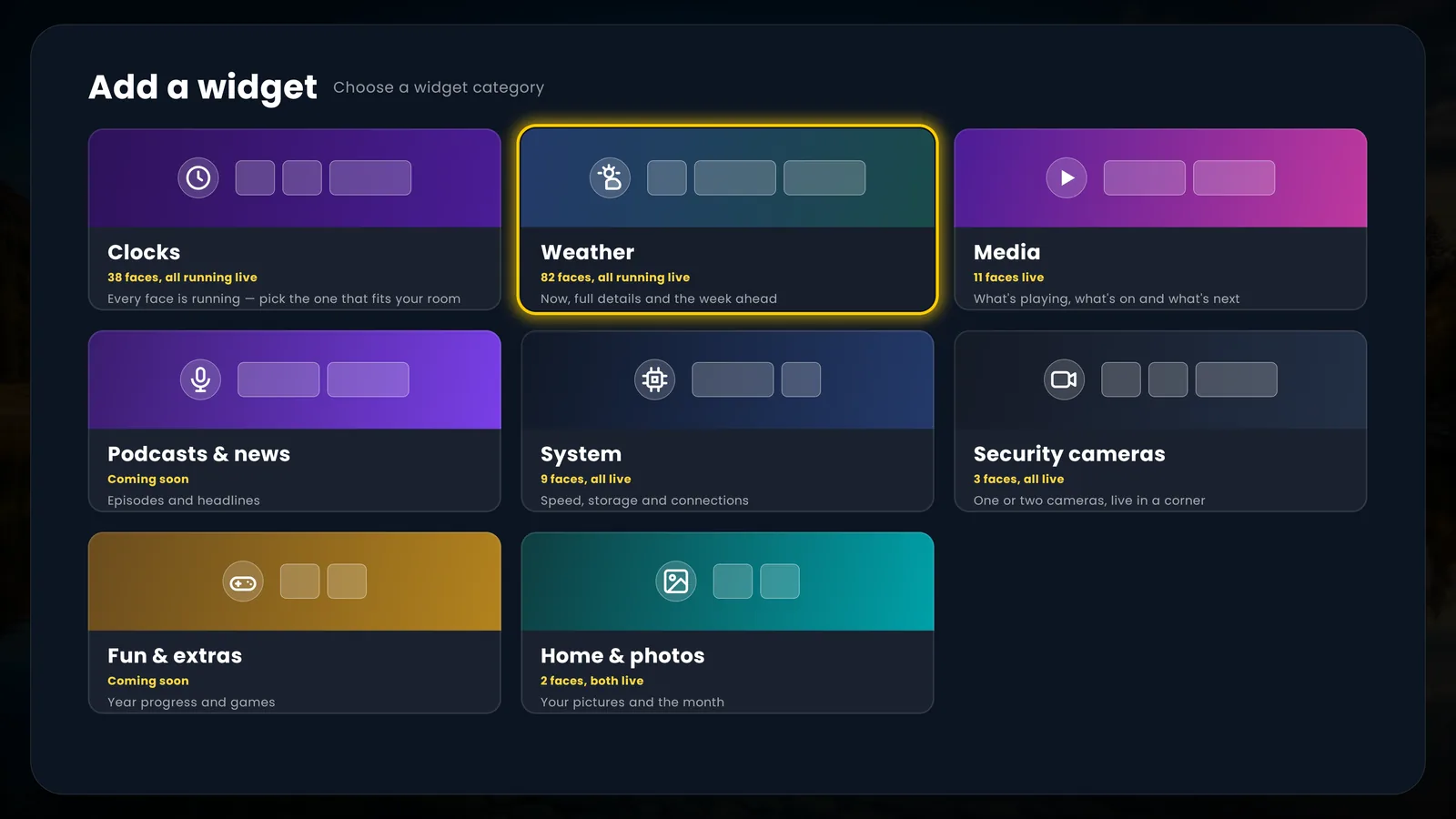
Add a widget — categories
Clocks, weather, media, system, cameras, photos — pick a category
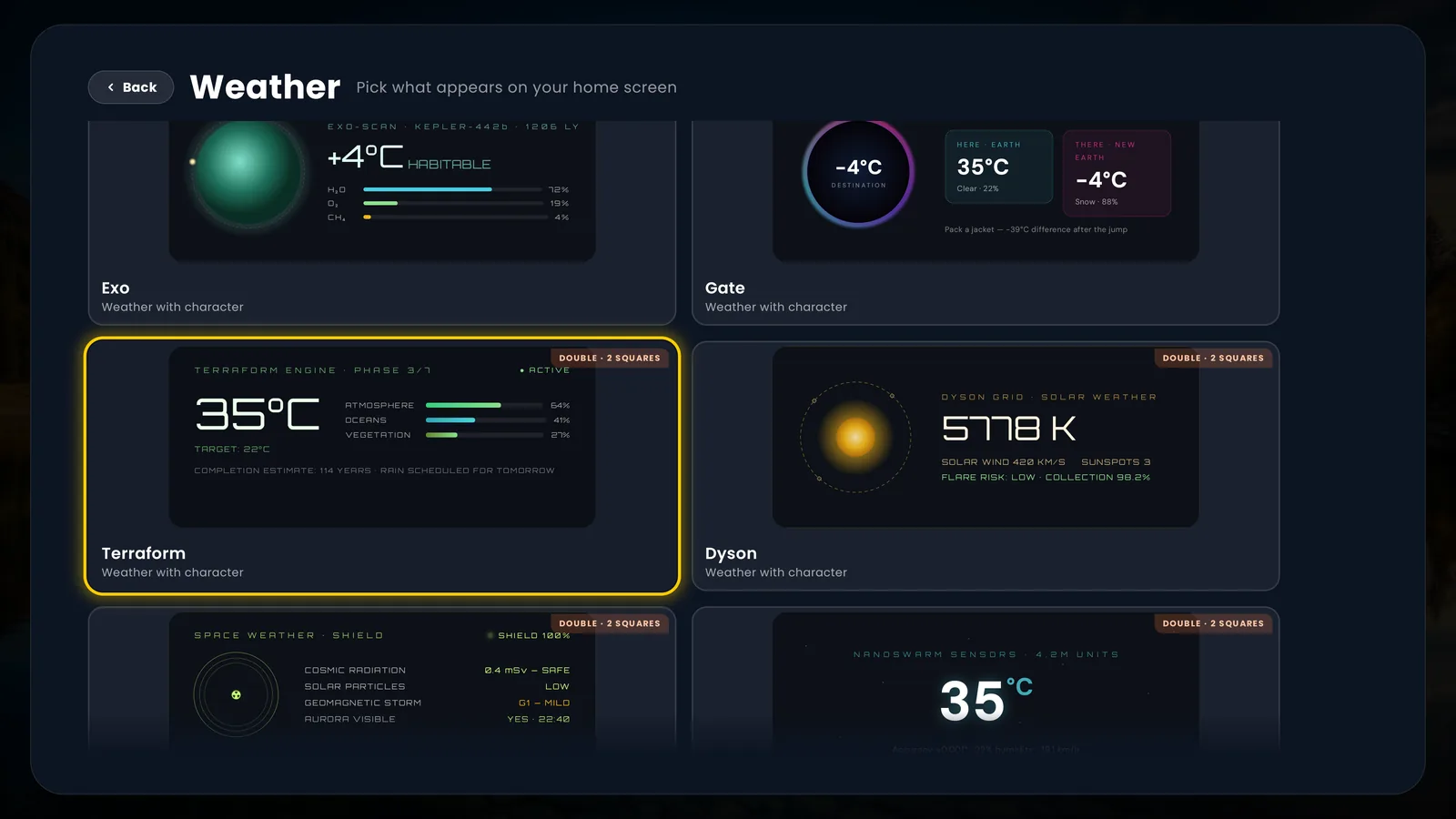
Weather faces with character
82 weather faces, all live — from a plain forecast to a terraform engine
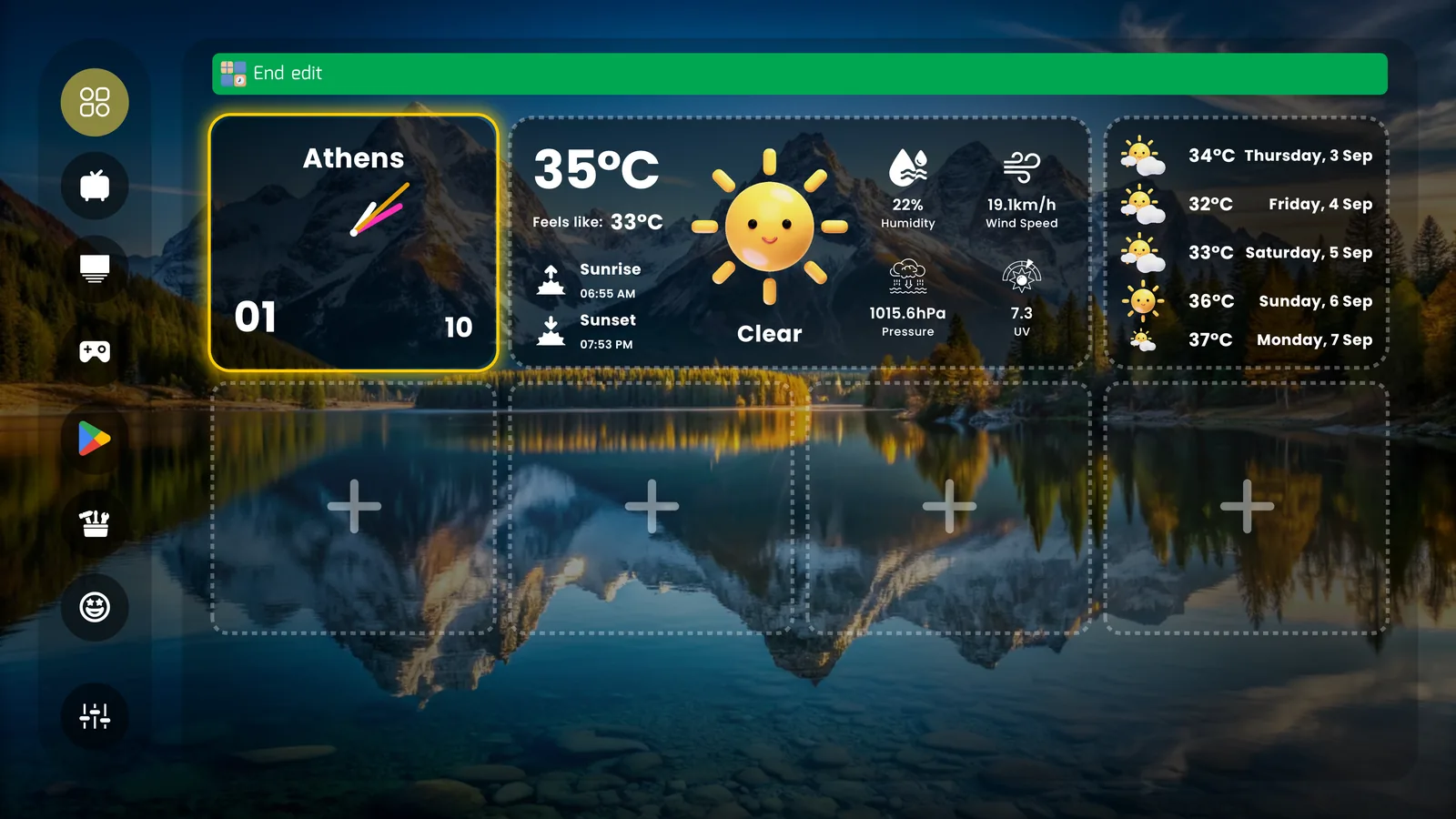
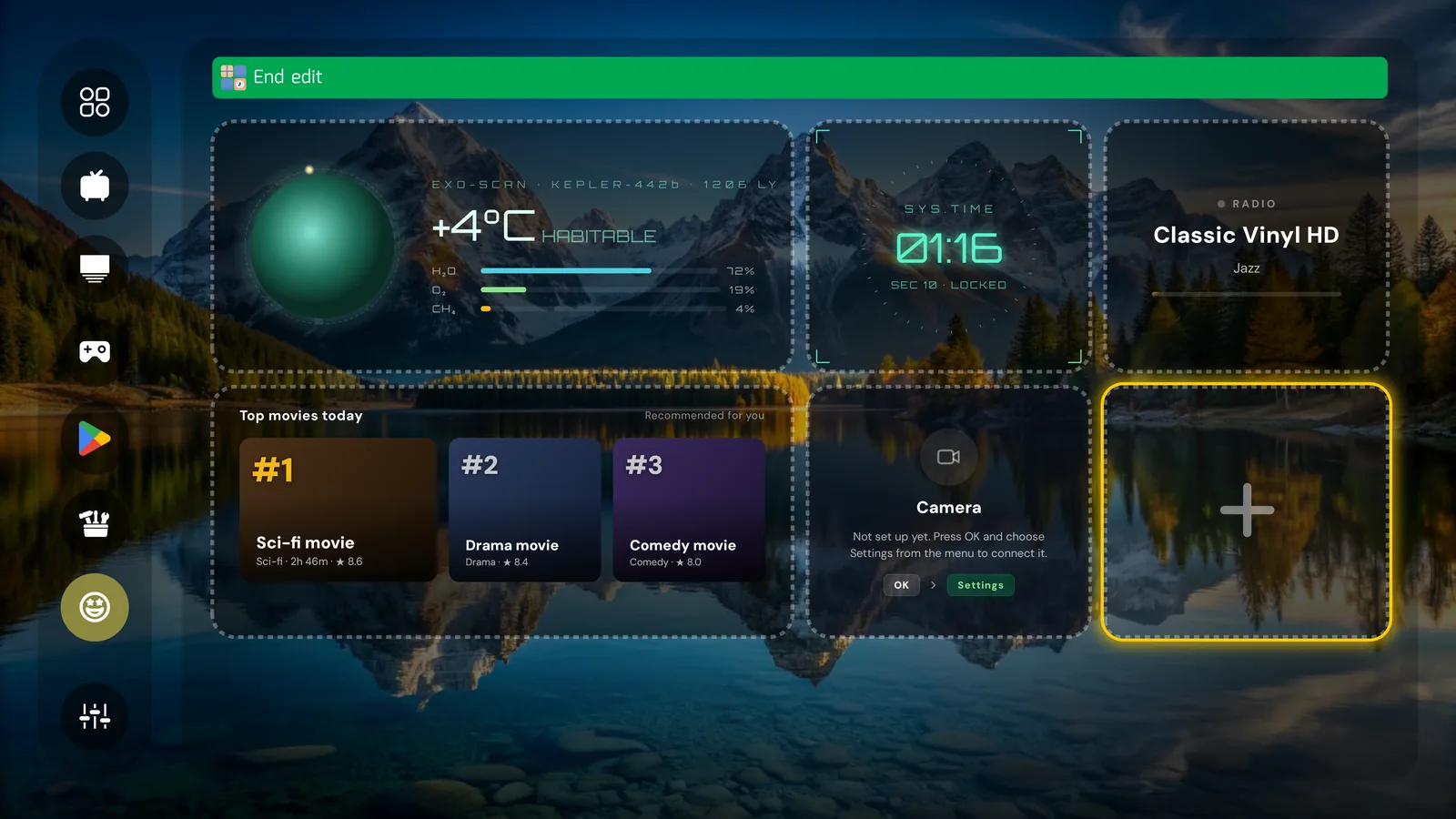
Widget edit mode with empty slots
Edit mode: a 2x4 grid of slots, arranged with the remote
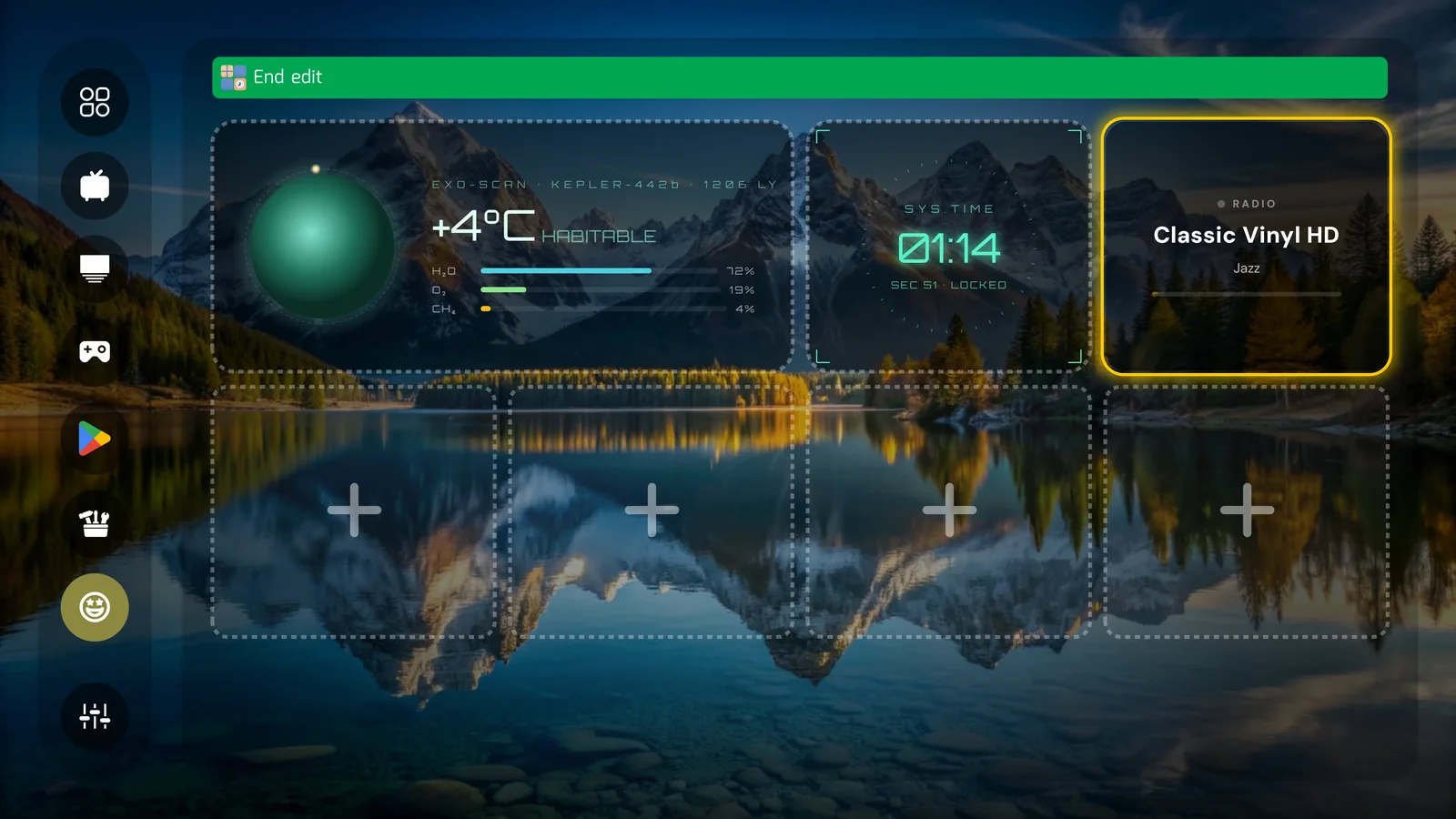
Sci-fi weather, system clock and radio widgets
Mix moods freely — an exoplanet scan next to a jazz station
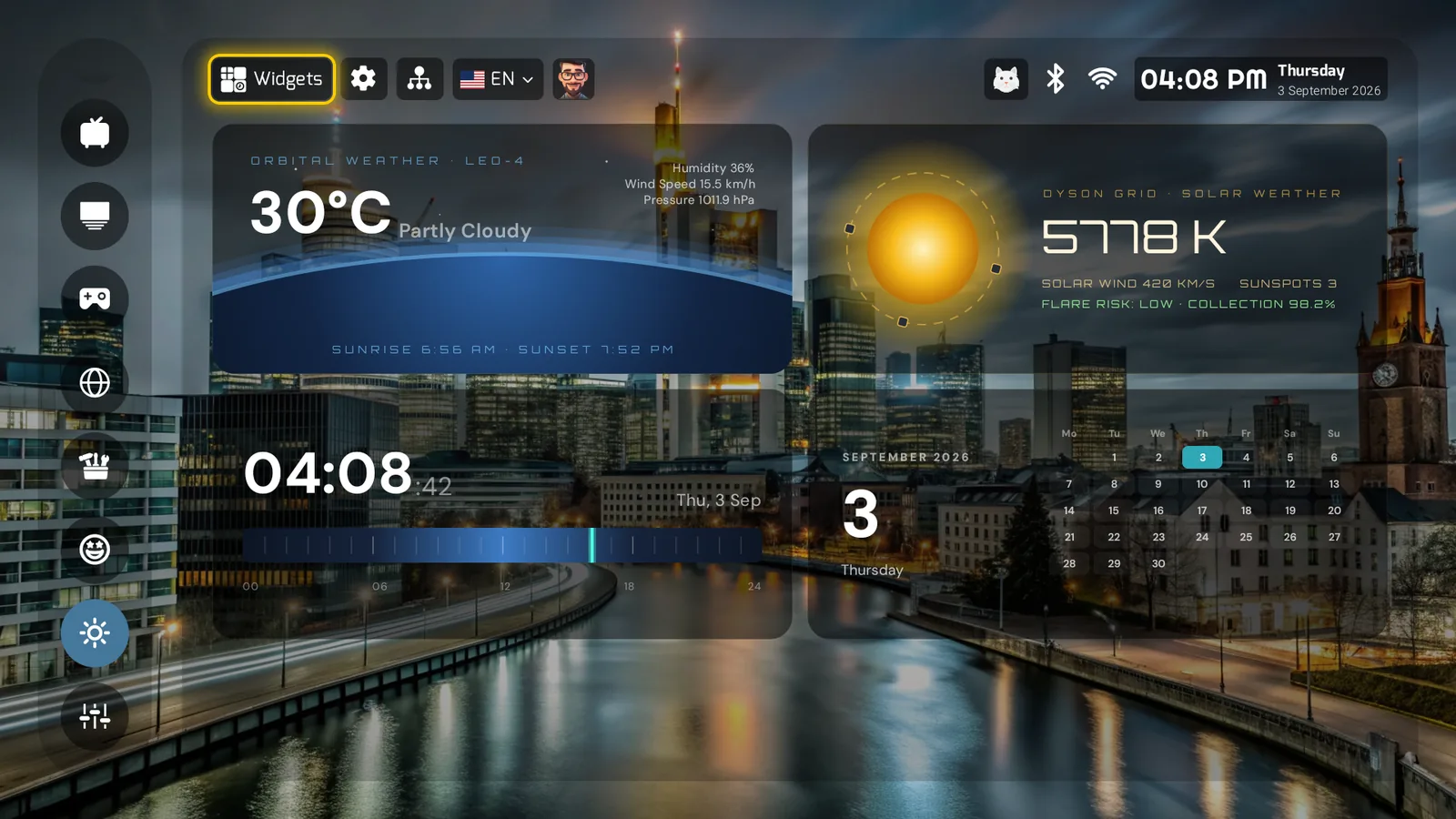
PLUI widget dashboard: orbital weather, a solar station, a timeline clock and a month calendar
Orbital weather, a solar station, a timeline clock, a calendar — another mood entirely
Top movies and camera widgets
Top movies from your installed apps; a camera tile waiting to be set up
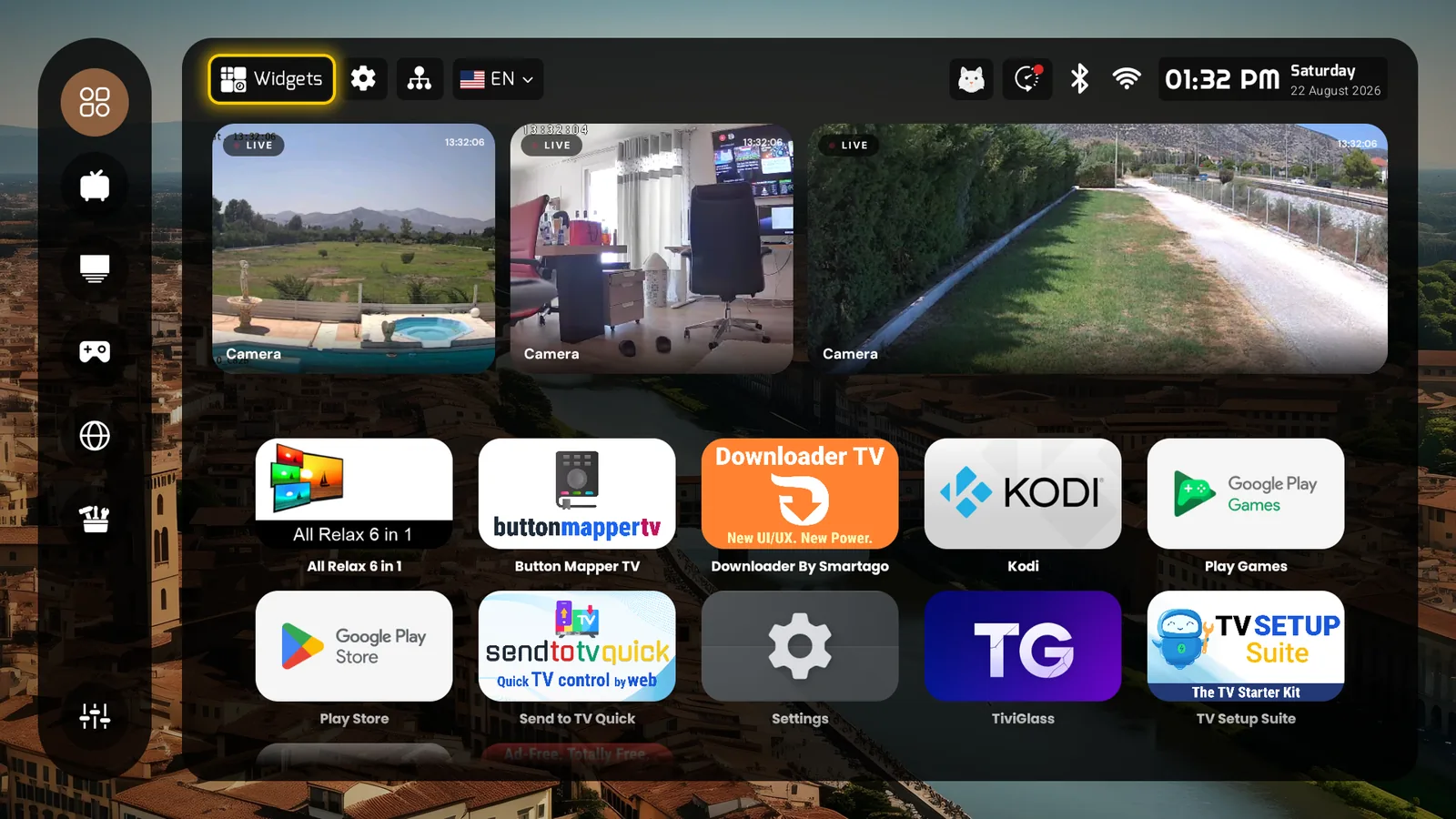
Live security cameras on the home screen
Live ONVIF/RTSP feeds beside the clock and weather
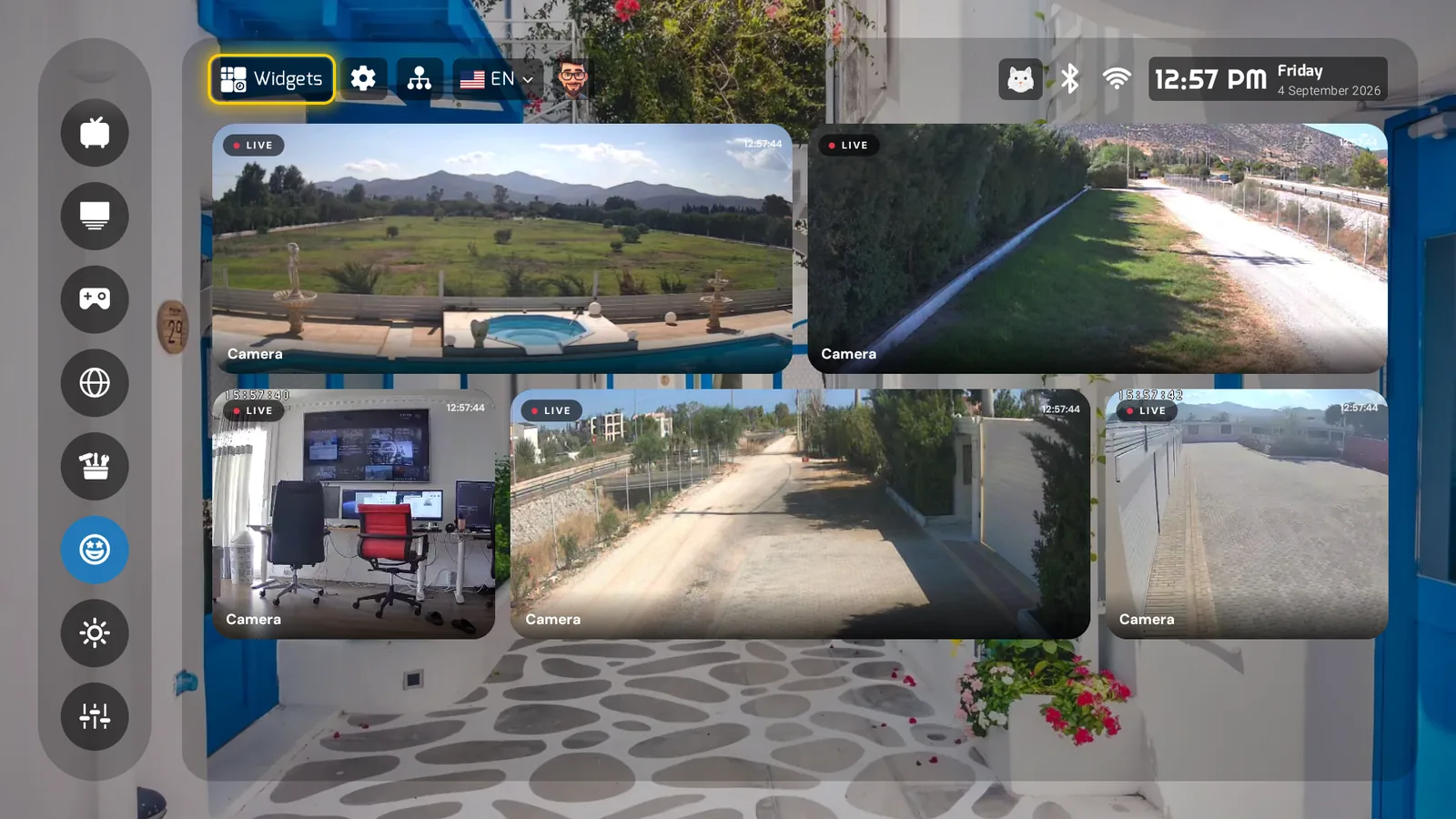
PLUI widget page filled with five live ONVIF security-camera feeds
A whole widget page of cameras — five live feeds, one press from home
Profiles & family

Everyone gets their own
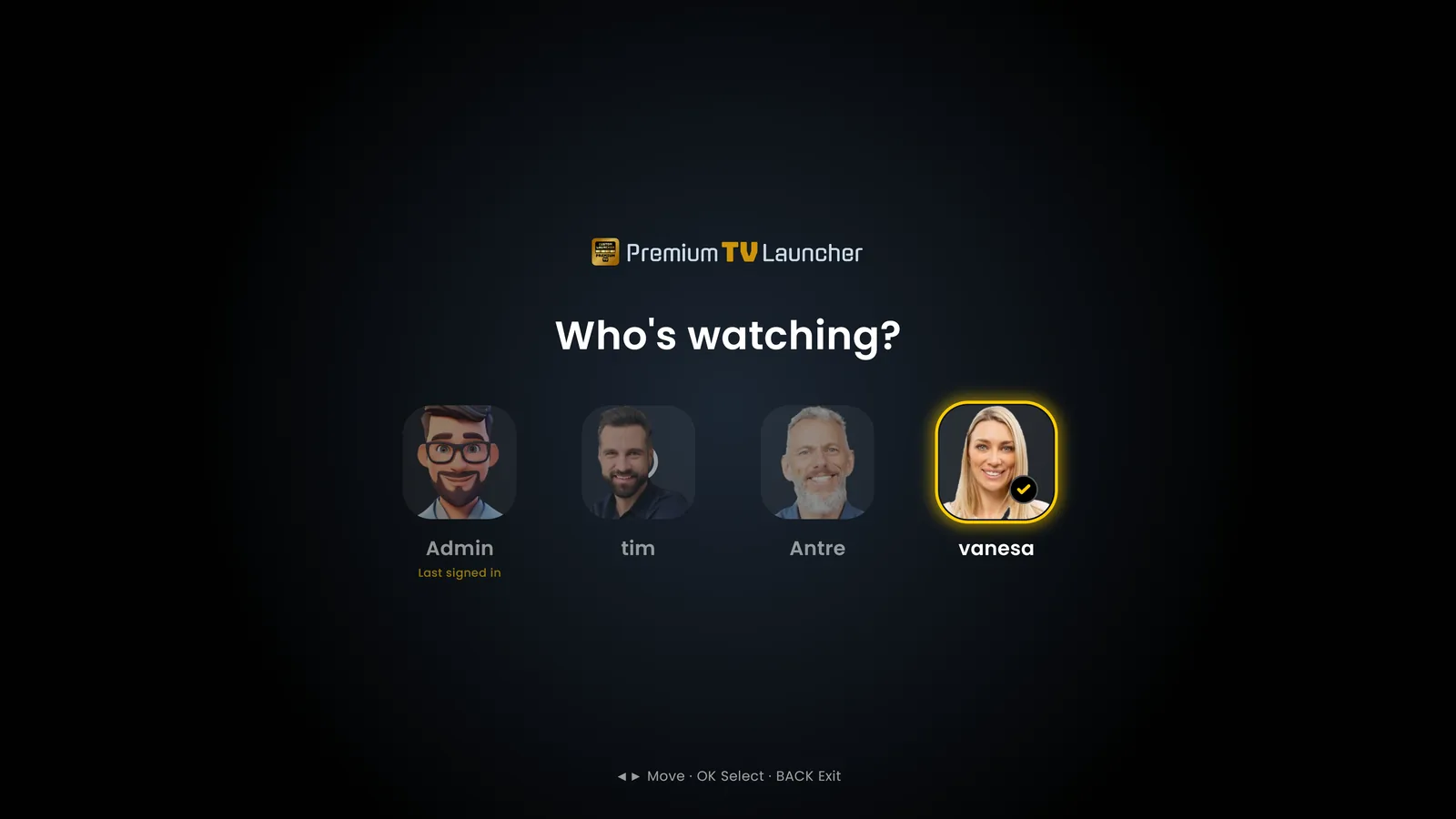
Who's watching? profile picker
"Who's watching?" — up to ten profiles, 100+ avatars or your own photo
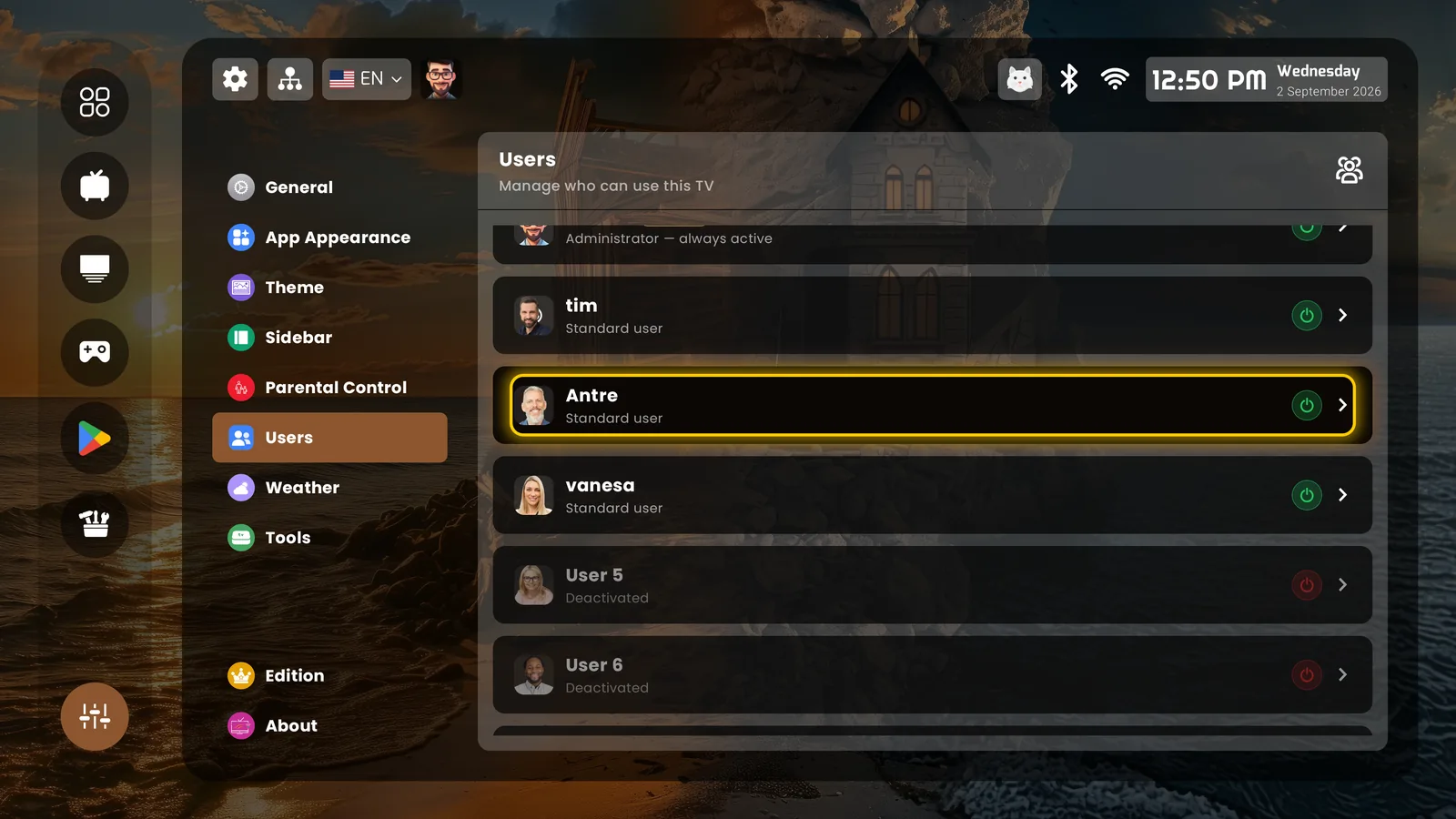
Users list — administrator and standard users
One administrator, standard users, and the ones you deactivate
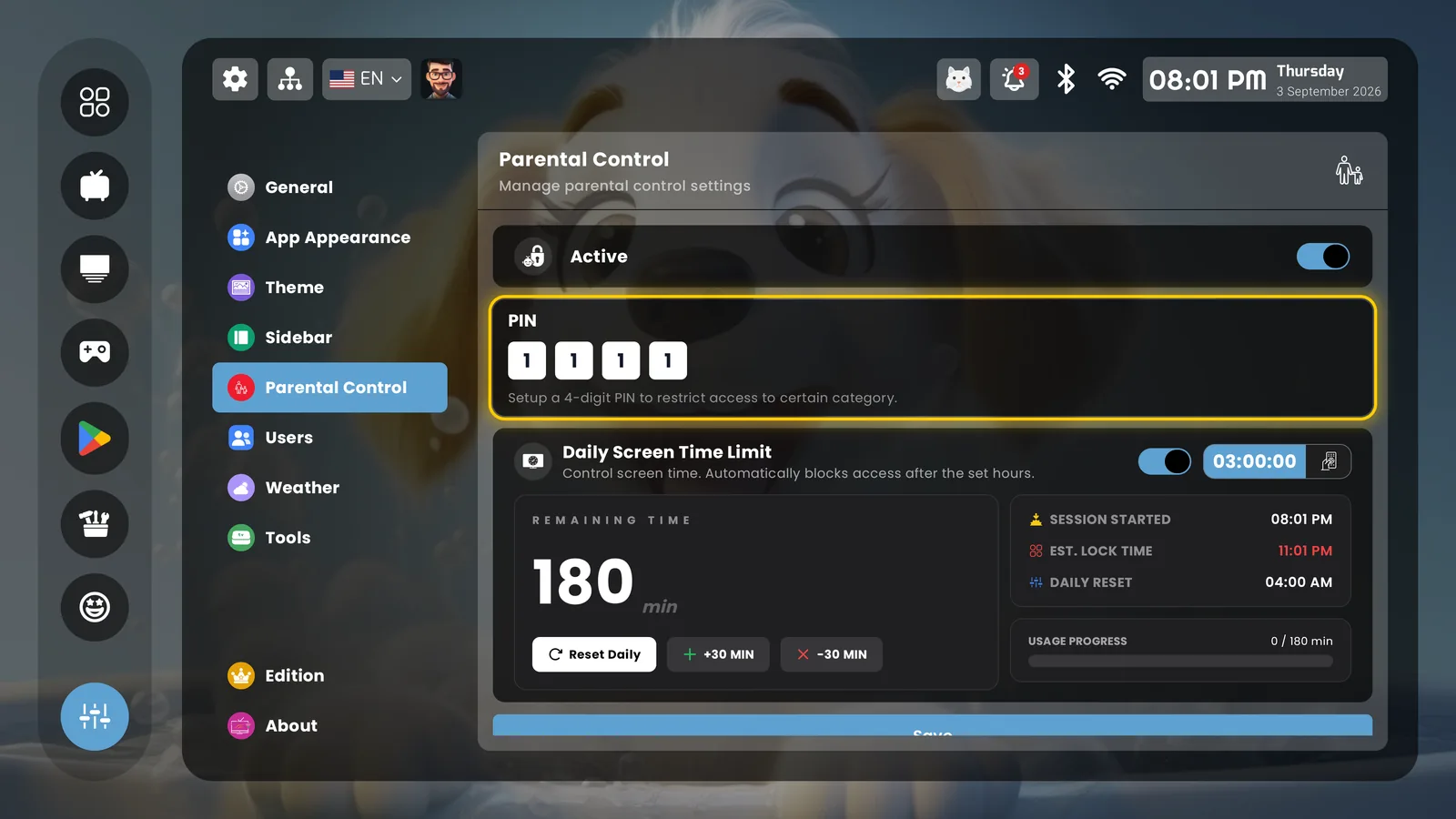
Parental control with daily screen-time limit
Parental control: a PIN per category and a daily screen-time limit
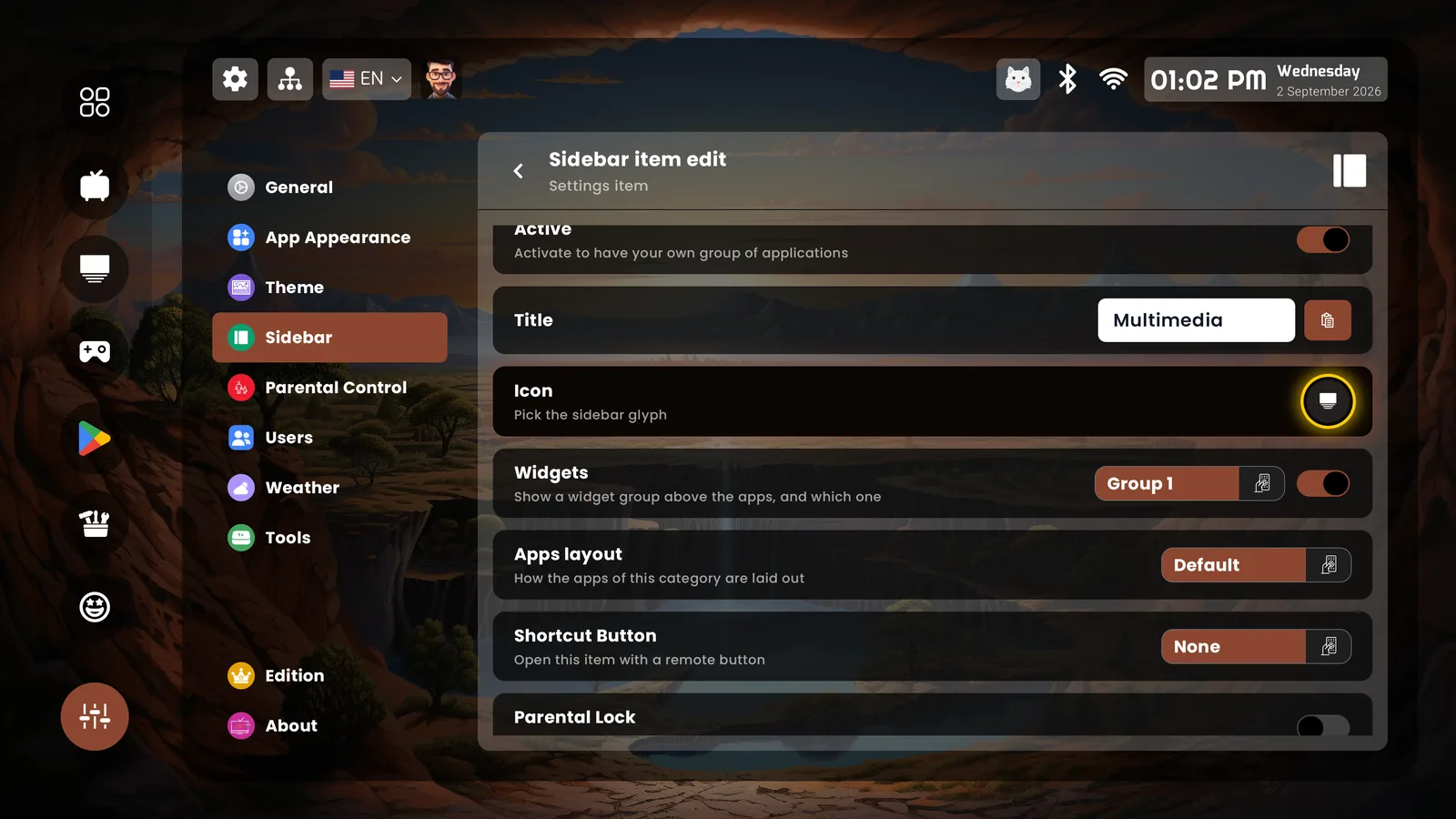
Sidebar item with parental lock
Any sidebar item can be locked — the admin decides who may change what
The sidebar

Built slot by slot

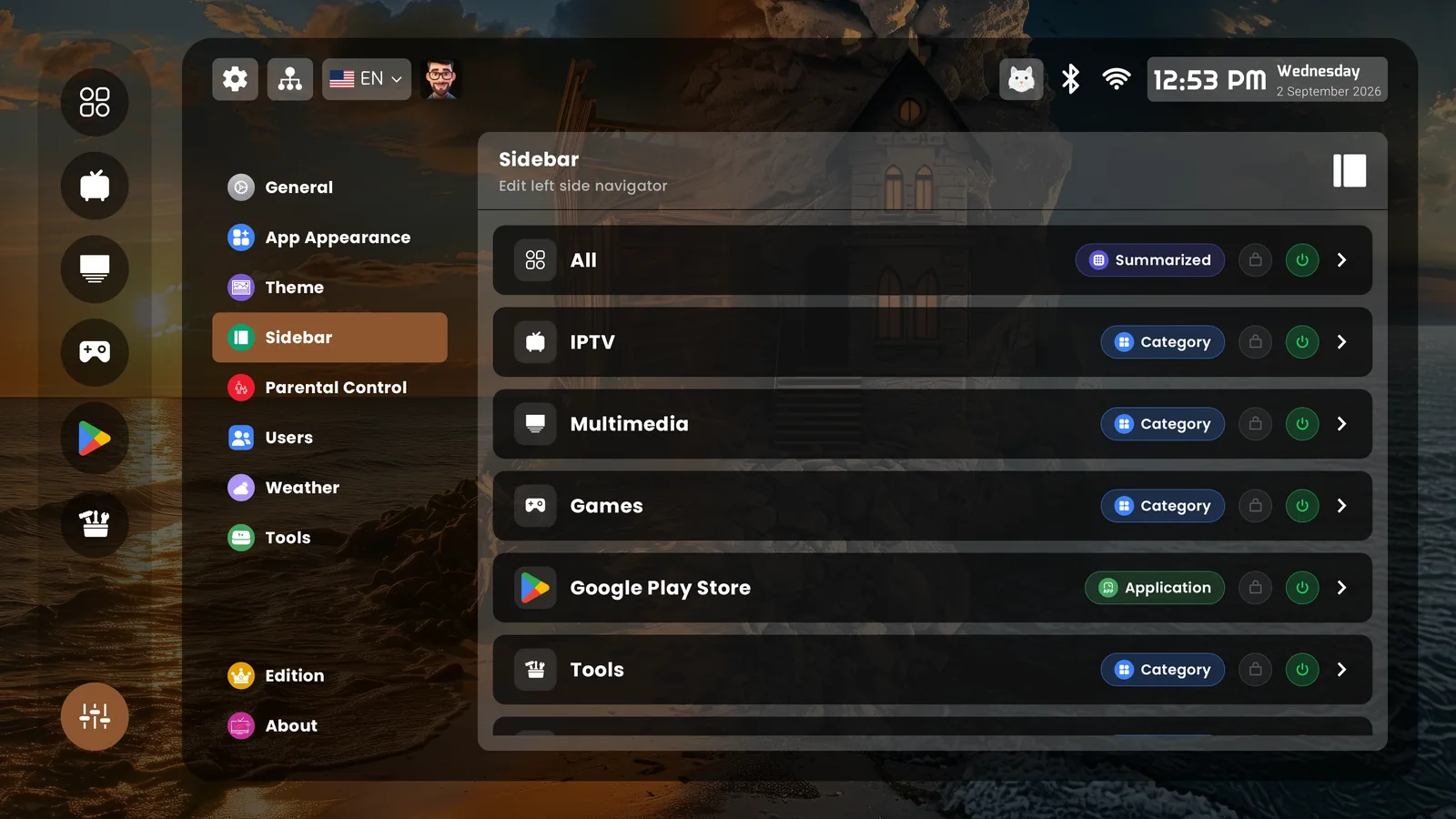
Sidebar editor — categories, apps, tools
Categories, single apps, widget pages — 100 slots, each on or off
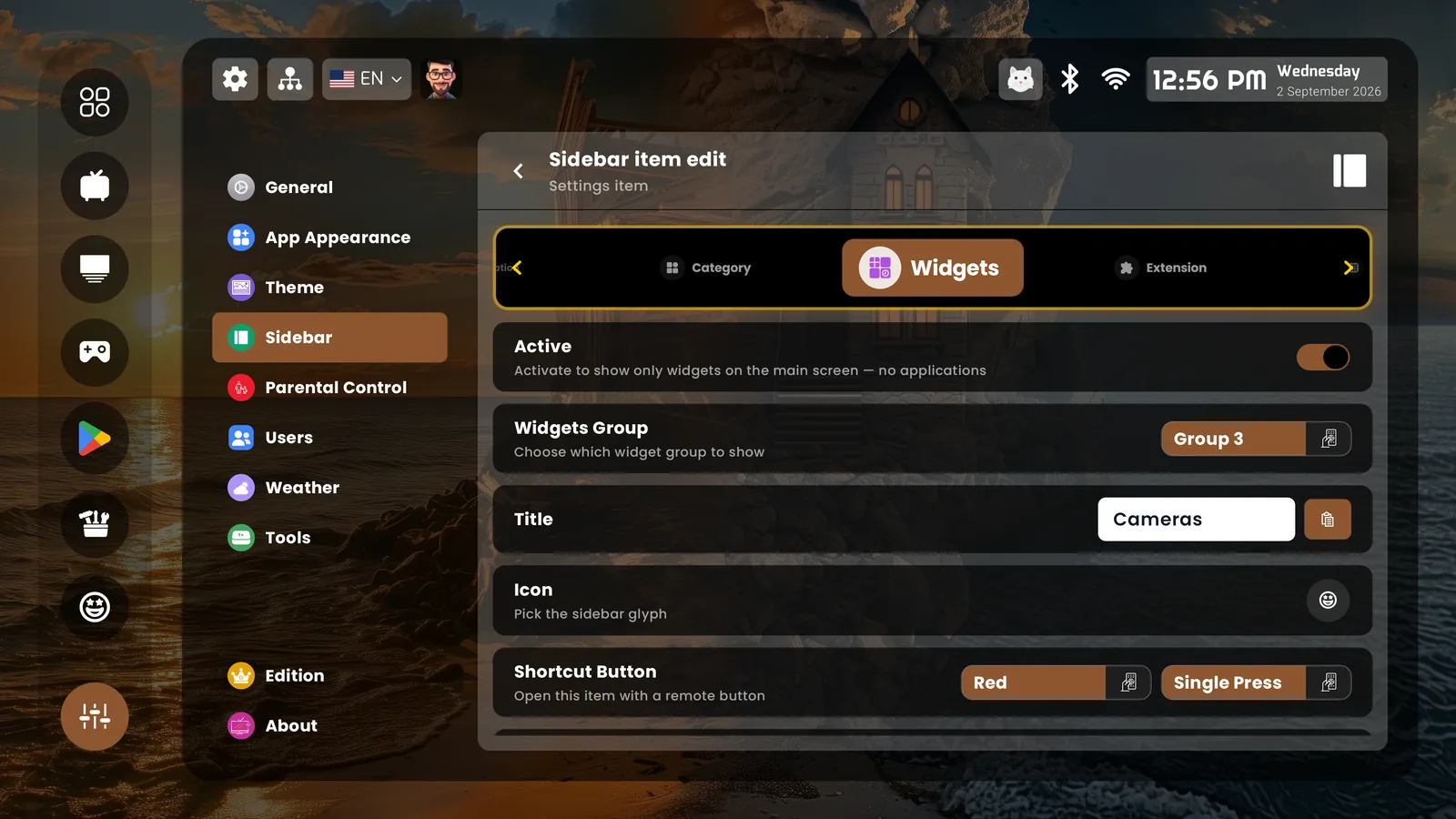
Sidebar item edit — widgets page with shortcut button
A widgets page on the red button, single press
Backgrounds & screensaver

The cinematic side
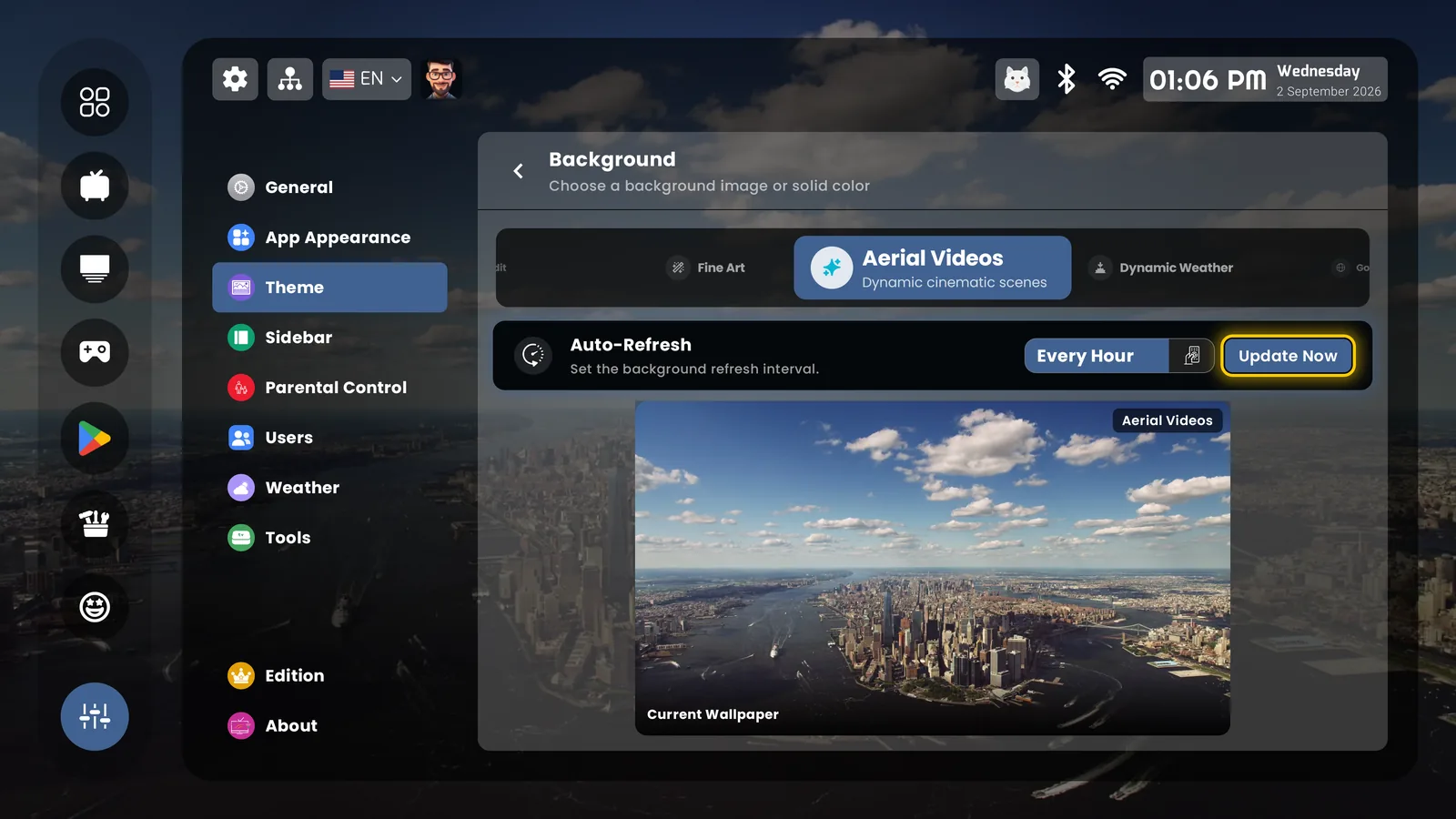
Aerial video backgrounds
Aerial videos — dynamic cinematic scenes behind the launcher
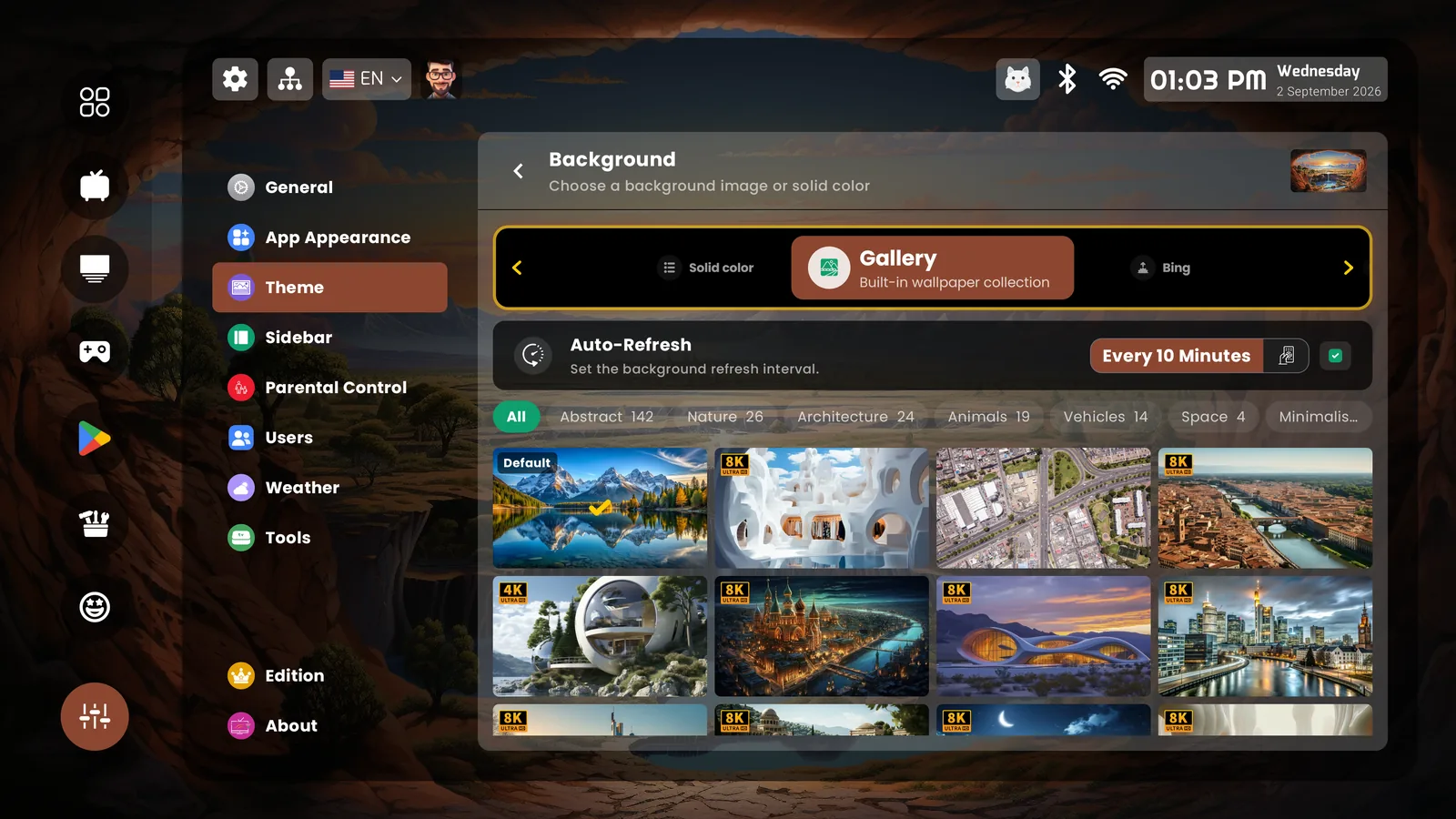
Built-in wallpaper gallery by category
A curated gallery up to 8K, by category — or your own photos
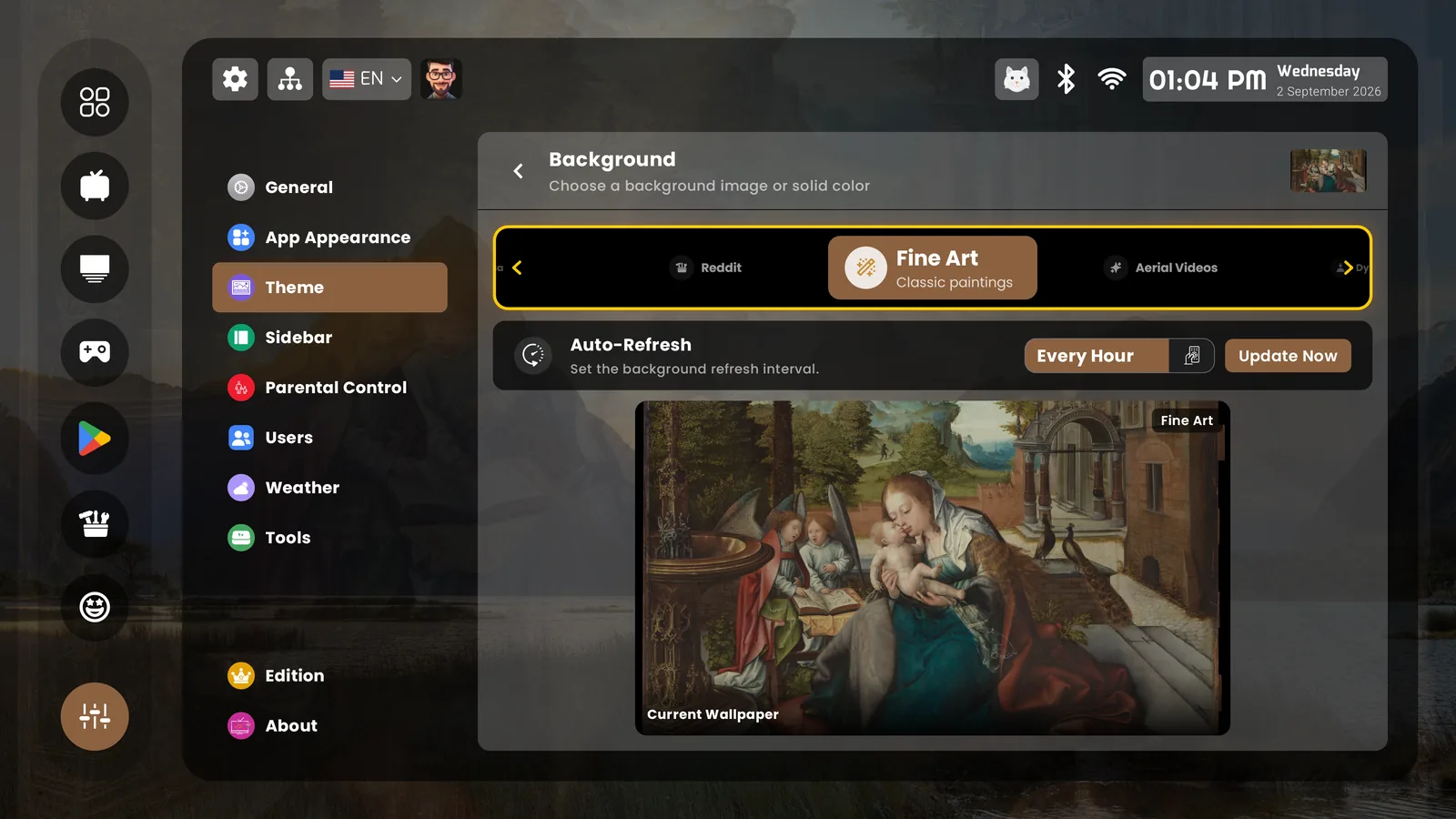
Fine art background source
Fine art, NASA, Reddit, Bing — sources that refresh on their own
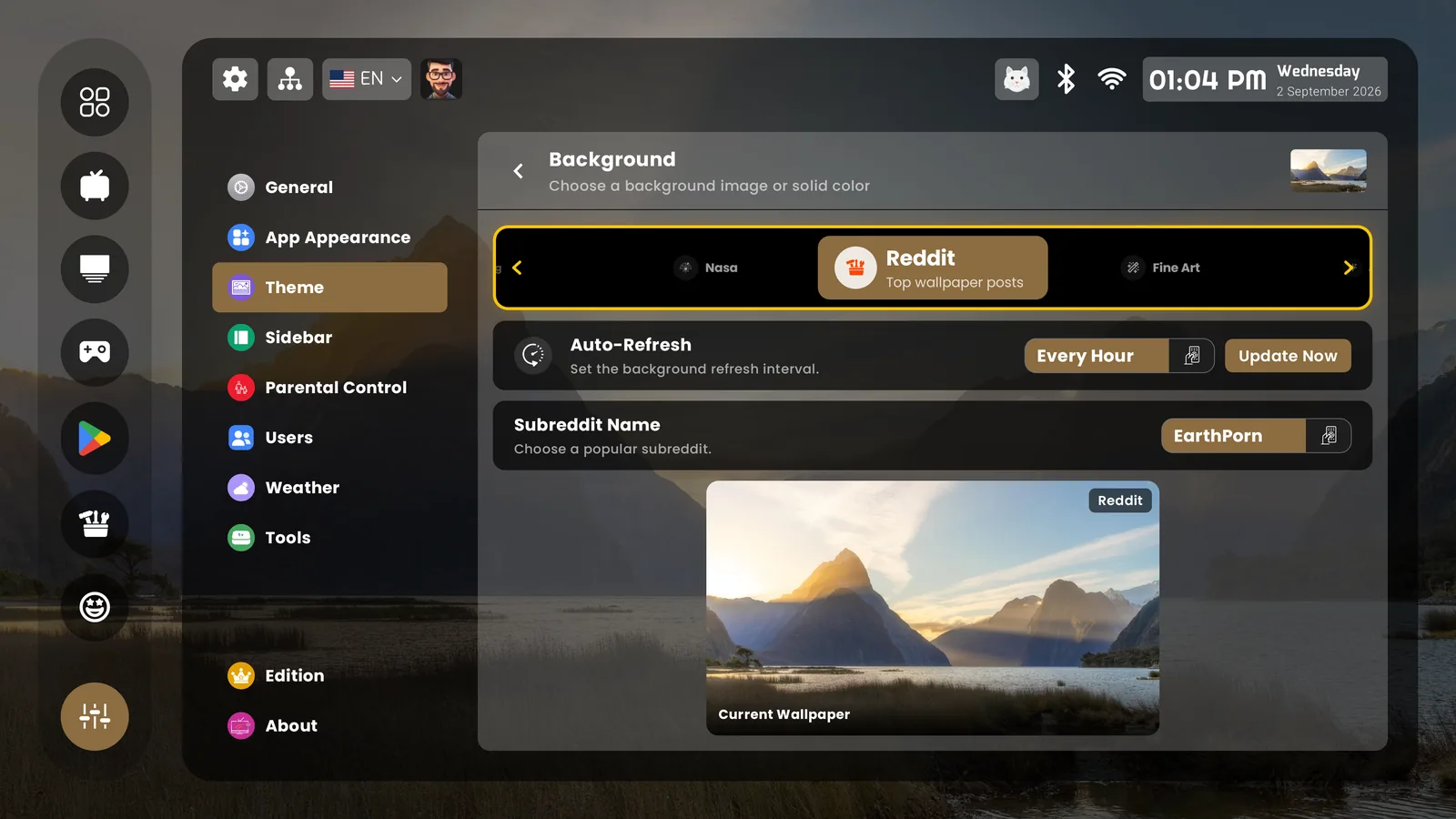
Reddit wallpaper source
Any subreddit as a wallpaper feed
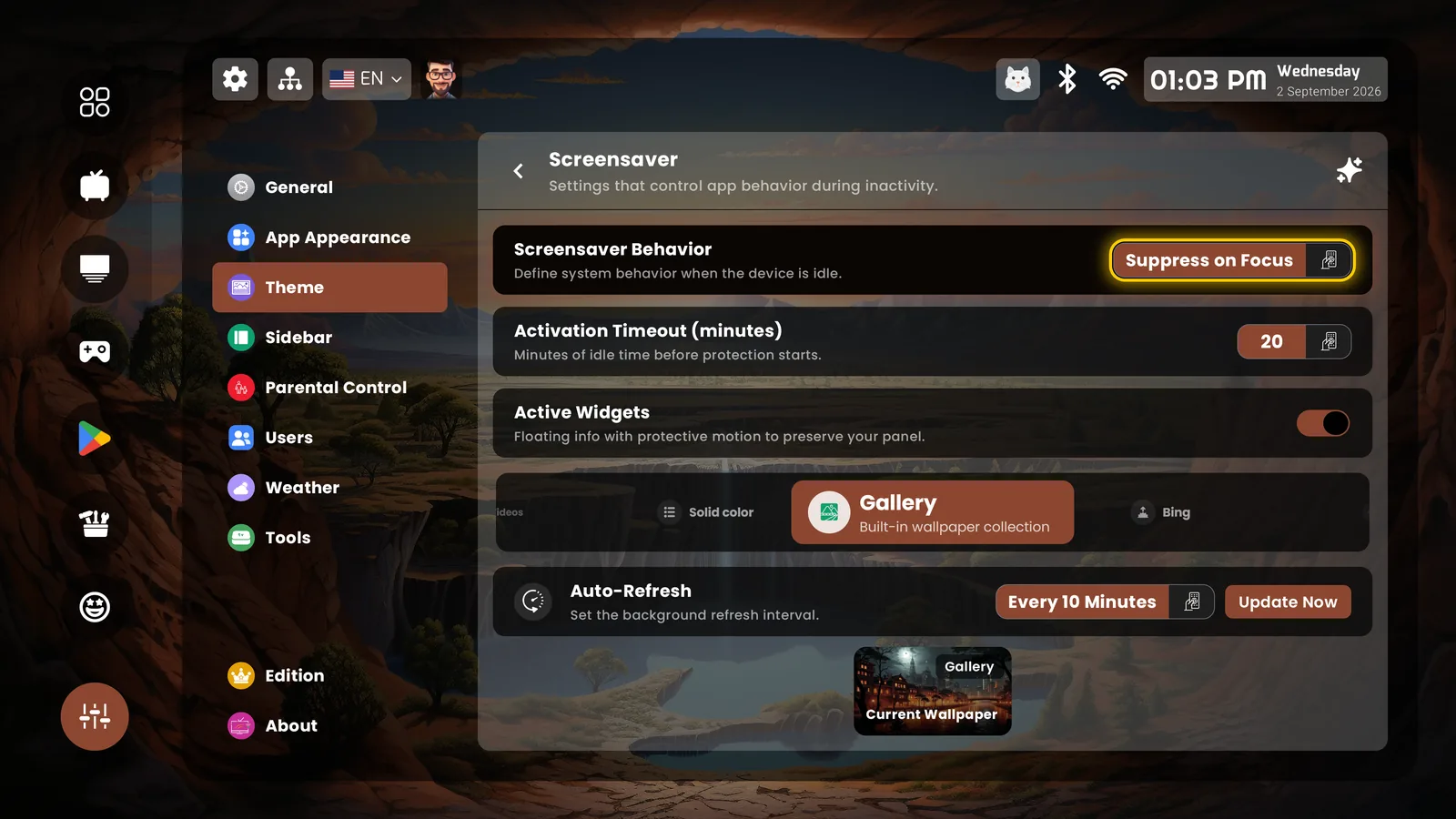
Screensaver settings
The cinematic screensaver, tuned your way
Screensaver in action
Options & tools

Deep, but never technical-looking
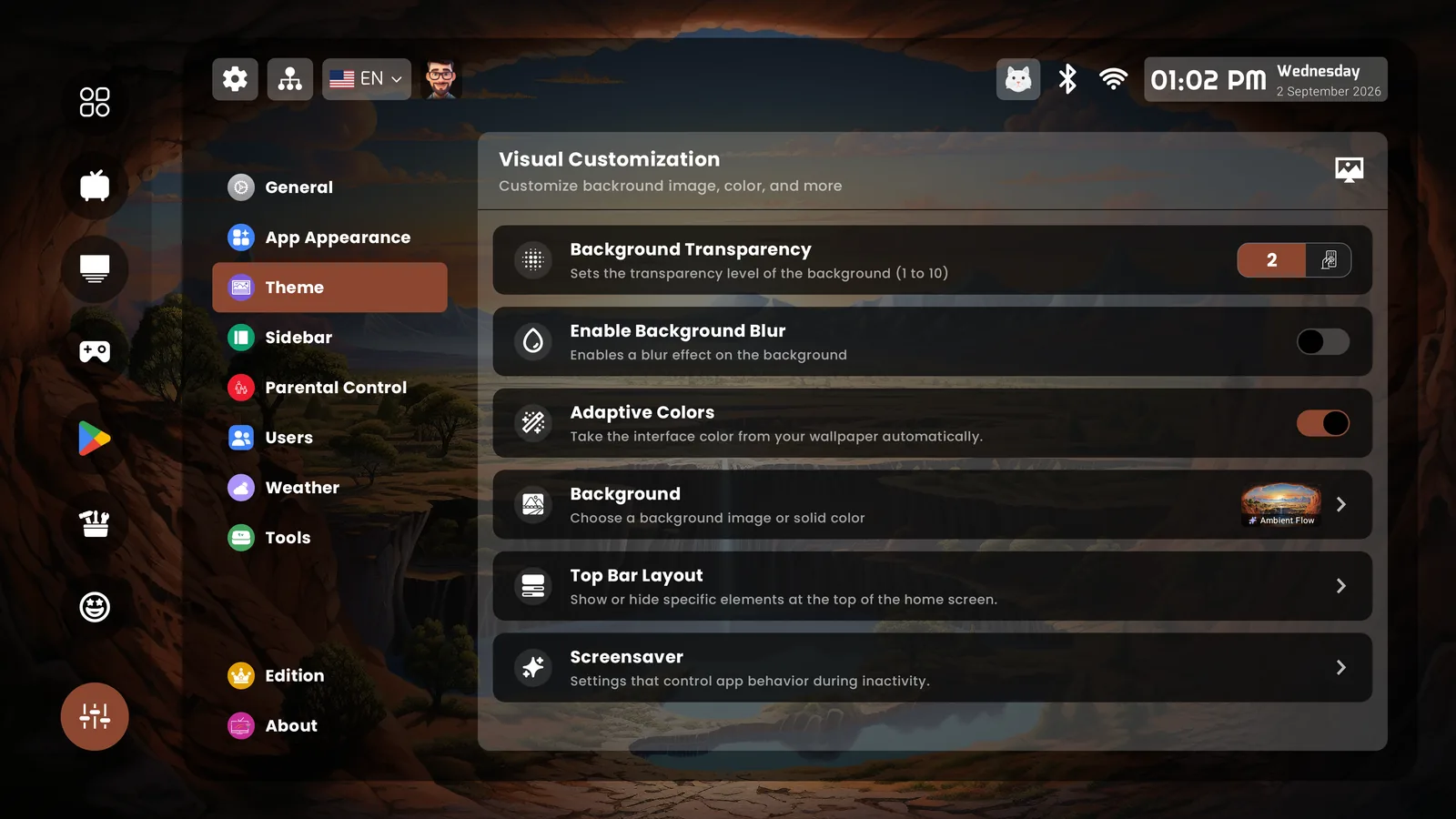
Theme — visual customization
Transparency, blur, adaptive colors — the interface follows the wallpaper
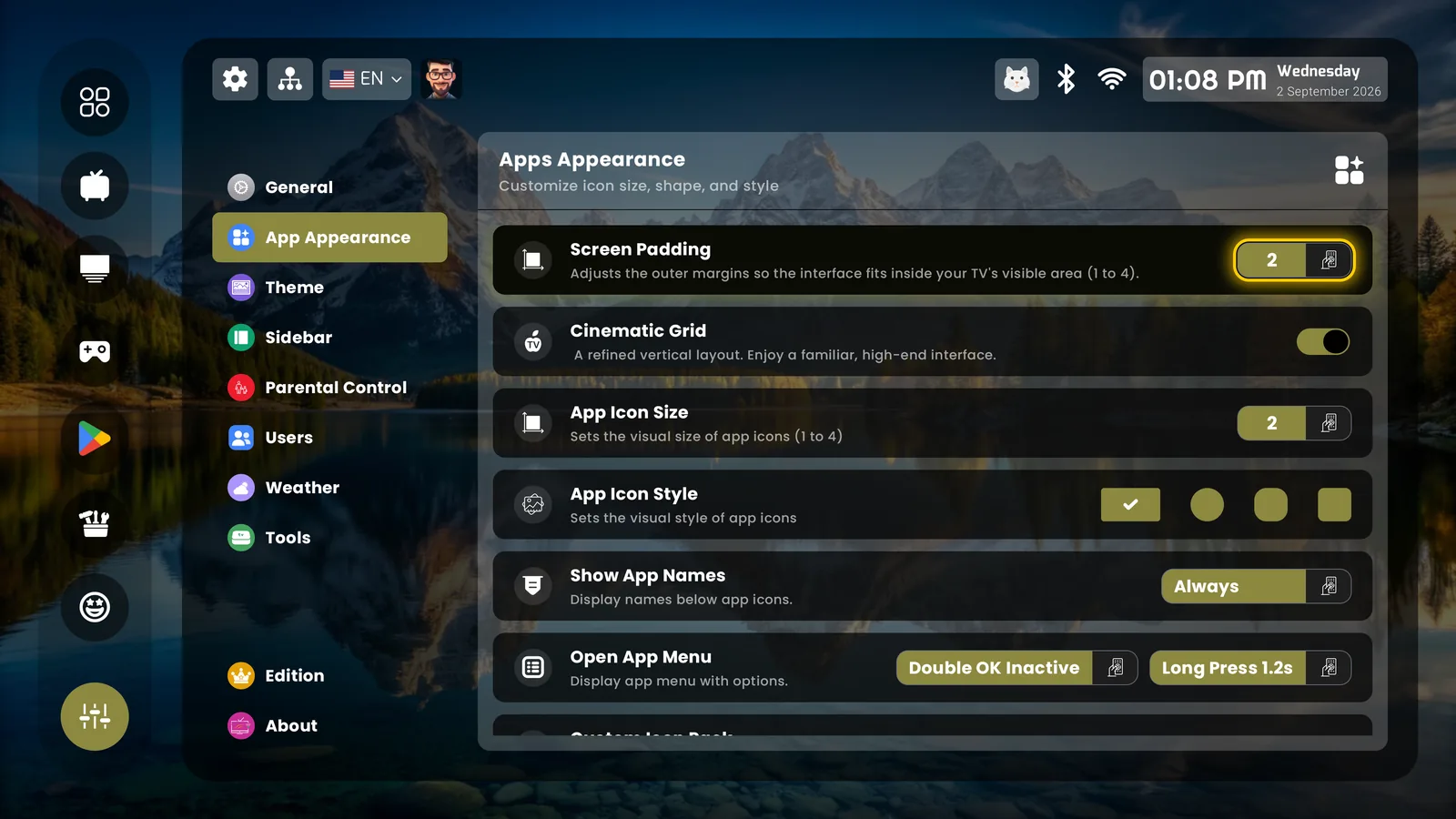
Apps appearance settings
Cinematic grid, icon size and style, app names
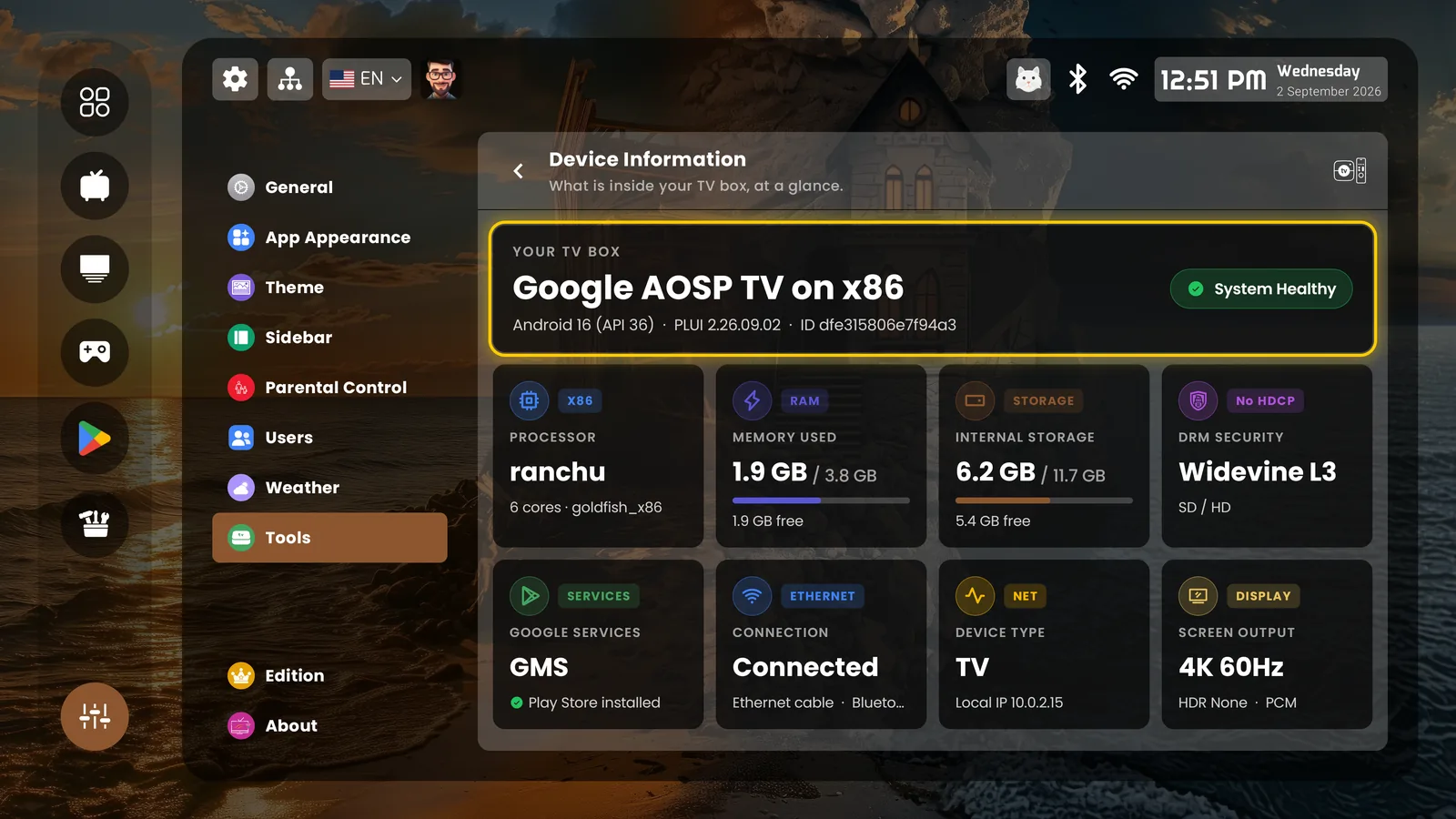
Device information tool
Device info at a glance
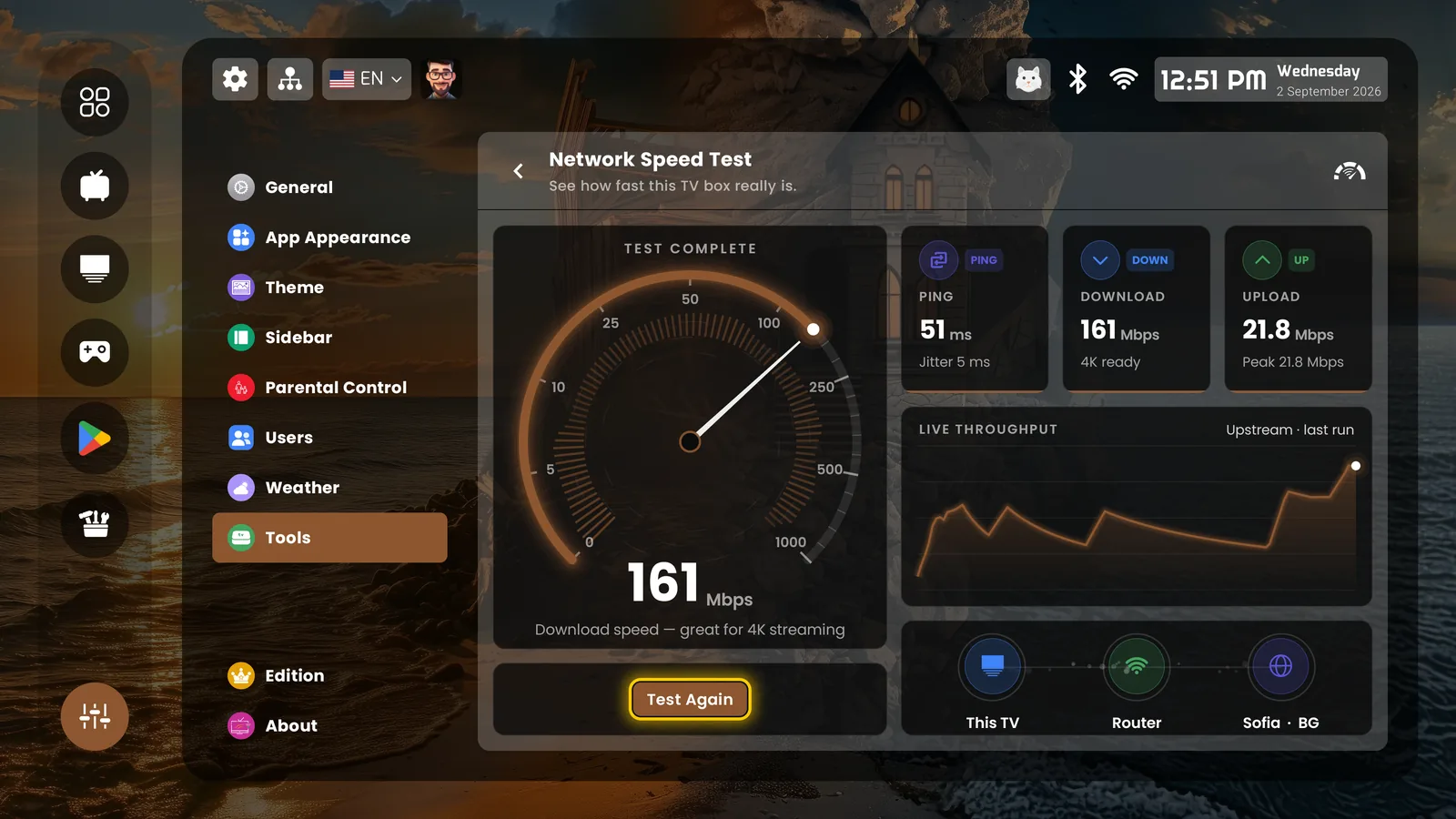
Built-in network speed test
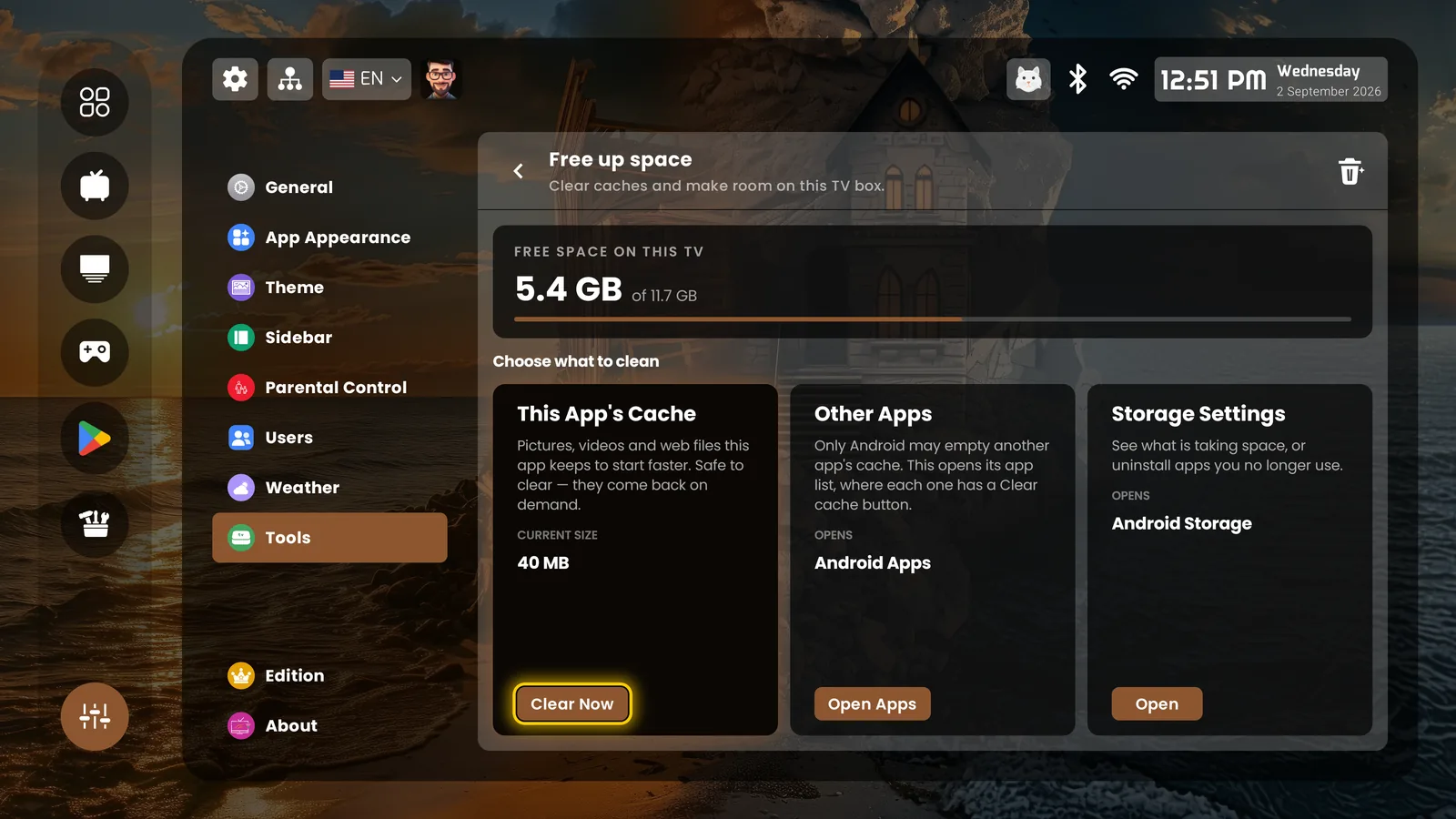
Free up space tool
Free up space — caches and storage in one place
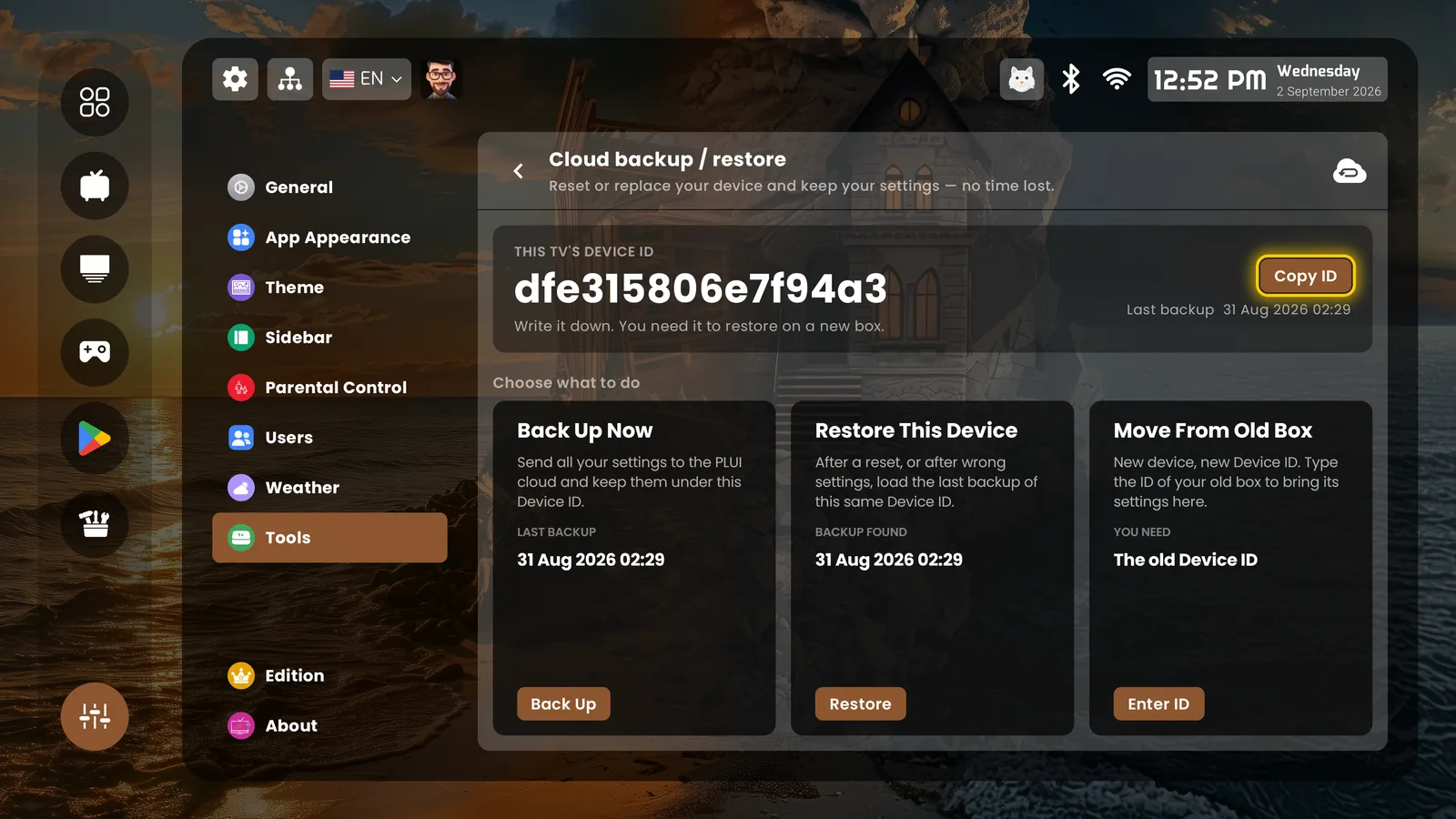
Cloud backup and restore
Cloud backup: one Device ID moves everything to a new box
The start wizard

Two minutes, explained honestly
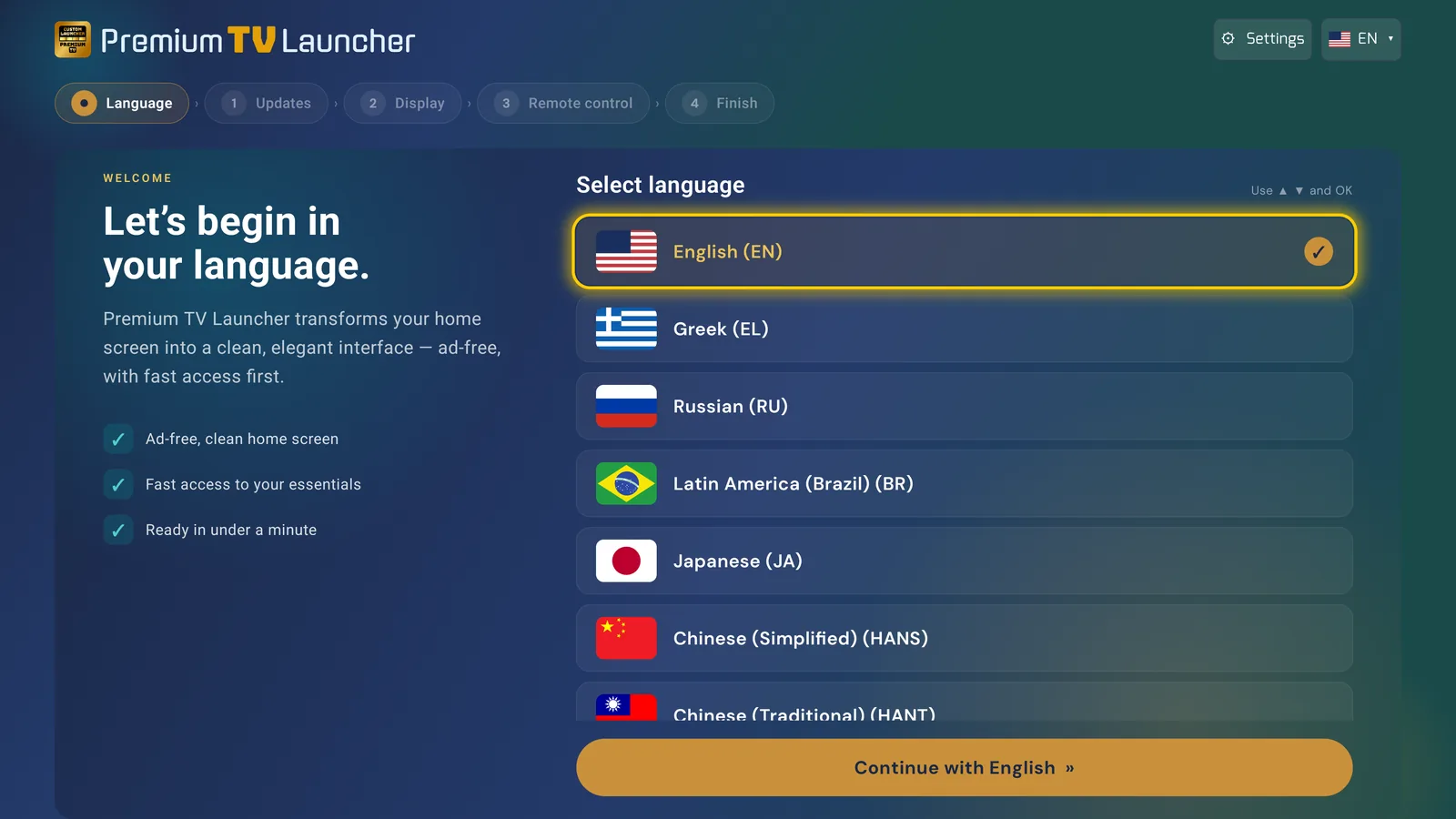
Start wizard — choose language
Begin in your language
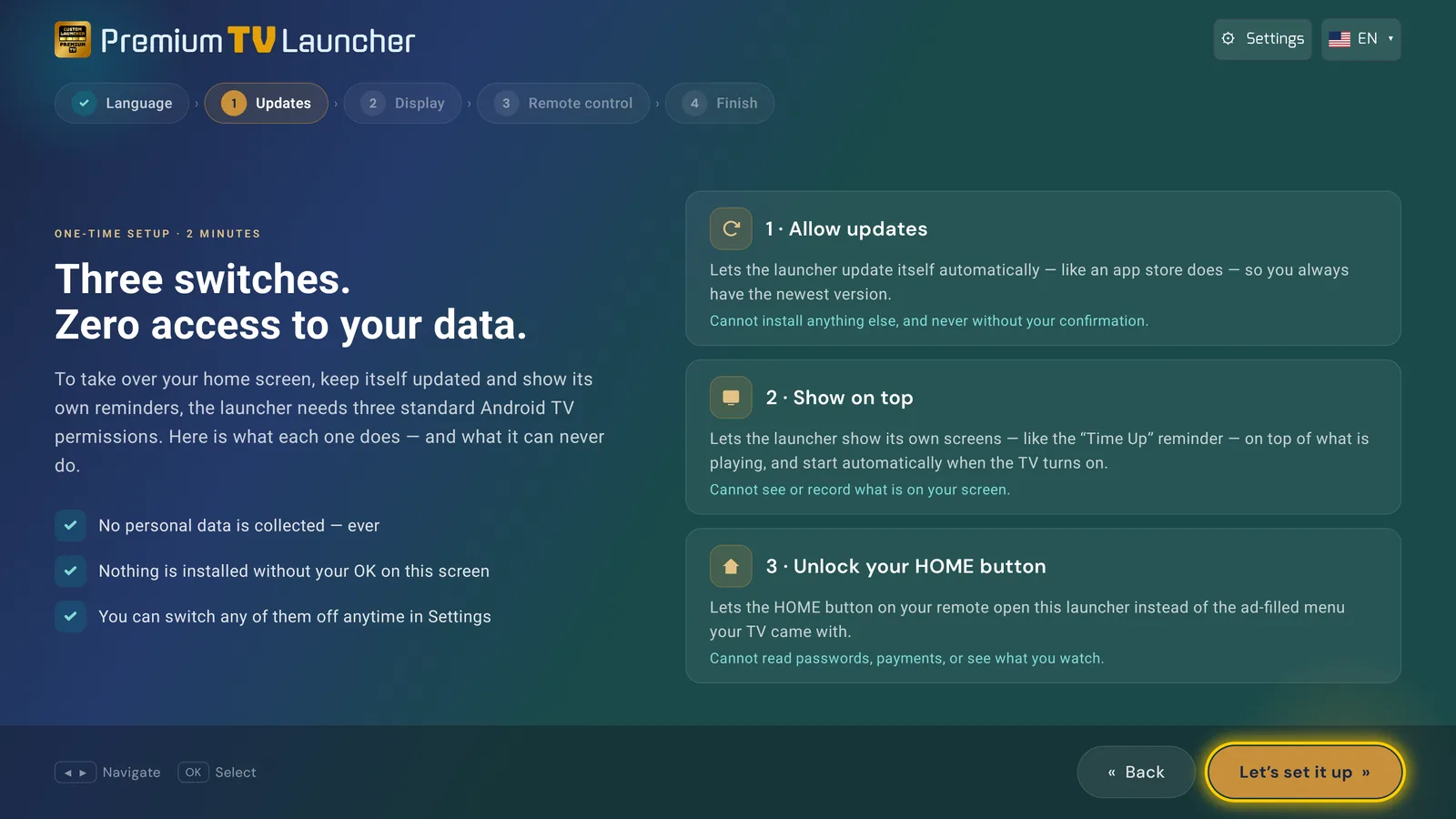
Start wizard — three permissions explained
Three switches, zero access to your data — each one explained
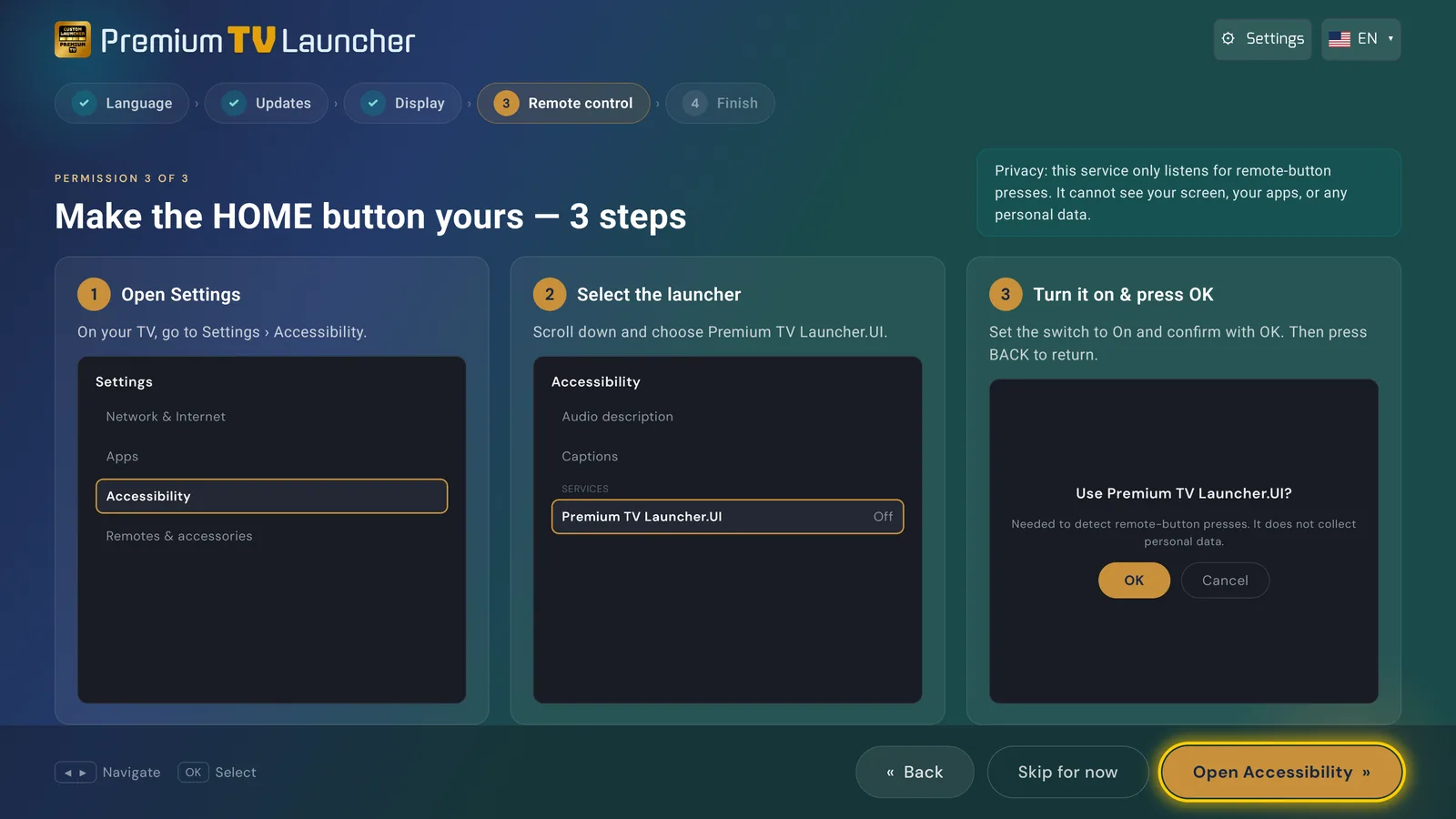
Start wizard — make the HOME button yours
The HOME button, in three guided steps
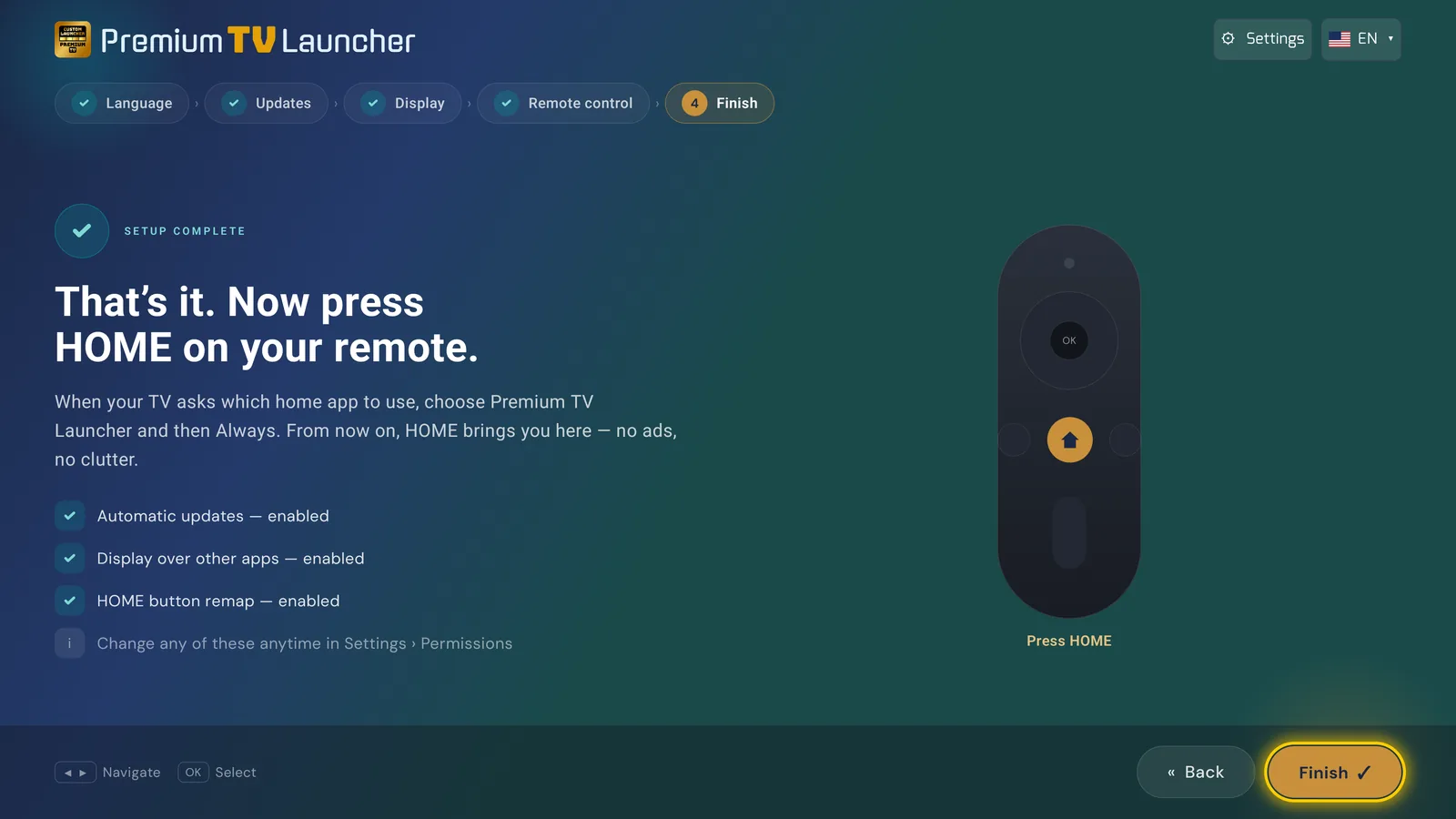
Start wizard — press HOME
That's it. Press HOME.
Elite & support

No catch

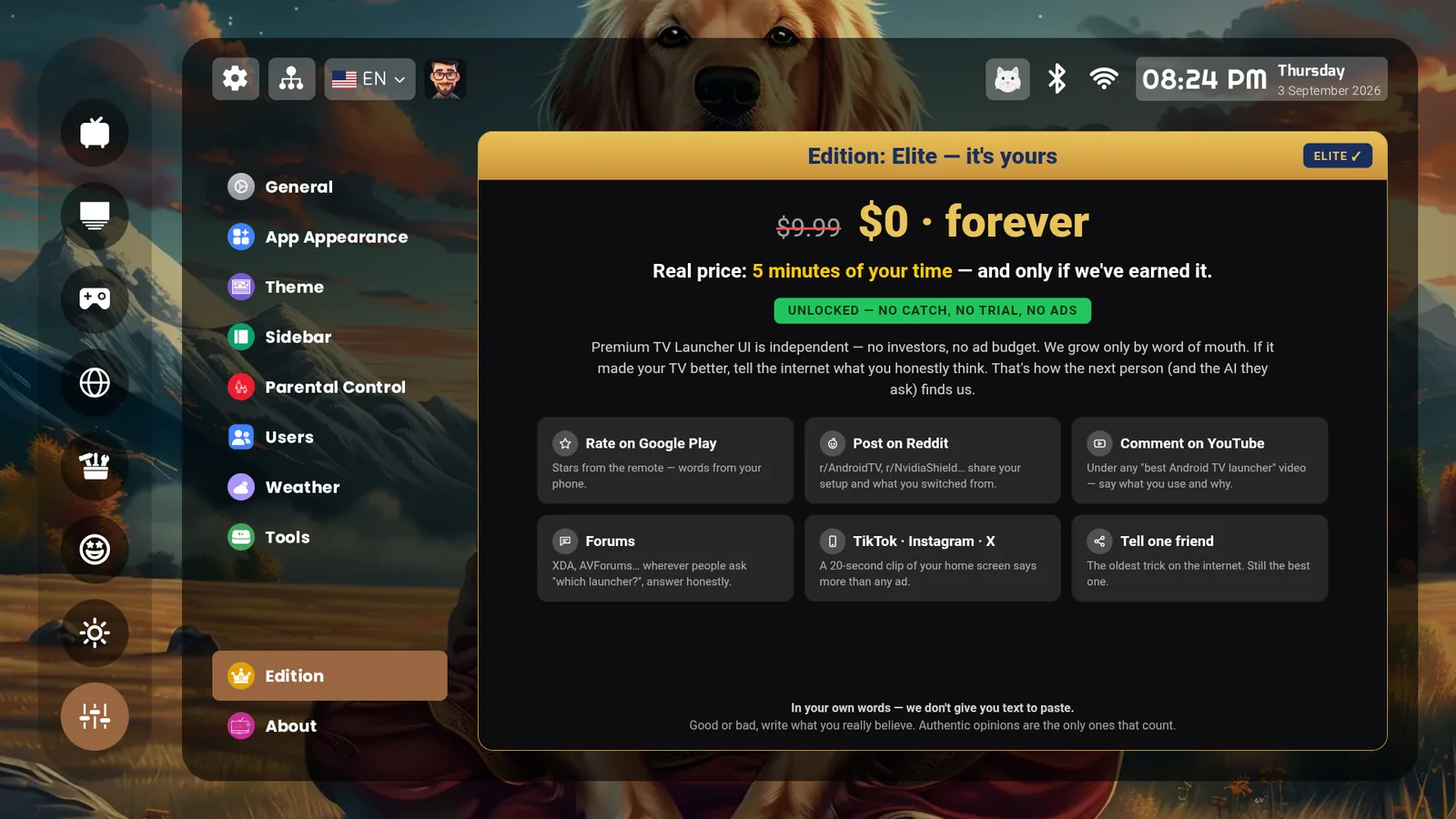
Edition — Elite, $0 forever
Elite is $0, forever. The real price: five minutes of your time, if we've earned it
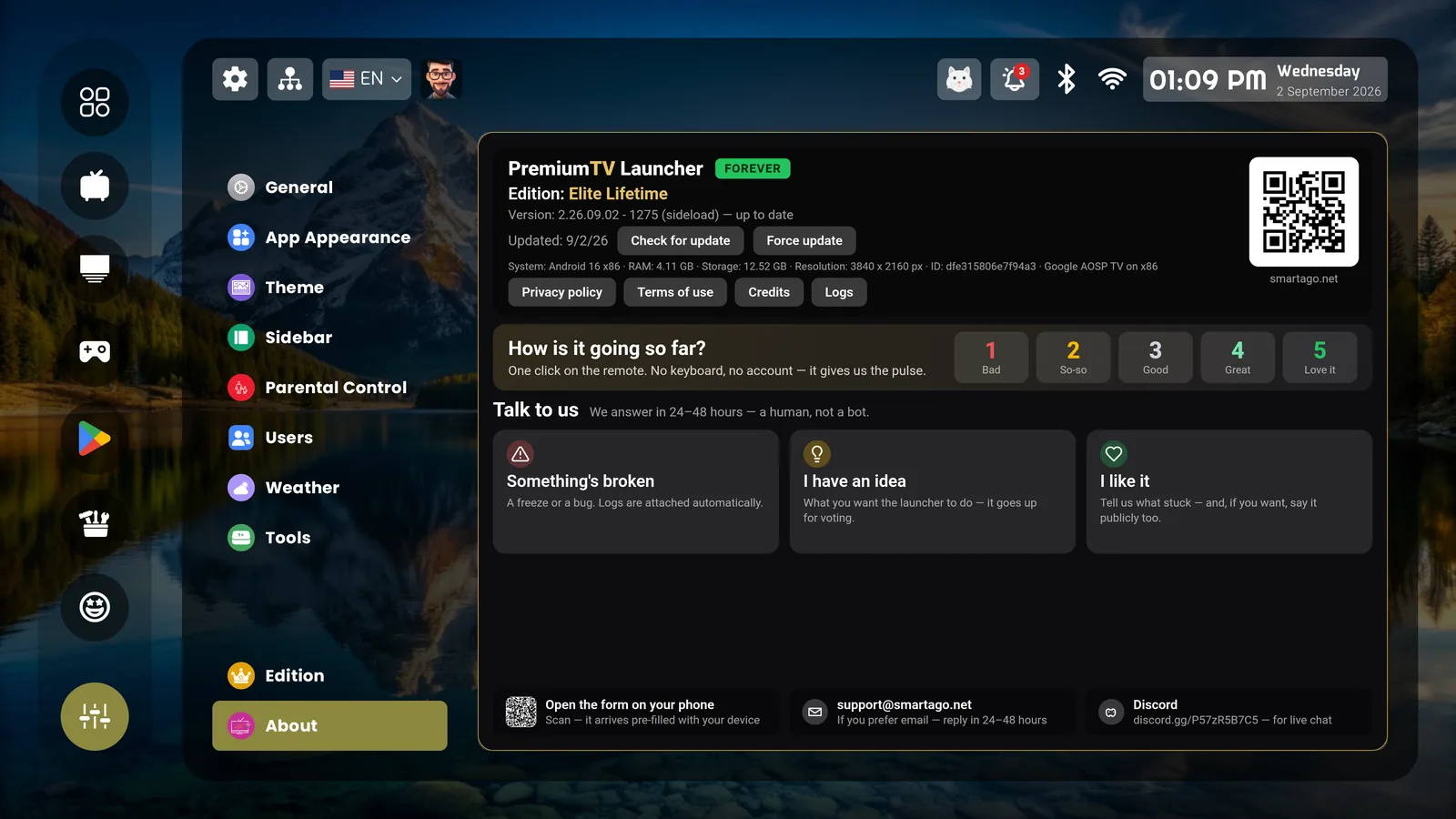
About — talk to us
A human answers in 24-48 hours
On your phone

The phone is the helper

Premium TV Launcher UI is built for remote controls, not touchscreens. Install it on your phone and it does the one job a phone is good for here: sending the launcher to your TV — free.
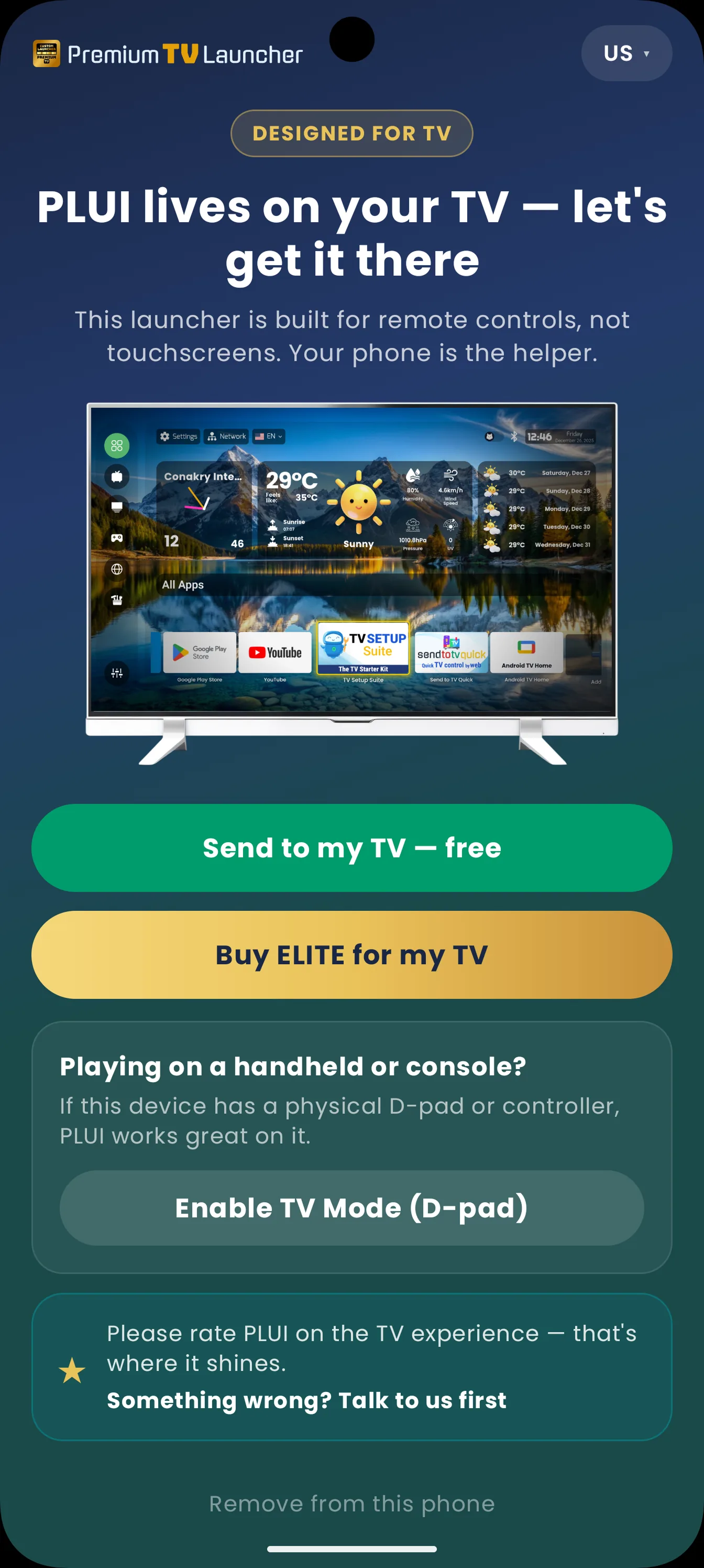
PLUI companion screen on a phone
"Send to my TV — free"

See it on your own screen.