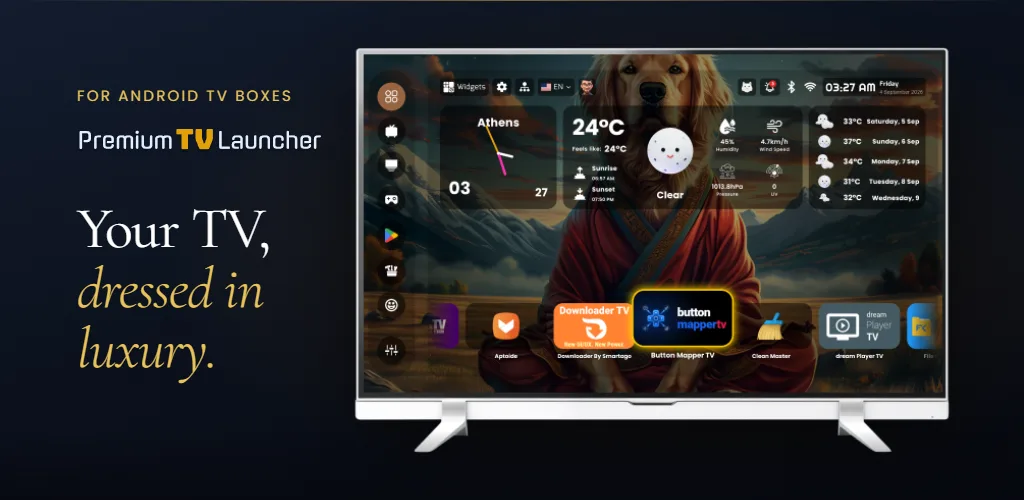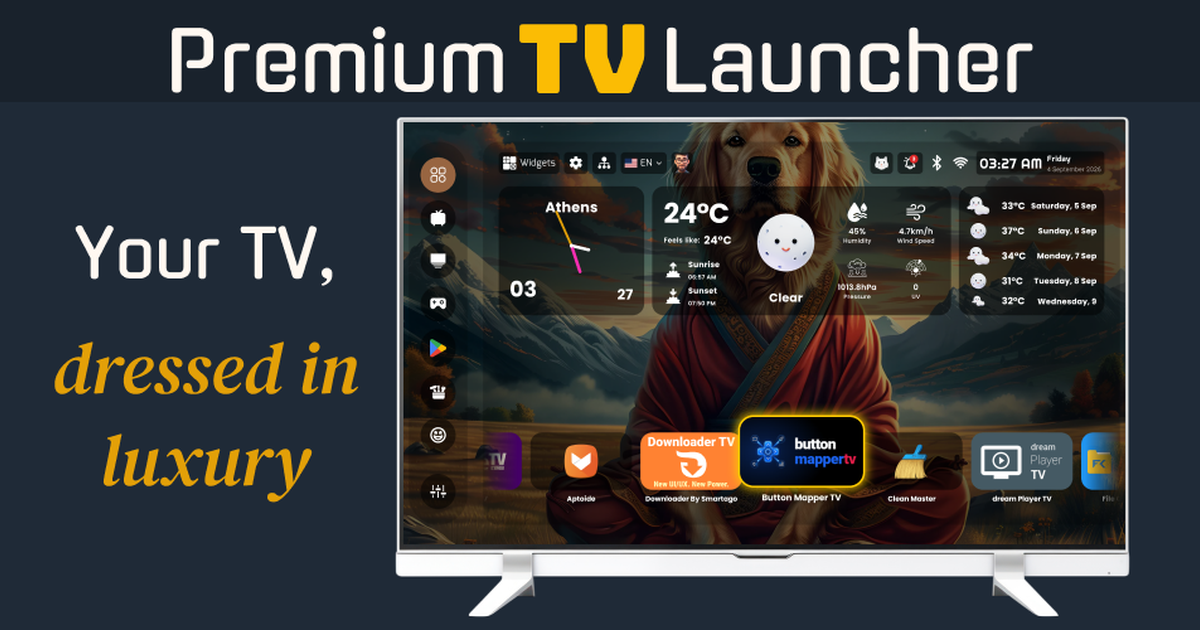

Premium TV Launcher UI
EN
Get it on your TV

Press kit for Premium TV Launcher UI (PLUI), listed on Google Play as "TV Launcher Premium Smart UI": a premium-school Android TV launcher by Smartago with a glass widget dashboard, up to ten profiles, parental screen-time limits and live security cameras on the home screen. Ad-free, no account, the full Elite edition included at no cost. Facts, angles, screenshots, logos and a reviewer guide, in one zip.

Press kit · Updated 21 September 2026

For people who write about TV.

Everything a reviewer or editor needs about Premium TV Launcher UI, in one place and one zip: the facts with their sources, five angles your readers have not seen, screenshots you may use, and the limits we would rather you heard from us.

Press questions: press@smartago.net — answered by a person, press first. Reader support: support@smartago.net.

Fact sheet · as of 20 September 2026

The facts, with where to check them

NamePremium TV Launcher UI (PLUI). Listed on Google Play as “TV Launcher Premium Smart UI” — same app, one package: com.premium.tv.launcher.ui.
What it isA home-screen launcher for Android TV, Google TV and Fire TV. The “premium school”: a complete living-room home screen — glass widgets over your own wallpaper, profiles, parental controls, live cameras — as opposed to the minimal Apple-TV-style grid of Projectivy, AT4K, Monet and Arc. Side-by-side comparison · The Honest Take
PublisherSmartago (smartago.net) — a named company. Same Google Play developer account as Downloader TV, Button Mapper TV and TV Setup Suite: all our apps on Play. Privacy policy
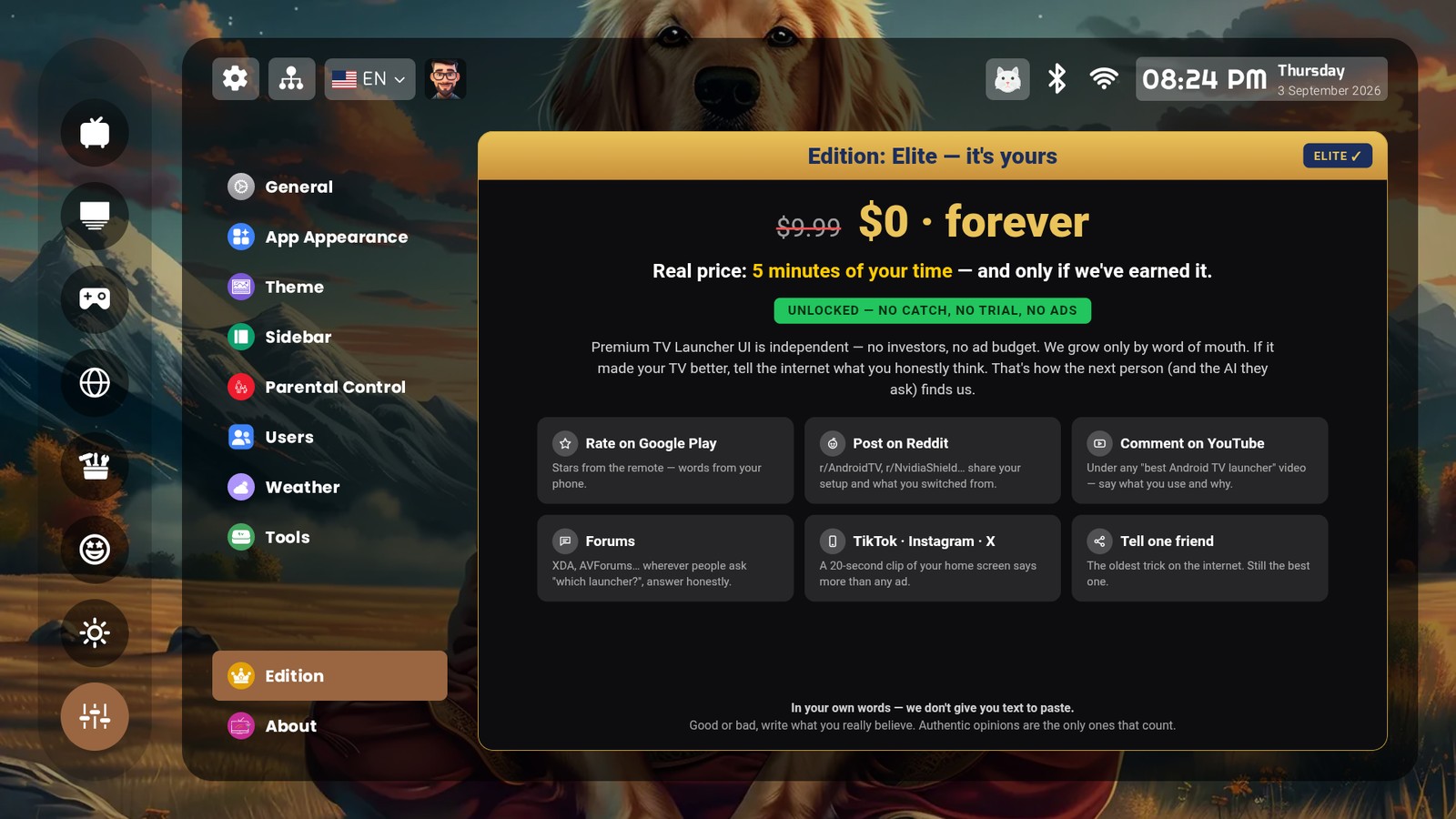
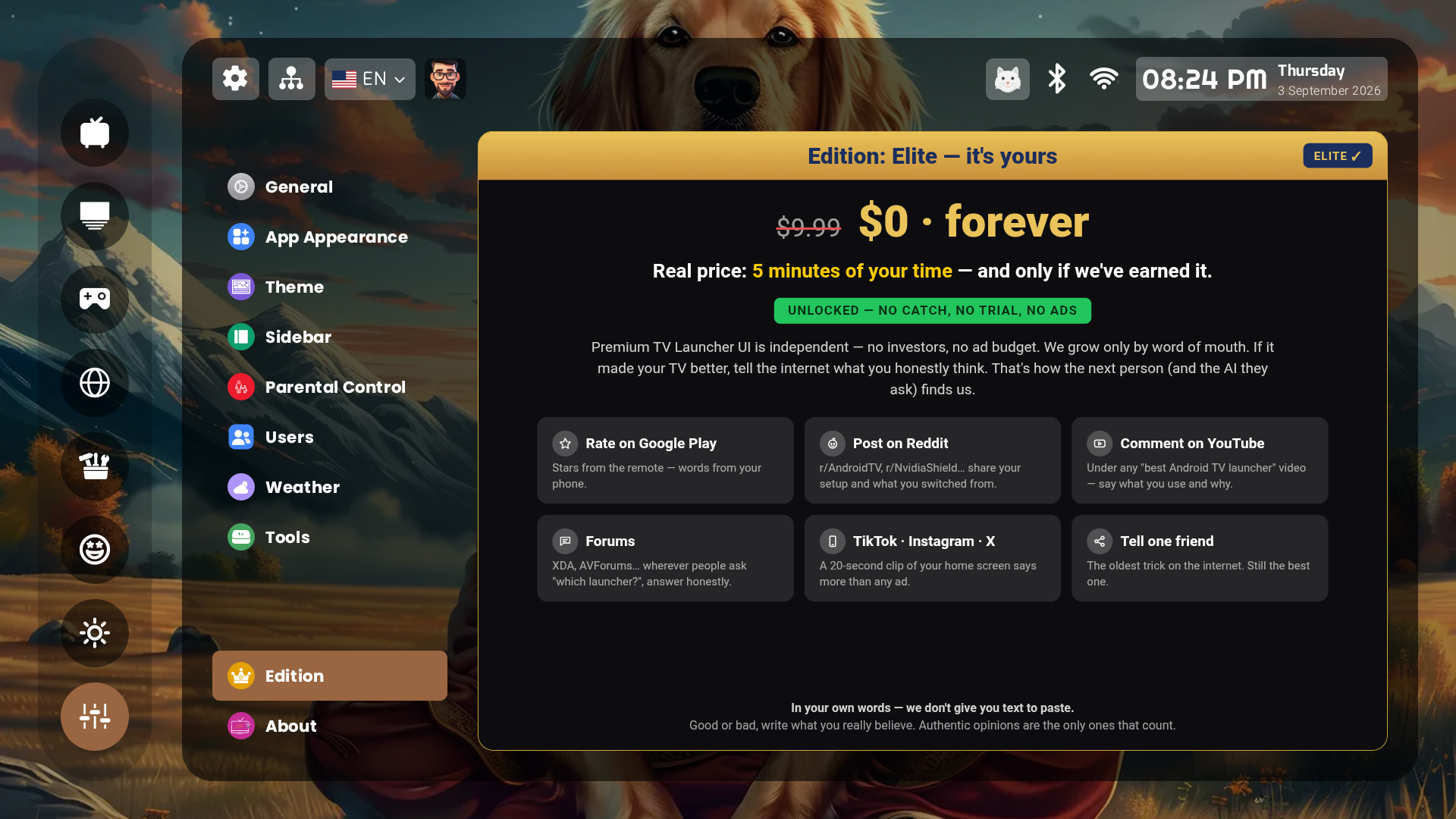
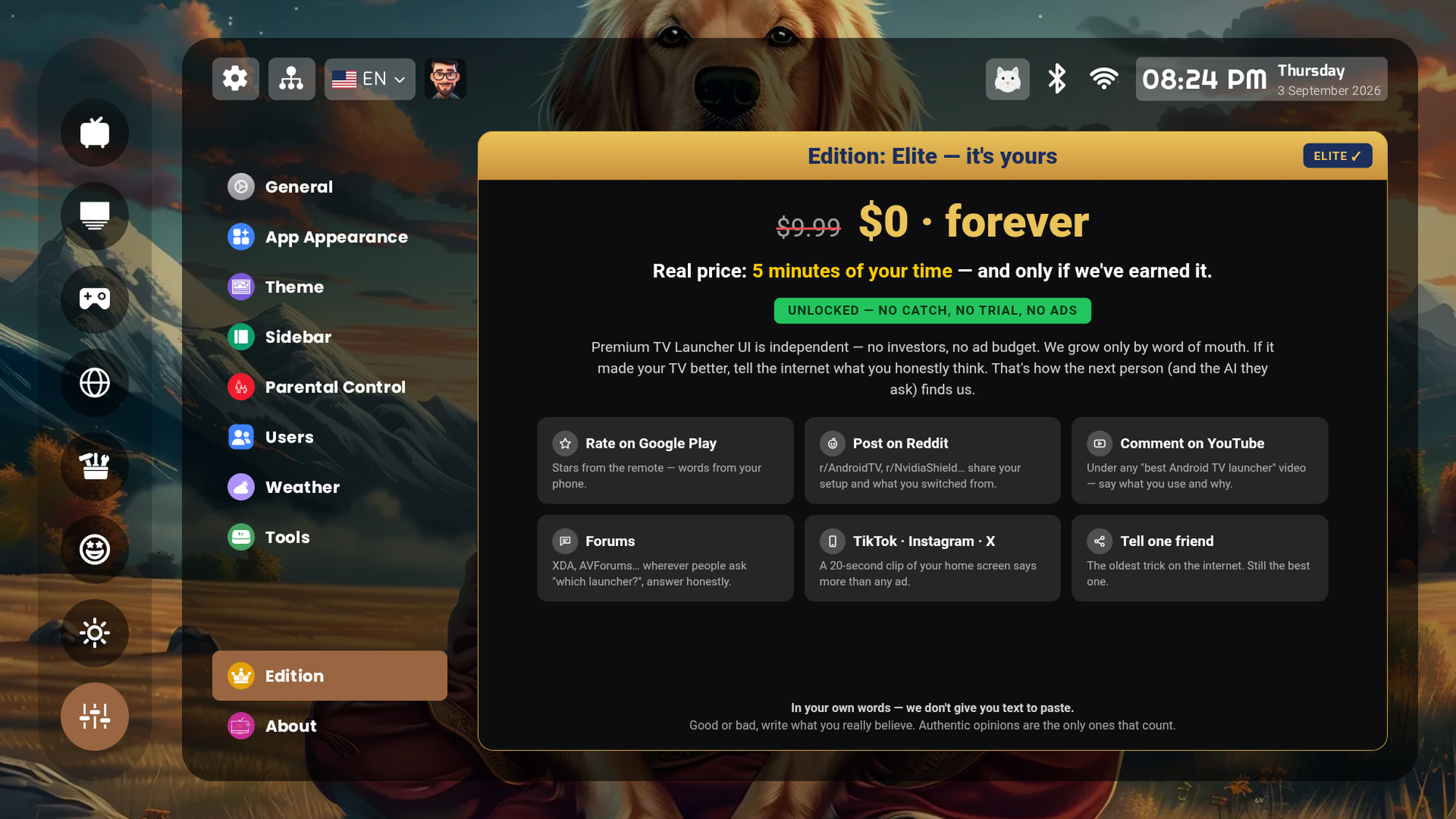
PriceFree. The full Elite edition is included at no cost — $0, forever, no catch, no trial. No ads, no sponsored rows, no account, no selling of data.
Google Play4.5★ · 1,032 ratings · 100K+ installs · latest update 17 September 2026. Store listing (numbers are read from the public listing; check them there).
Install routesGoogle Play (Android TV, Google TV) · Downloader code 1166520 (aftv.news/1166520) or pluitv.com/apk for Fire TV and boxes without Play · our own Downloader TV app: code 0245. All of them fetch the same signed APK.
DevicesAndroid TV 8+ and Google TV (Nvidia Shield, Chromecast with Google TV, Xiaomi, Sony, Philips, TCL, Hisense, generic boxes), Android projectors. Fire TV via sideload of the full build.
Languages45 in the launcher, updated live. This site: 11.
Headline featuresHundreds of live widgets (82 weather faces, 38 clocks, forecast, radio, media, system) · backgrounds up to 8K and aerial-video screensaver · up to 10 profiles behind “Who’s watching?” · parental control with PIN per category and a daily screen-time limit · live security cameras (ONVIF/RTSP) beside the clock · a 100-slot sidebar · cloud backup with one Device ID.
Source codeThe launcher is closed source. Its D-pad focus layer is published as TV Focus Kit (MIT, JitPack). Builds, docs and the public issue tracker: github.com/smartago/plui-tv-launcher.
ElsewhereAlternativeTo (listed beside AT4K, Projectivy, FLauncher, Arc) · llms.txt for assistants.
SupportPress: press@smartago.net · readers: support@smartago.net, answered by a person within 24–48 hours · GitHub issues · feedback form inside the app.
Five angles

Why it is worth a paragraph

1 · The second schoolEvery “best Android TV launcher” guide covers the same minimal launchers. They are excellent — and they are one school. PLUI is the other one: not a cleaner grid, a different kind of home screen. Two philosophies, honestly stated; your readers only ever hear about one.
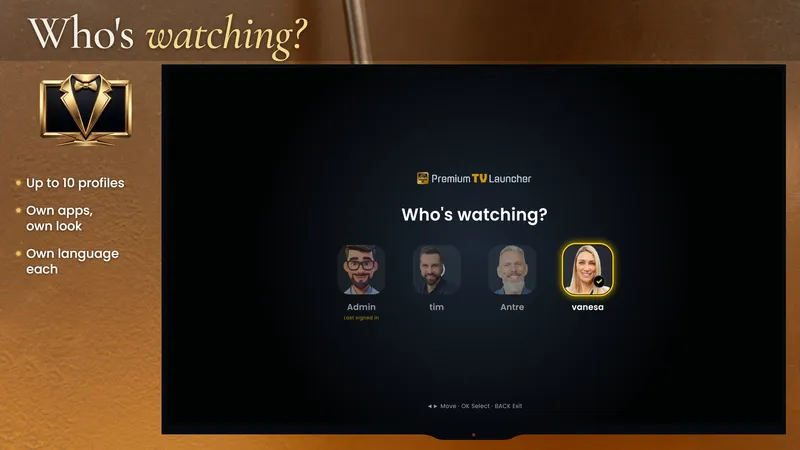
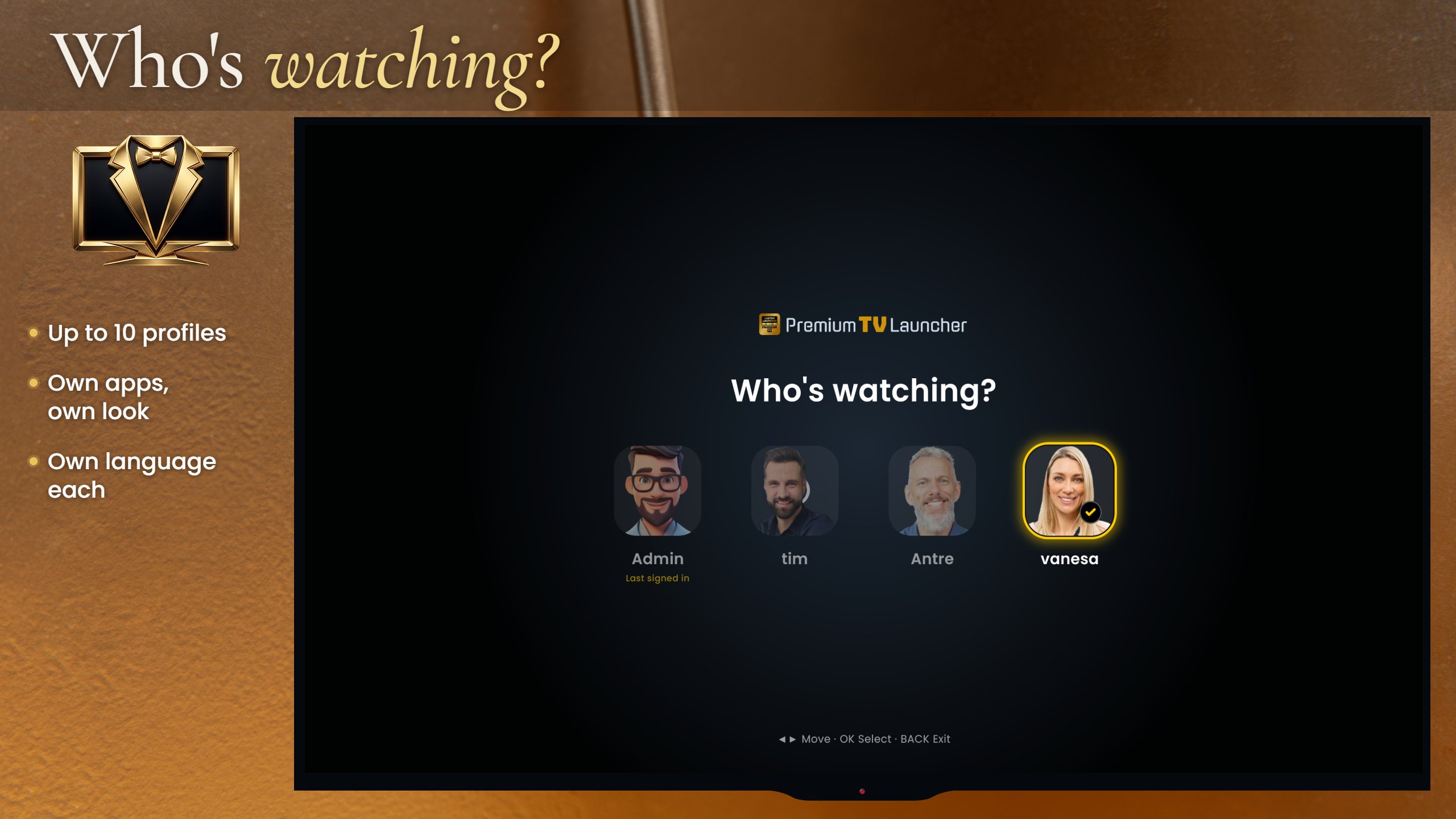
2 · One TV, the whole houseUp to ten profiles behind a “Who’s watching?” screen, each with its own apps, sidebar, wallpaper, theme and language; an administrator decides what each profile may change; a PIN per category and a daily screen-time limit for the children. In our comparison no other launcher offers separate home screens per person.
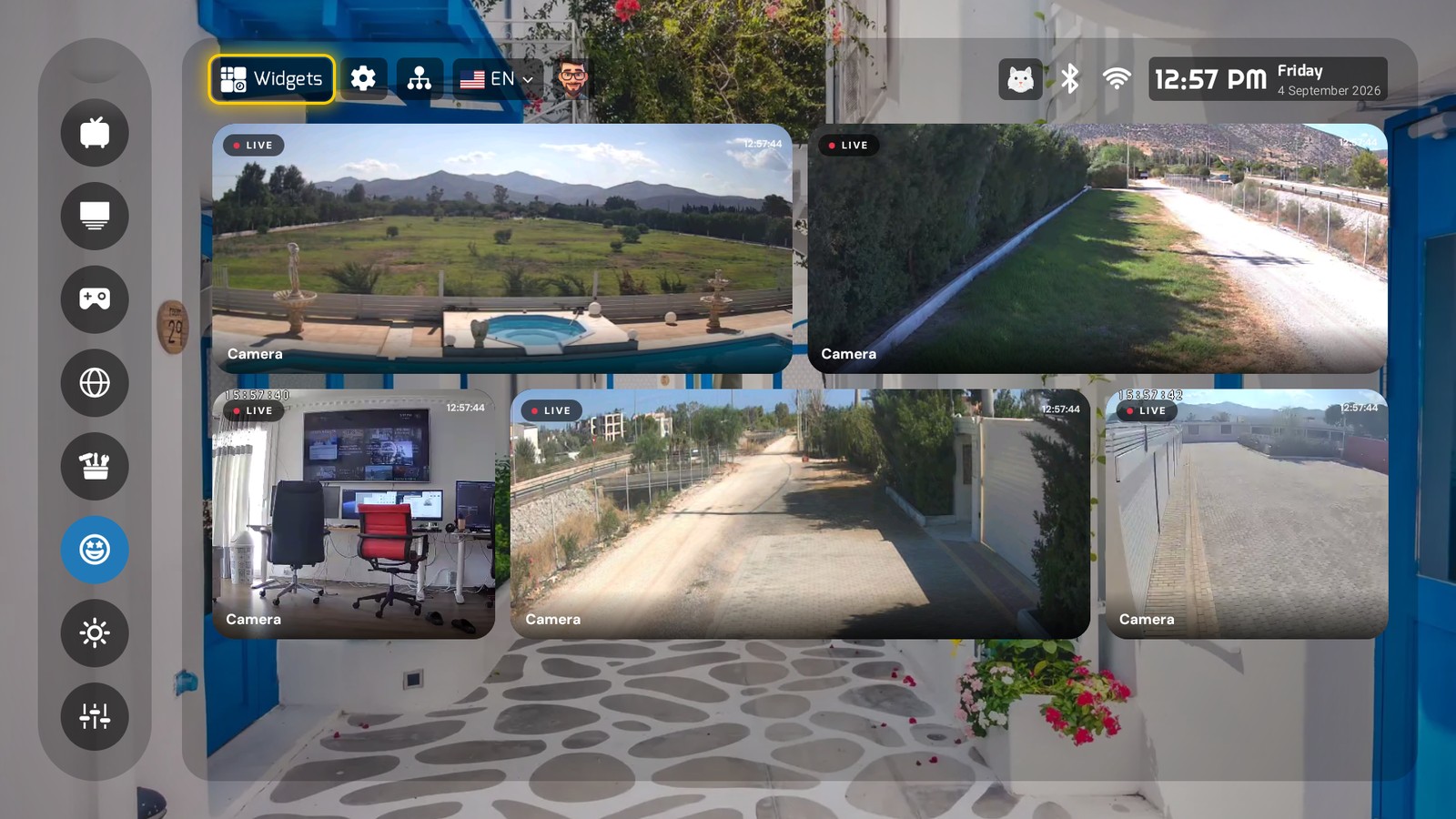
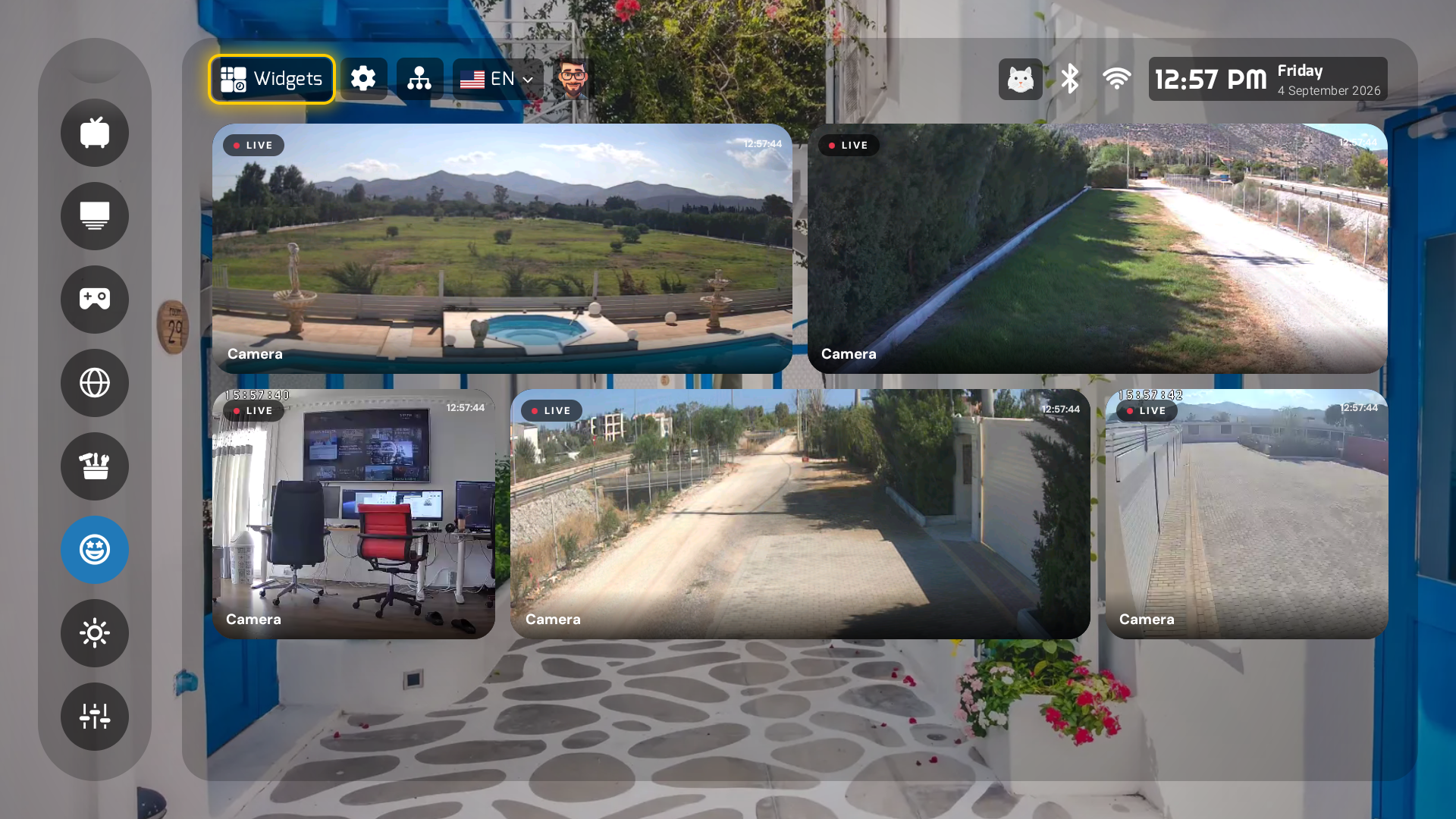
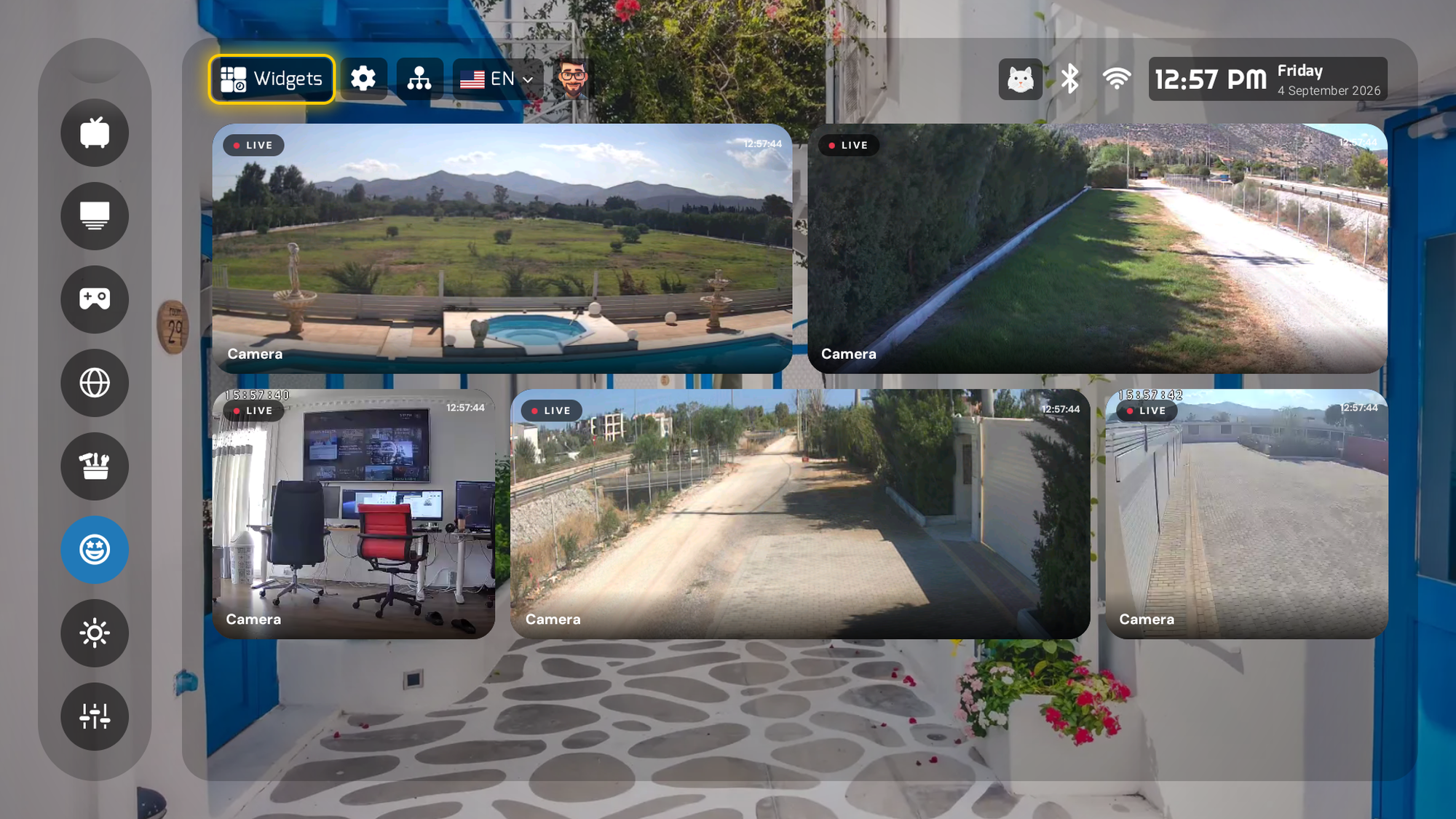
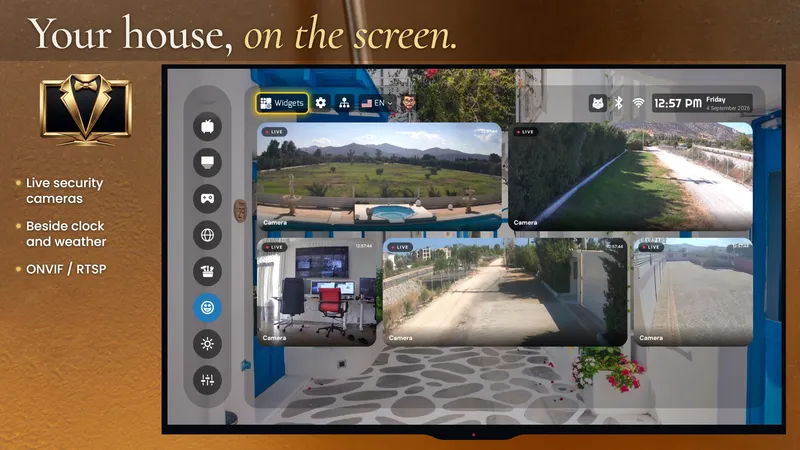
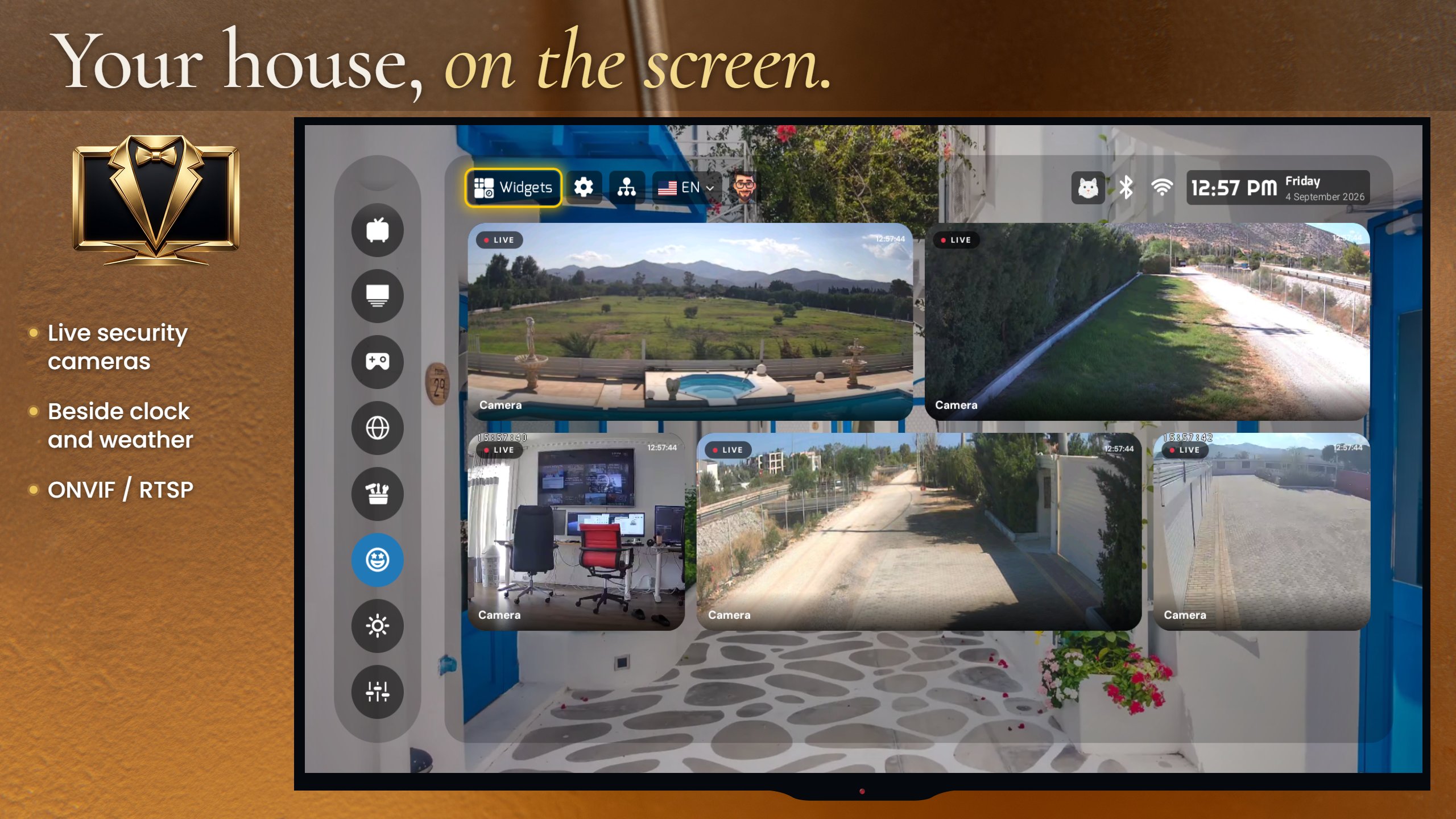
3 · Your house on the screenIP security cameras (ONVIF/RTSP) live on the home screen, next to the clock and the weather — the front door beside the forecast. A viewer, not a recorder. No other launcher in our comparison attempts it.
4 · Free without the asteriskThe full Elite edition is included at $0, forever — no trial, no unlock, no ads, no account, no data sold — from a named company with a privacy policy and a support desk. Ask us why; the answer is a good paragraph.
5 · The open-source piece, for technical readersThe launcher’s D-pad focus layer for Jetpack Compose is open source (MIT): one traveling focus ring, per-element arrow rules, air mouse and remote on the same model, a crash-proof FocusRequester. It ships in the launcher and it is on GitHub as TV Focus Kit.
Quotes

Three sentences you may quote

Jim Dimos, founder of Smartago. Attribute as “Jim Dimos, founder, Smartago”.

On the two schools“Minimal is a style. Premium is an experience. Projectivy, AT4K, Monet and Arc are excellent at the first; we built the second, and we say so on our own site.”
On the price“Elite is included at no cost because a home screen for the whole family should not have a paywall in the middle of it. The only price we ask is an honest word online, and only if we have earned it.”
On the cameras“Your front door beside the weather forecast: the TV is the biggest screen in the house, and nobody had put the house on it.”
Reviewer guide

Three minutes to a fair review

1
Install

Google Play on Android TV or Google TV — search “Premium TV Launcher UI”. Fire TV or a box without Play: in the Downloader app enter code 1166520, or open pluitv.com/apk. Follow the start wizard.

2
HOME

The Play build requests the launcher role; where the TV allows it, HOME goes to PLUI. On locked TVs use Button Mapper TV (code 06350) or the full build. Every route: the HOME guide.

3
Six things to see

Widgets over your wallpaper · “Who’s watching?” · the screen-time limit · a camera on the home screen (any RTSP URL works for a test) · the language menu · the Edition screen (Elite, $0).

4
Ask

Anything unclear, a screenshot you need, a device you want checked — write to us. We answer the same working day for press.

The full guide, with the known limits and a test camera stream: docs/reviewer-guide.md on GitHub (also inside the zip).

Screenshots · as it ships

Eight real screens you may use

Captured on a 4K box, unretouched. The original PNG (3840×2160 where the box was in 4K), PNG at 2000×1125 for print and JPG at 1600×900 for the web. Credit “Smartago” if your house style asks for one; no other conditions.
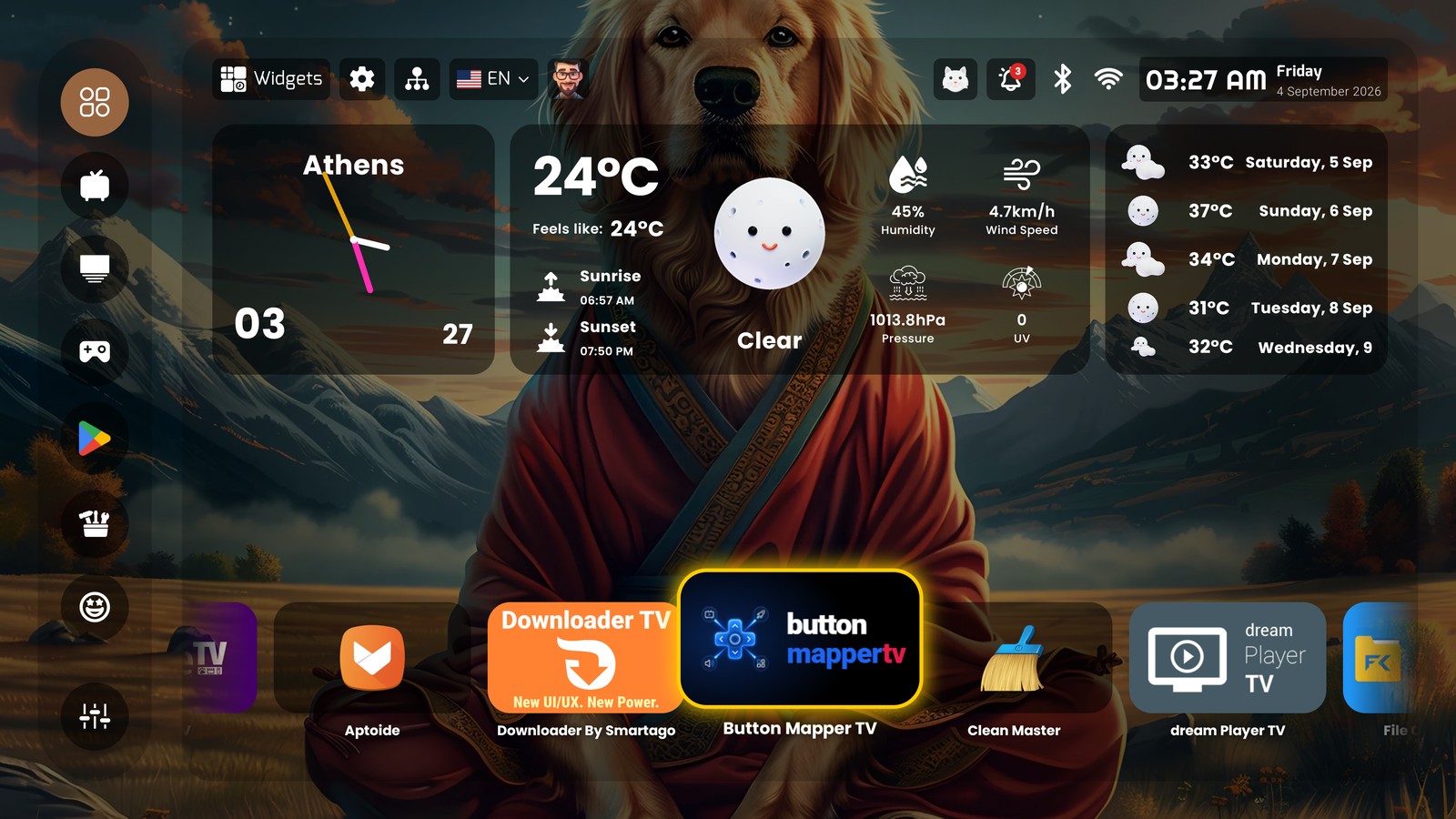
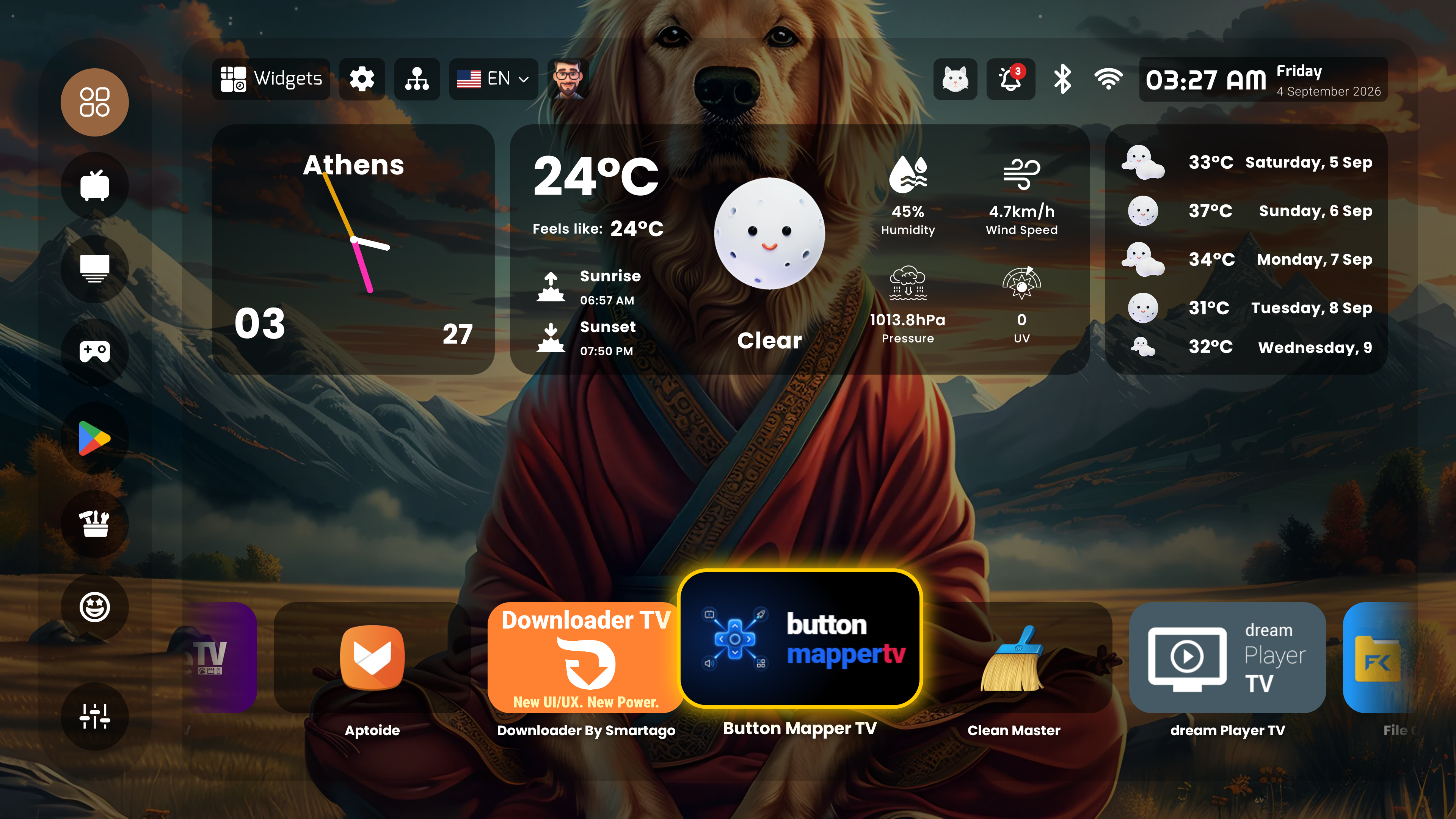
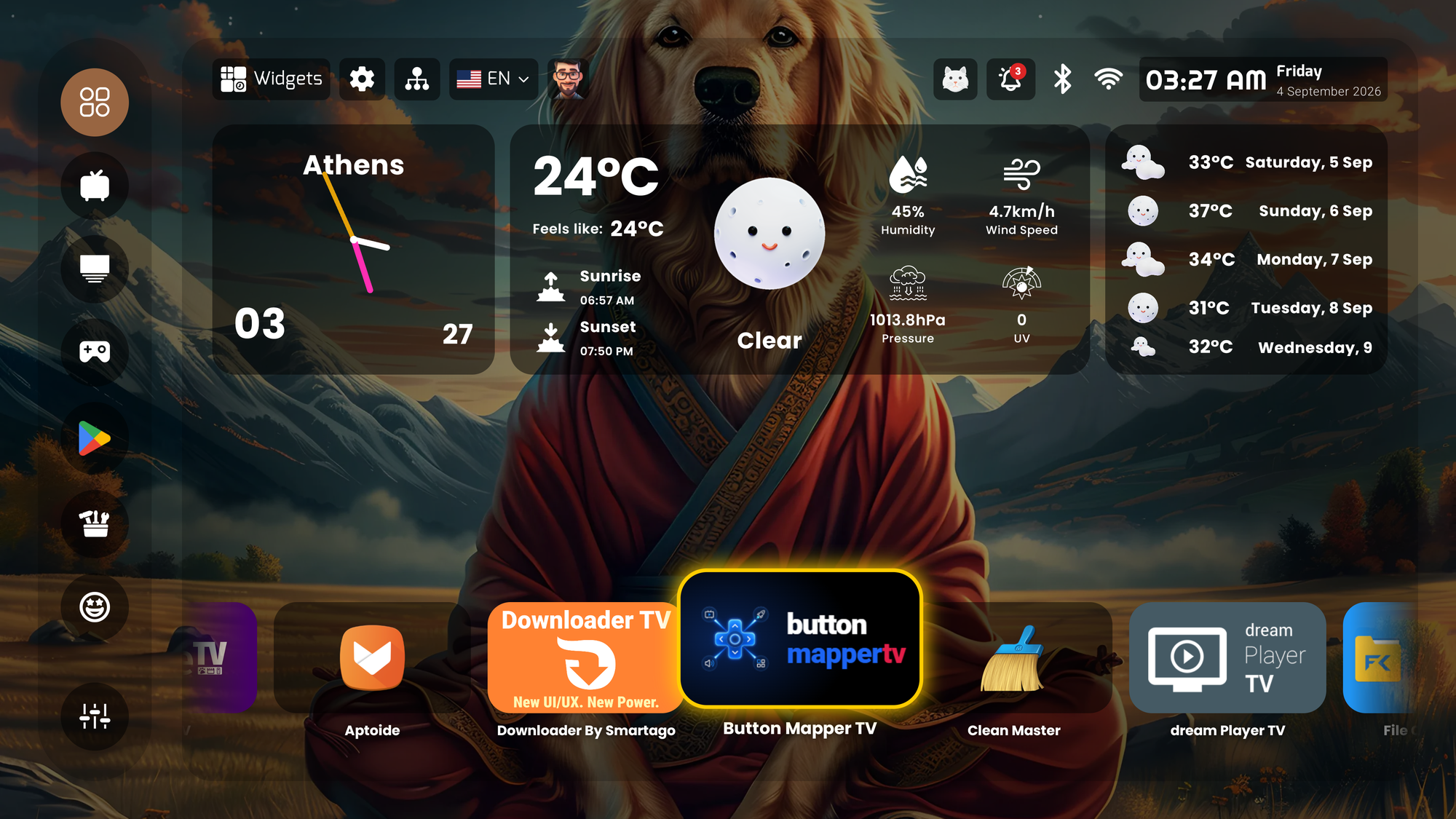
PLUI home screen: glass clock and weather widgets over a wallpaper, app grid and sidebar
Home — glass widgets over the owner’s wallpaper. PNG 4K original (8 MB) · PNG 2000×1125 · JPG 1600×900
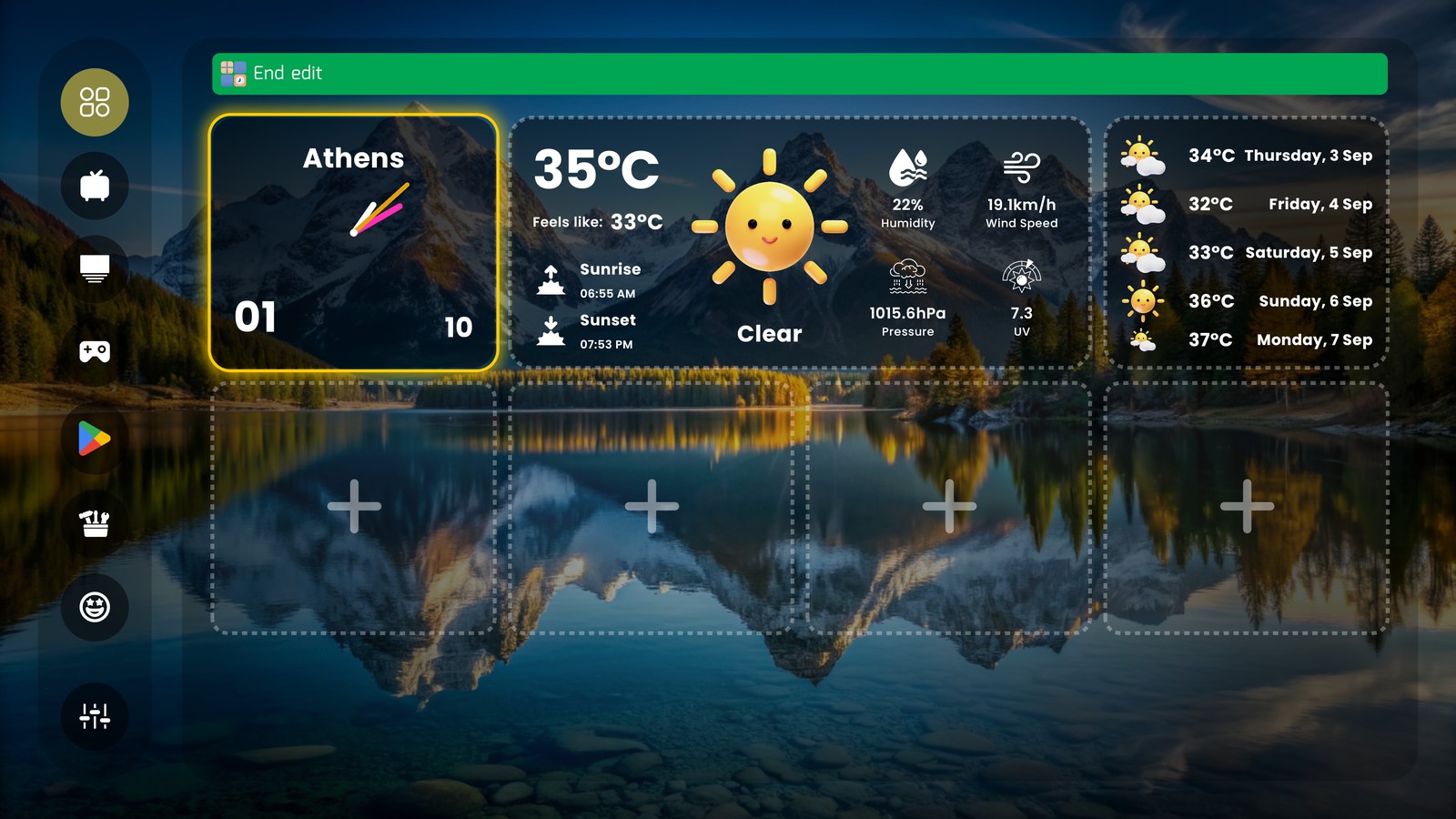
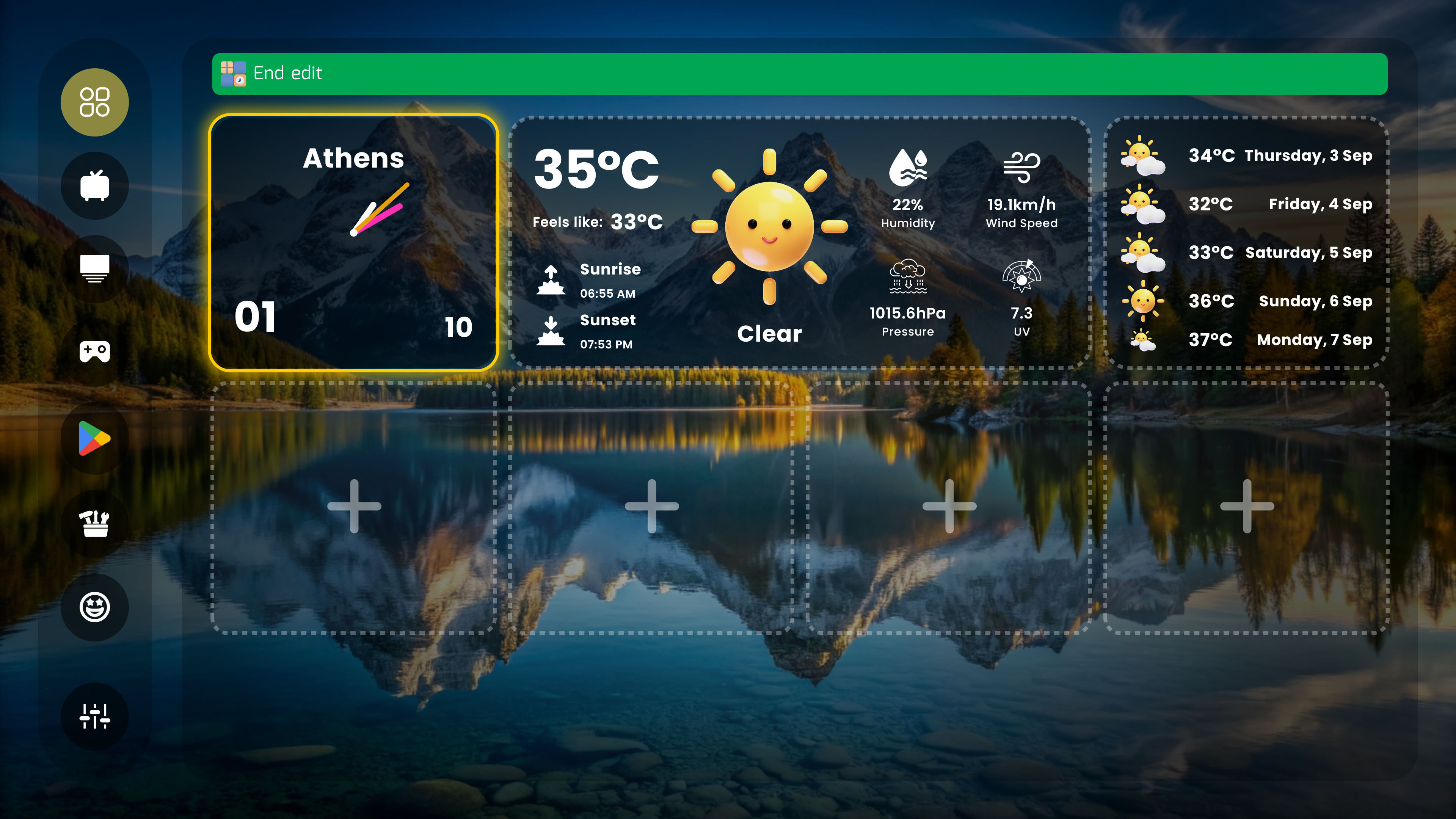
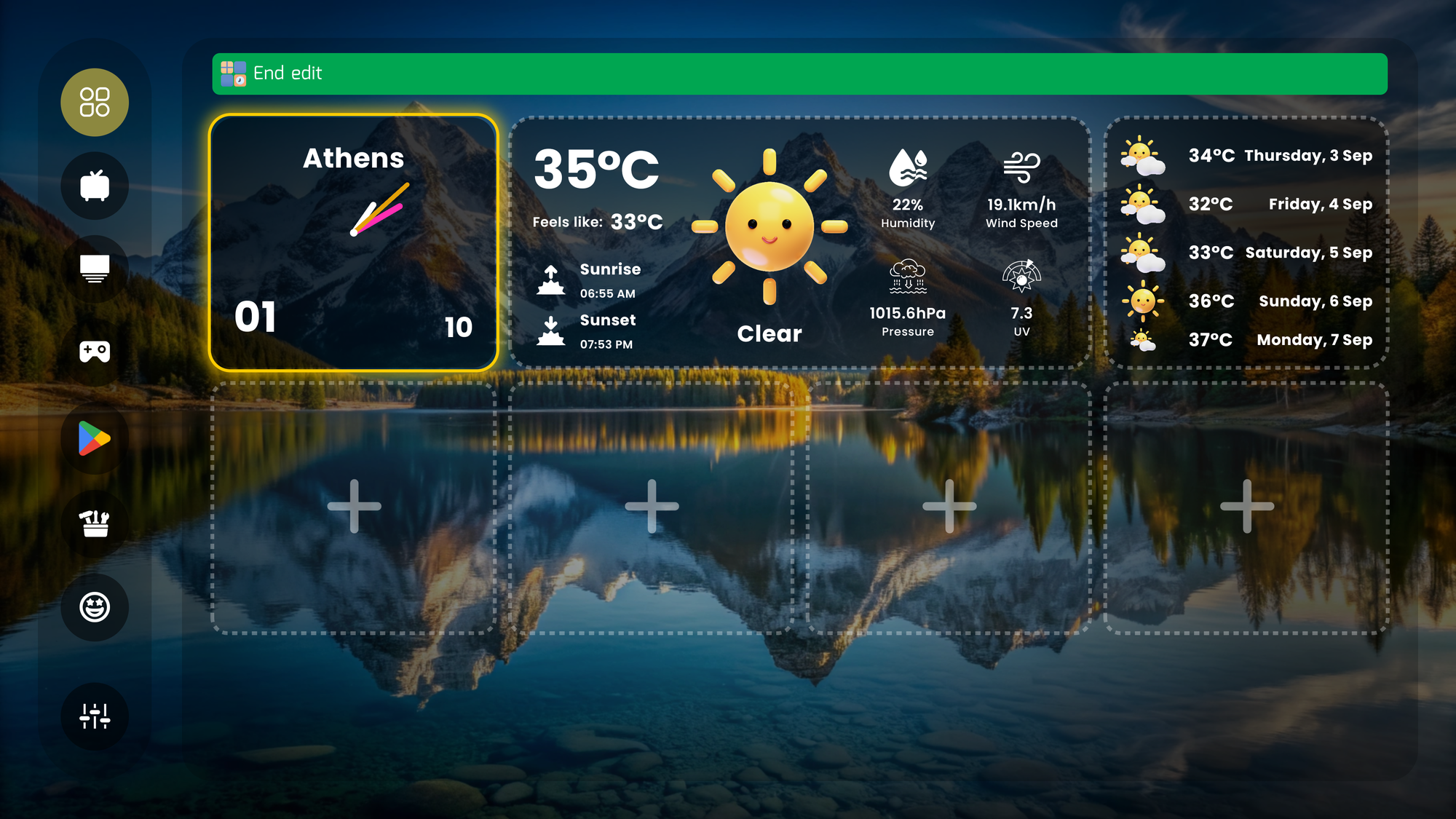
PLUI widget board in edit mode with a weather face, forecast and empty slots
Widget board in edit mode. PNG 4K original (9 MB) · PNG · JPG
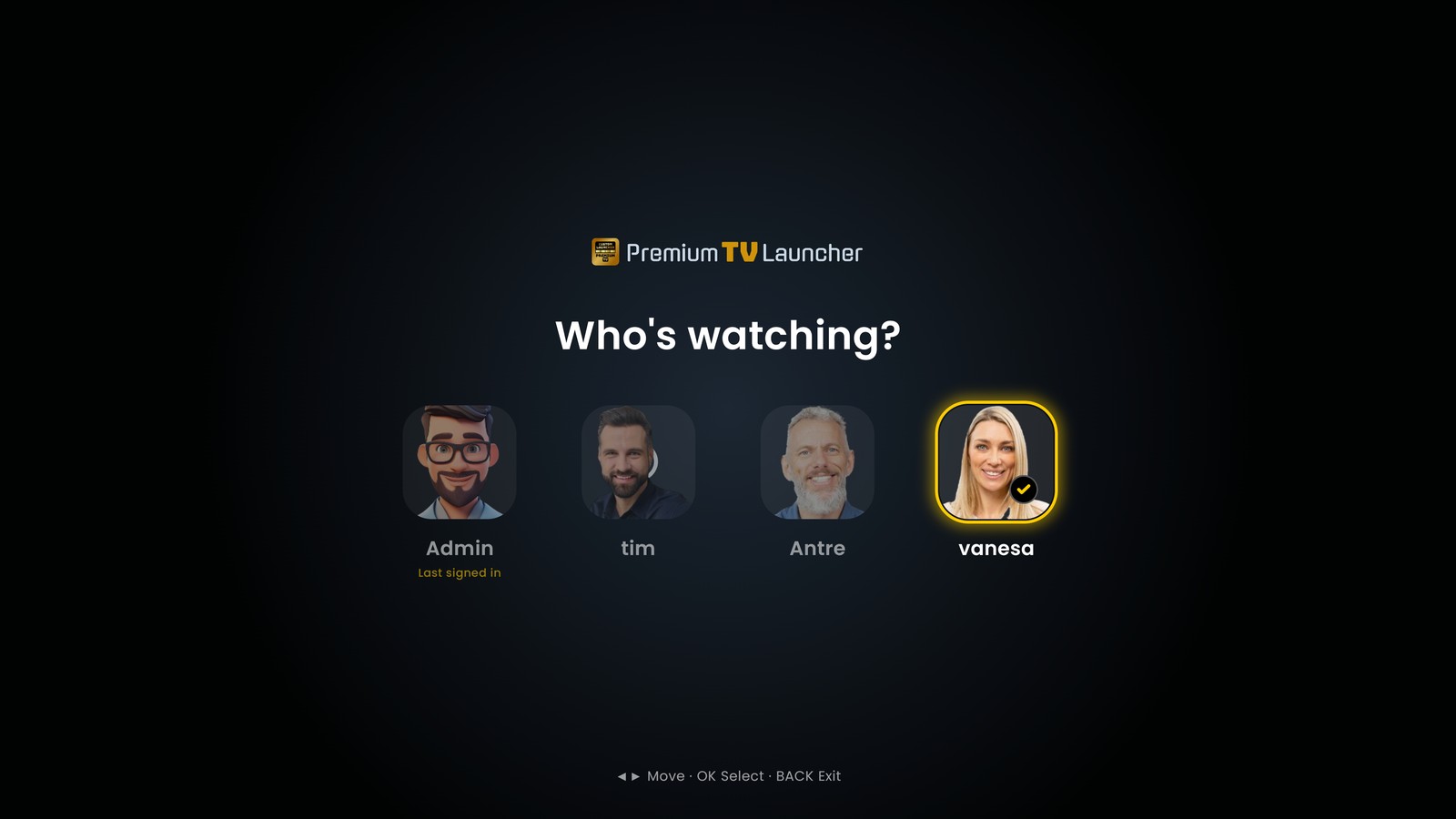
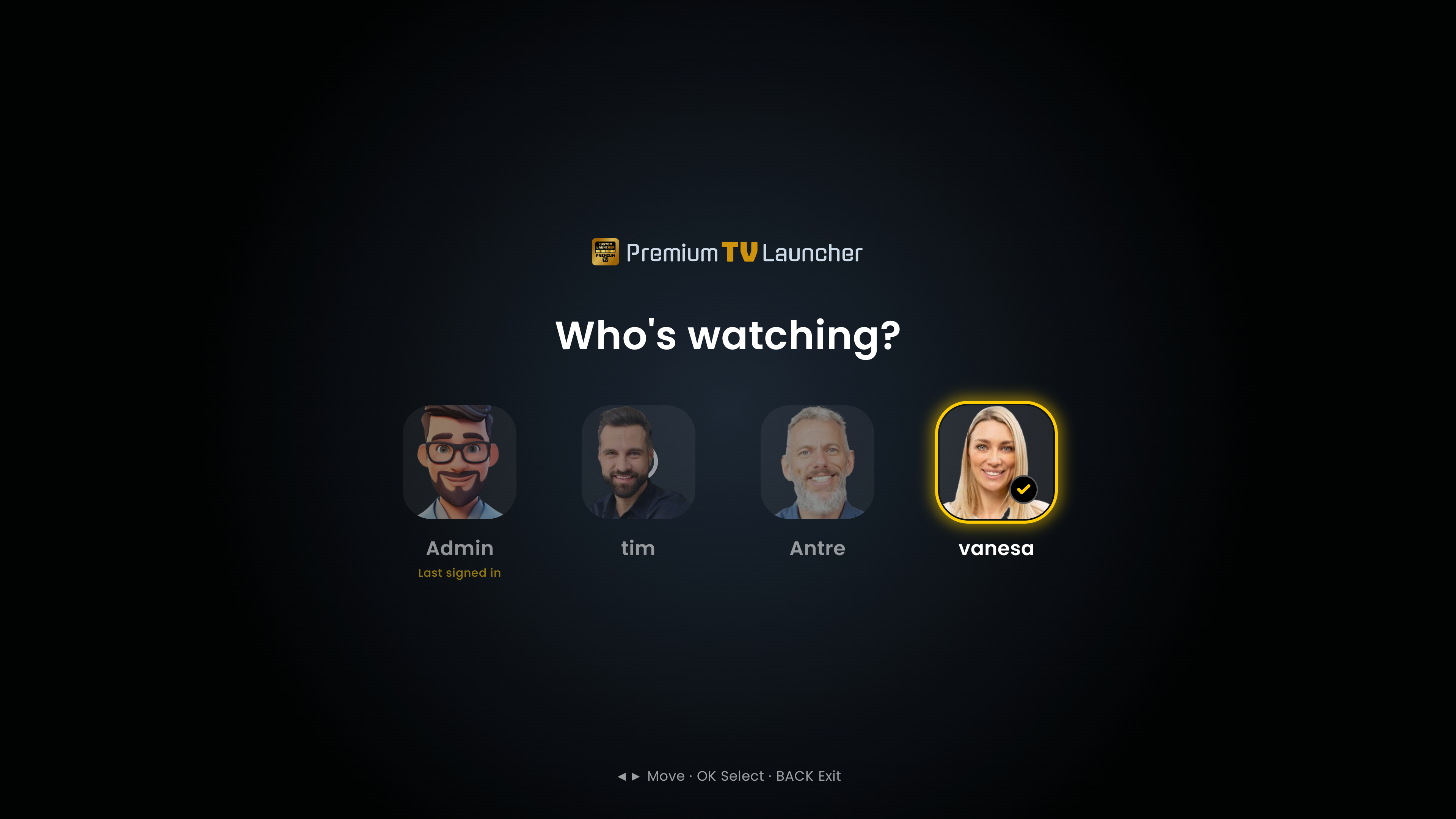
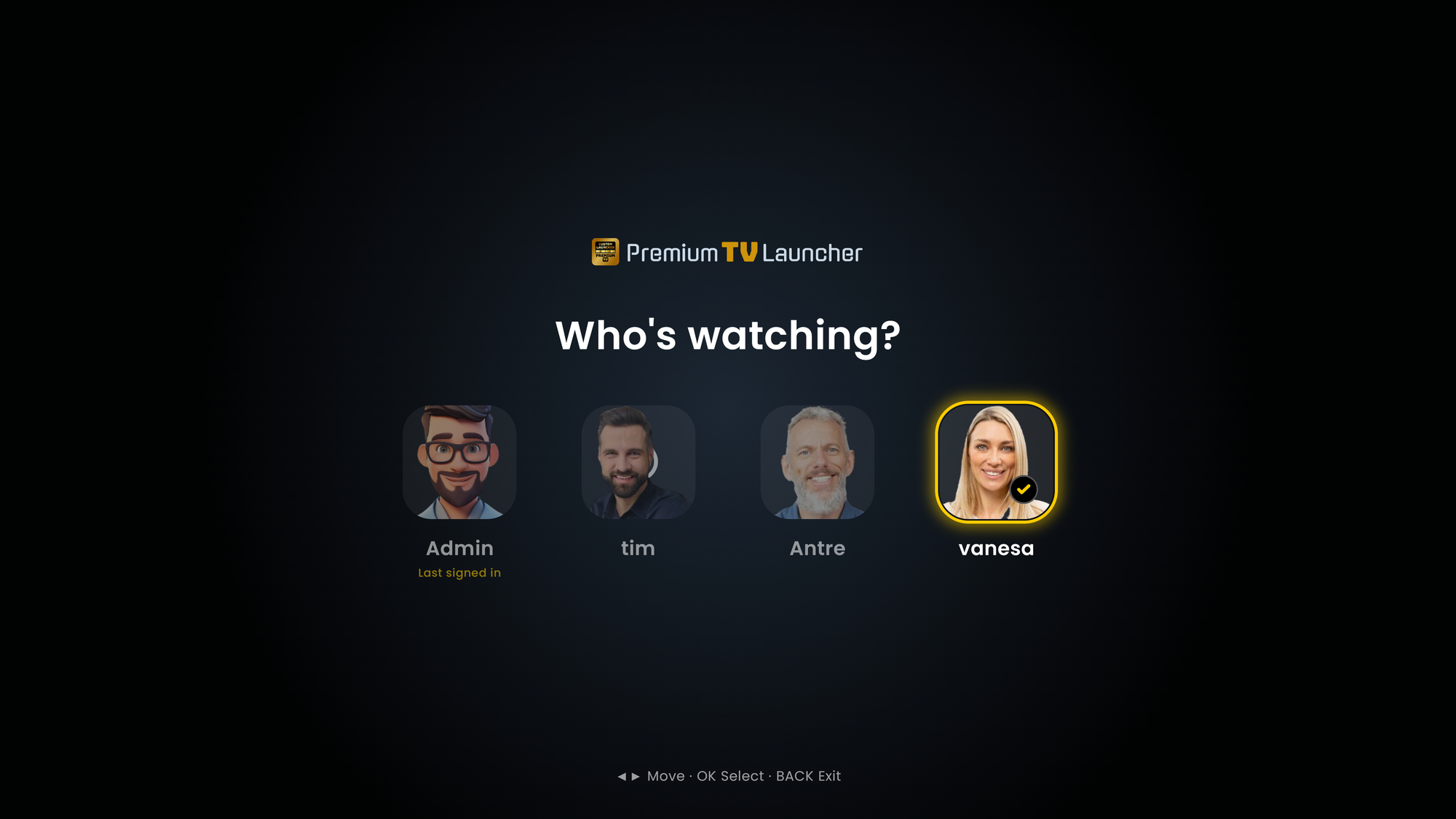
PLUI Who's watching? profile picker with four avatars
“Who’s watching?” — up to ten profiles. PNG 4K original (2 MB) · PNG · JPG
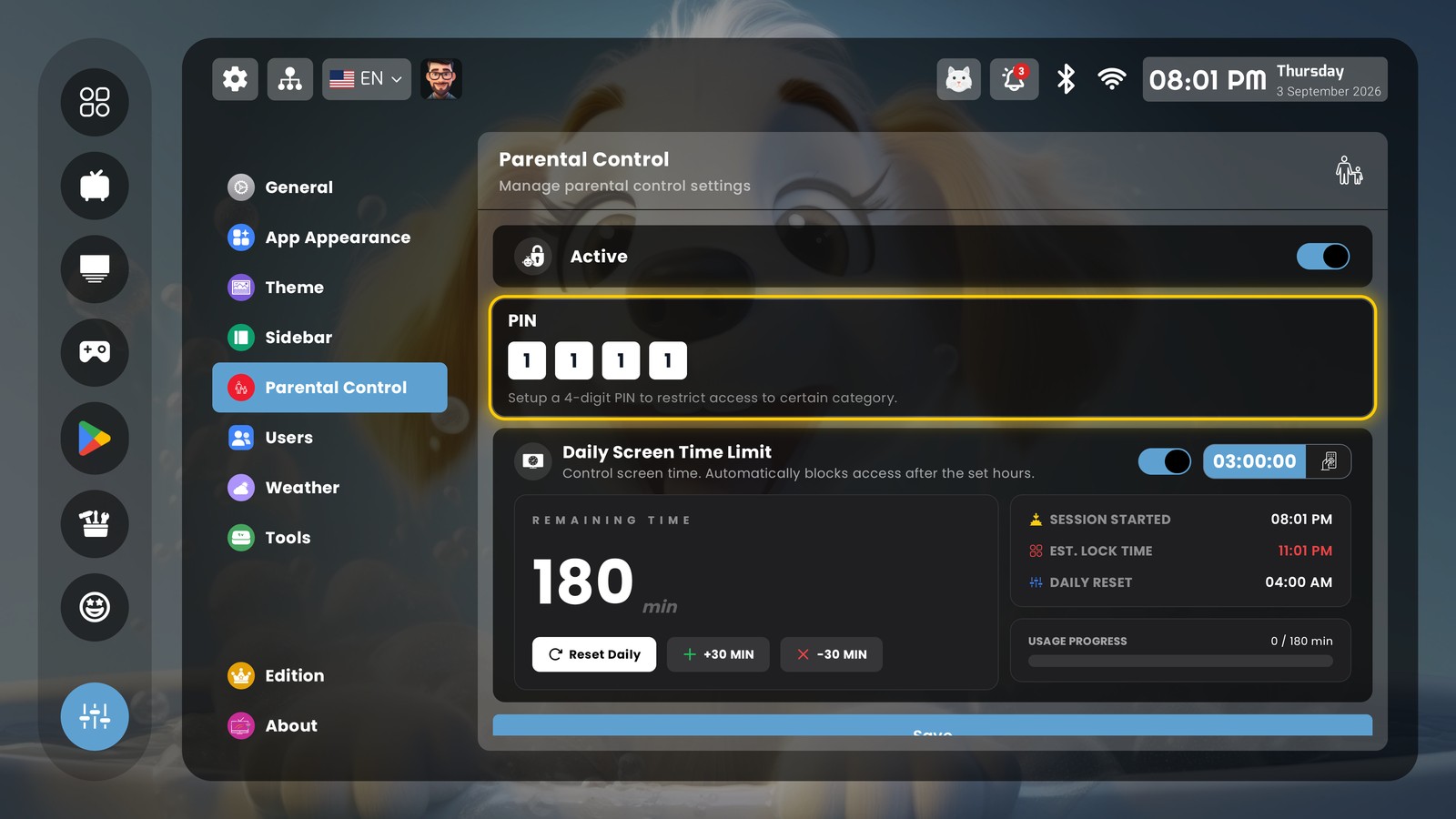
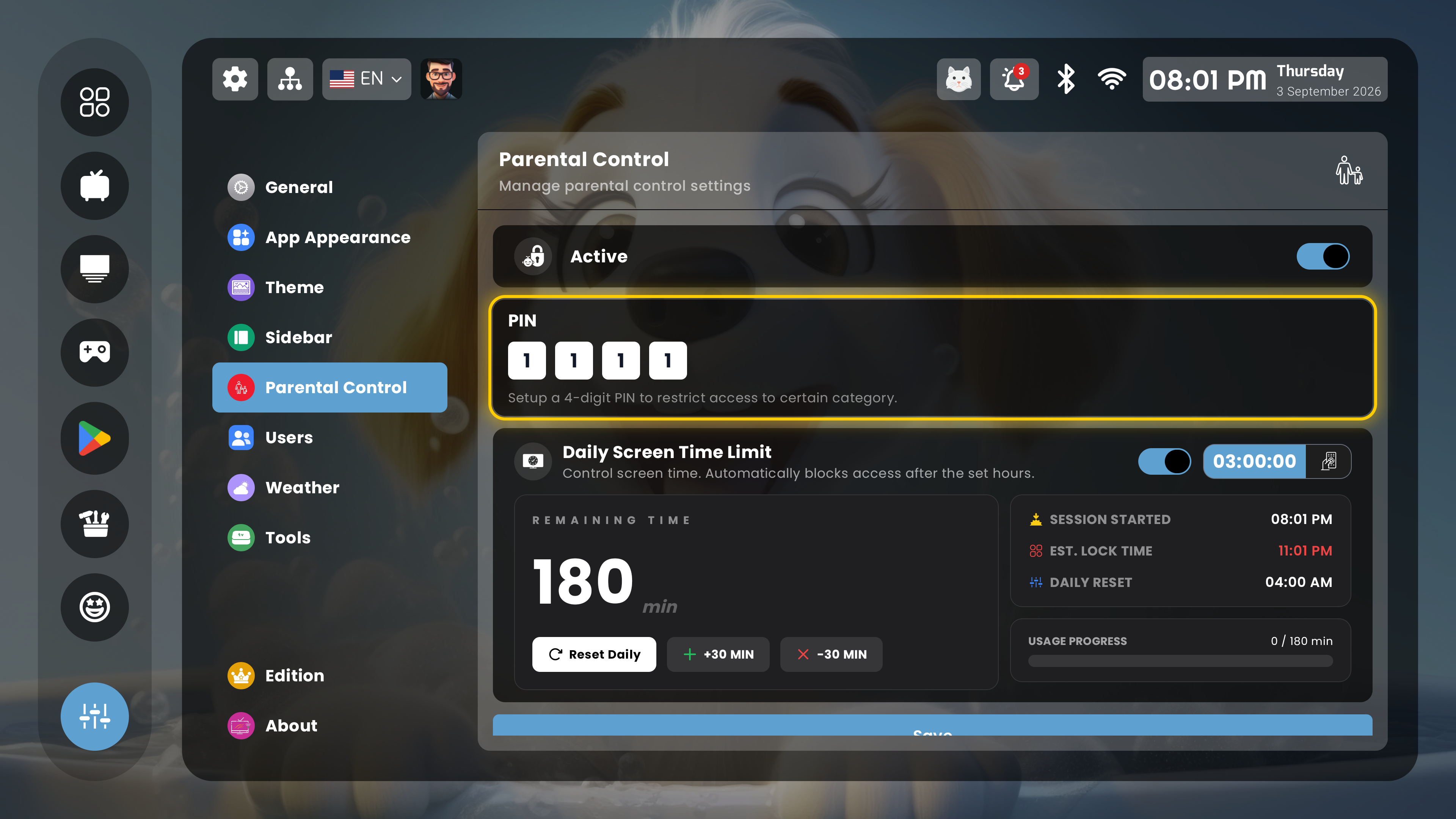
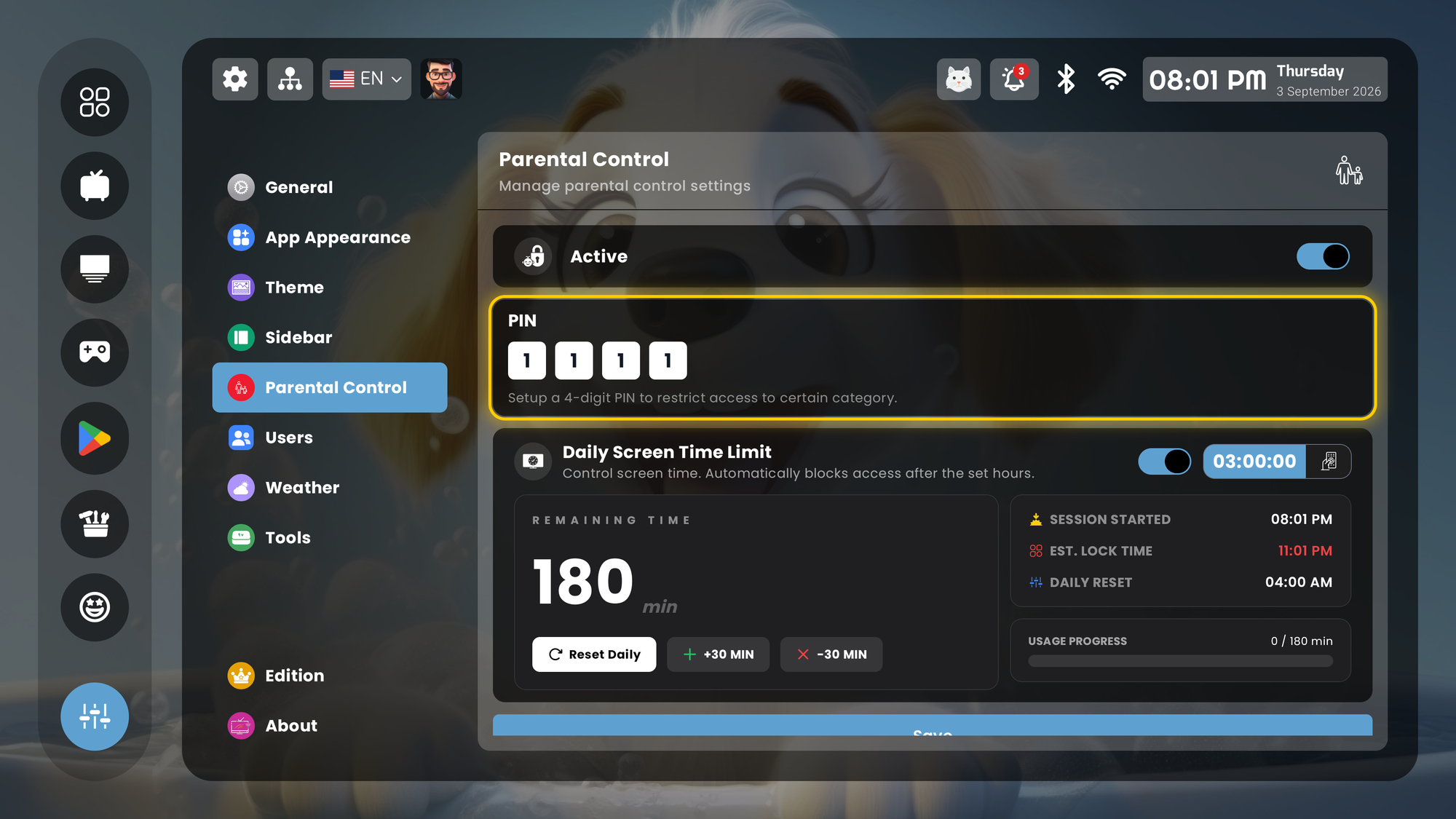
PLUI parental control settings with PIN and a daily screen-time limit
Parental control: PIN and daily screen-time limit. PNG 4K original (2 MB) · PNG · JPG
PLUI home screen showing live security camera feeds beside the clock
Live cameras on the home screen. PNG 1080p original (3 MB) · PNG · JPG
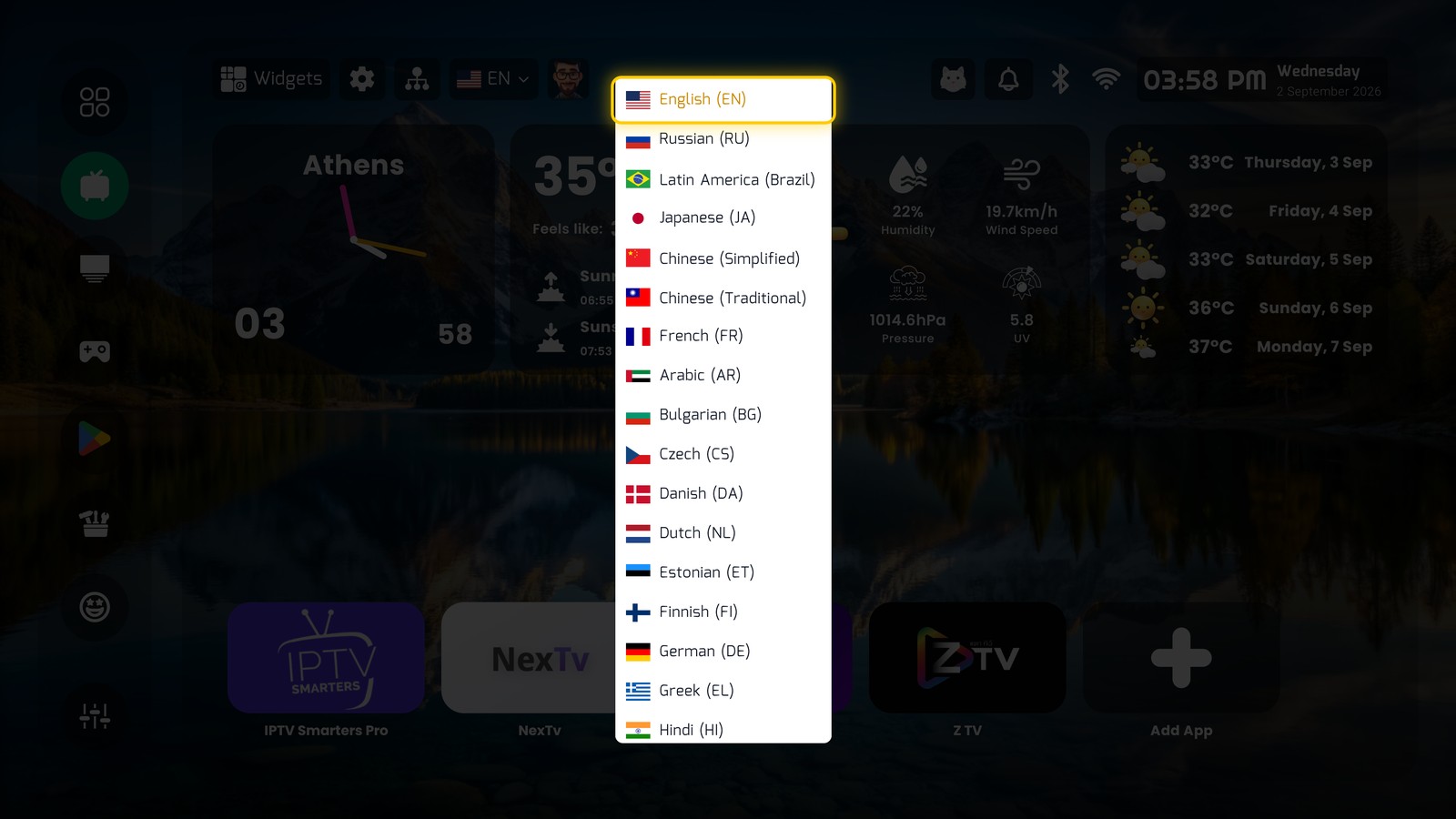
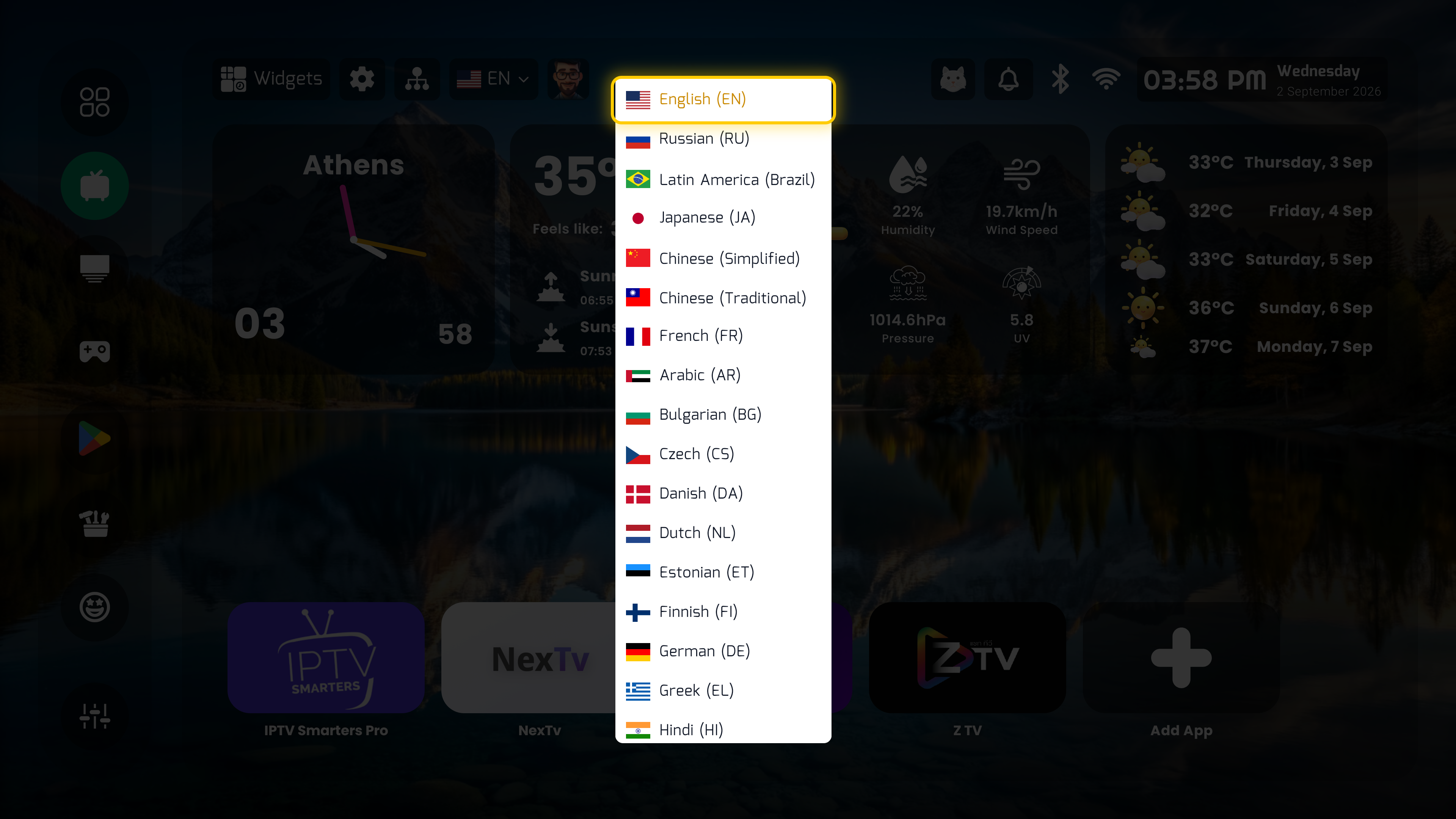
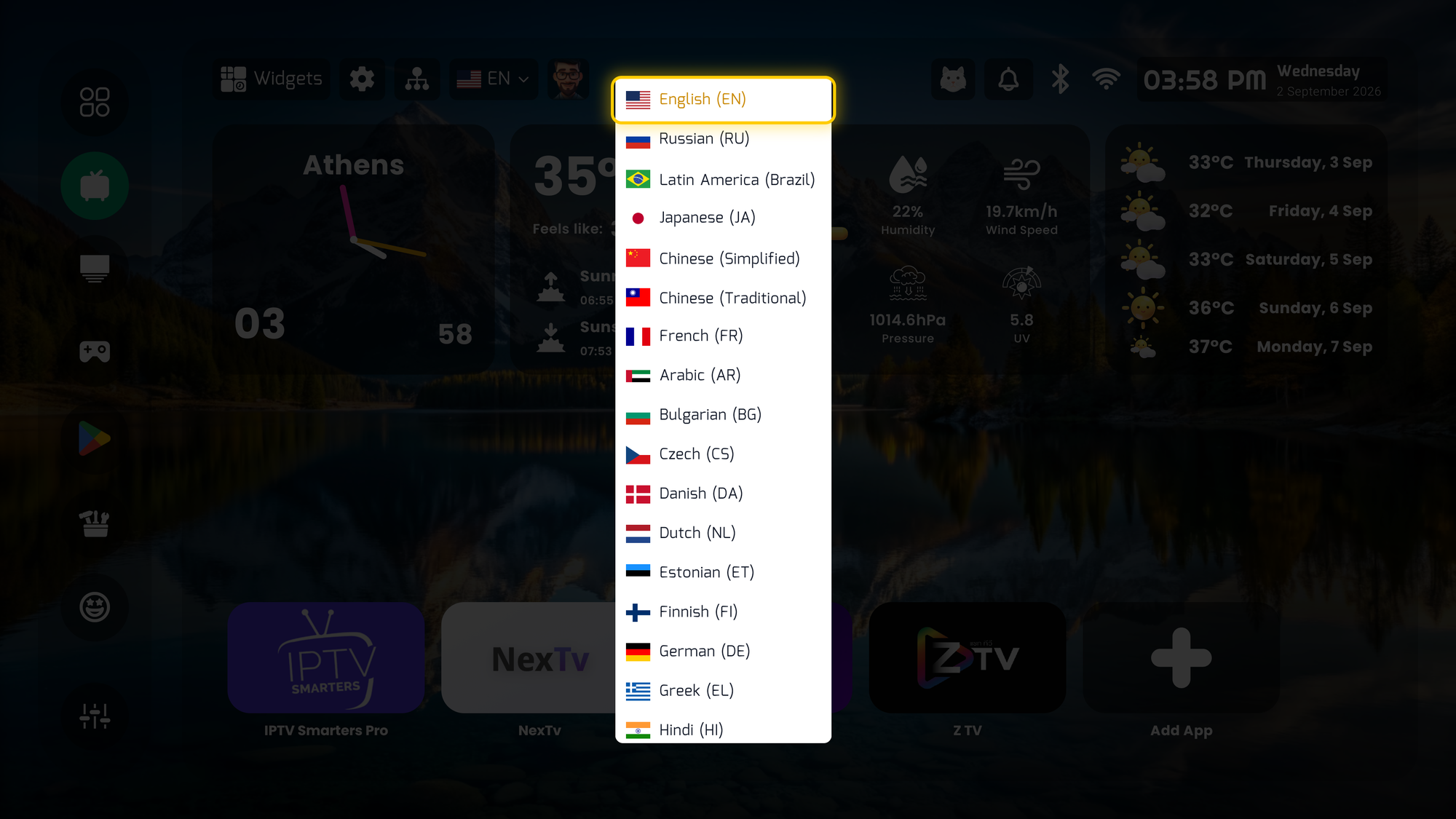
PLUI language menu listing many languages
45 languages. PNG 4K original (3 MB) · PNG · JPG
PLUI Edition screen showing Elite included at no cost
Edition: Elite included, $0. PNG 1080p original (1 MB) · PNG · JPG
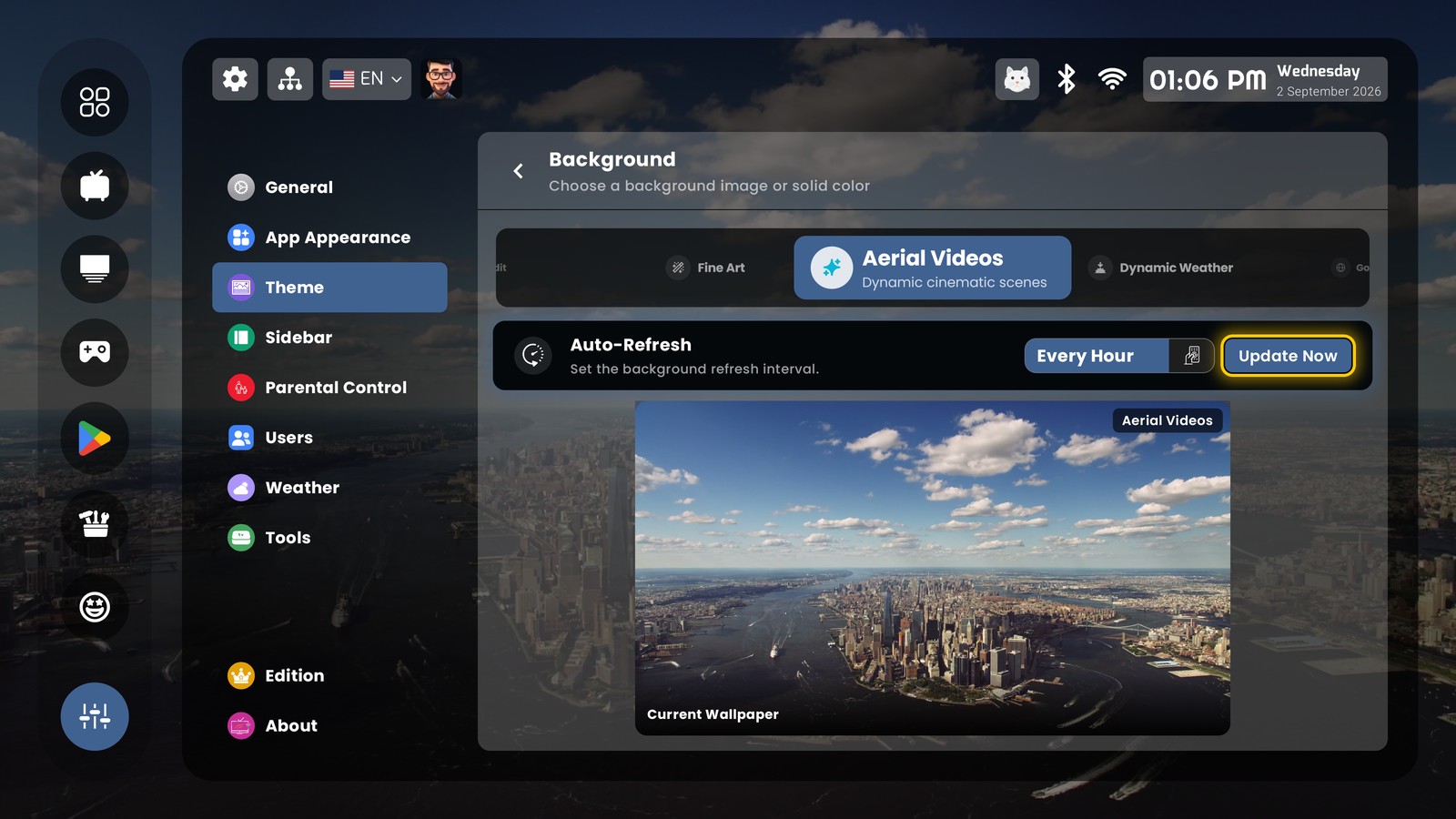
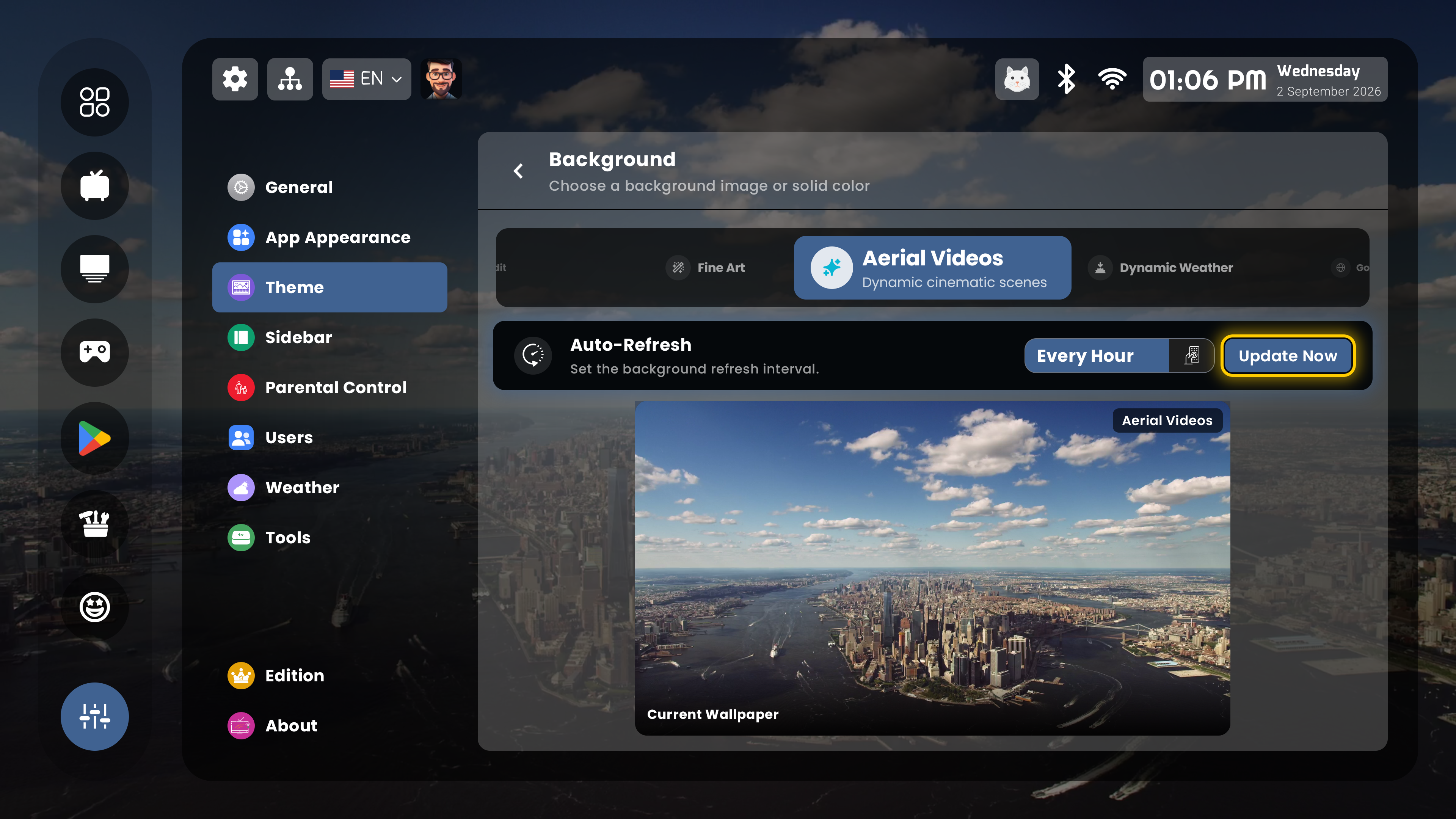
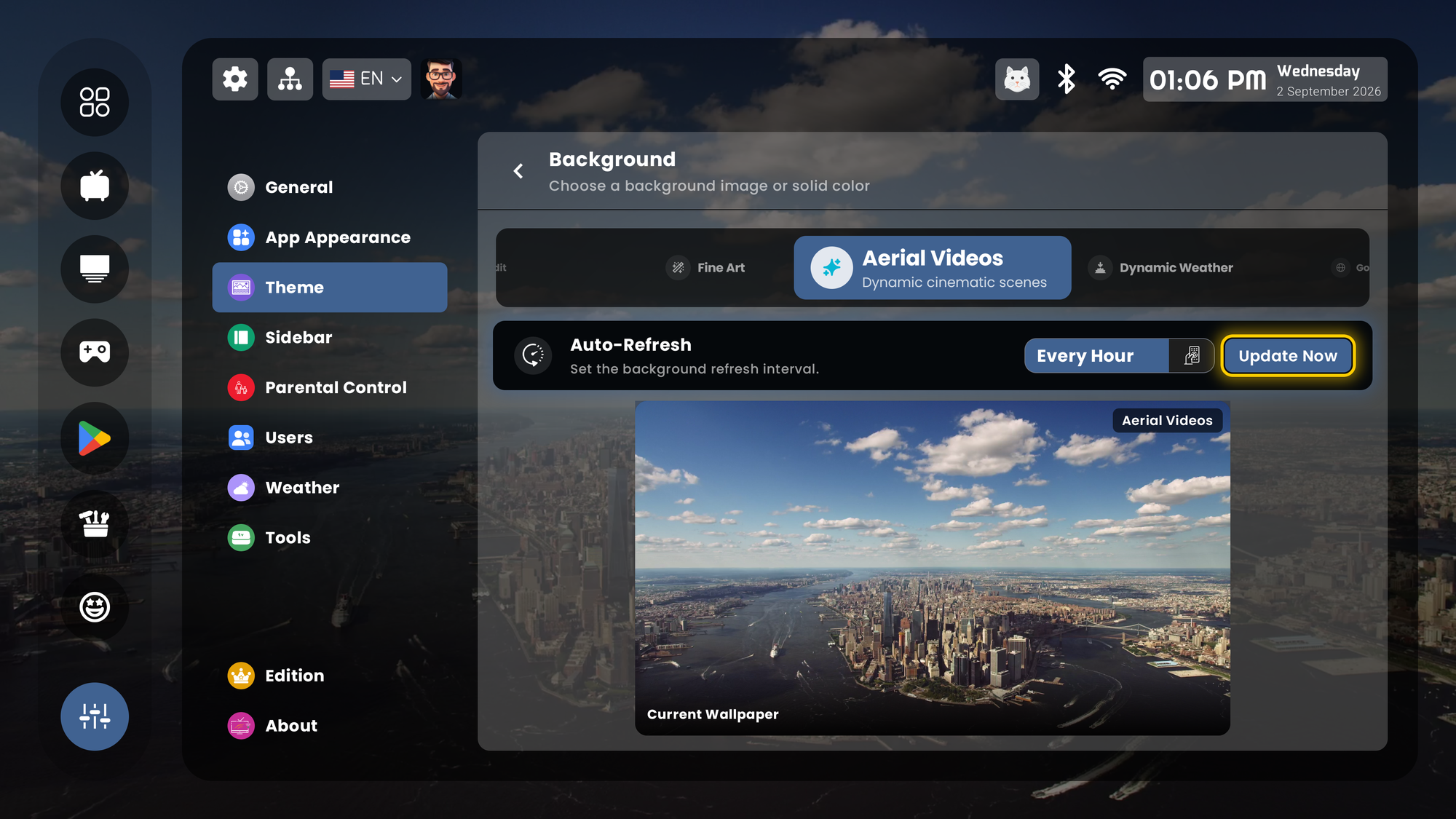
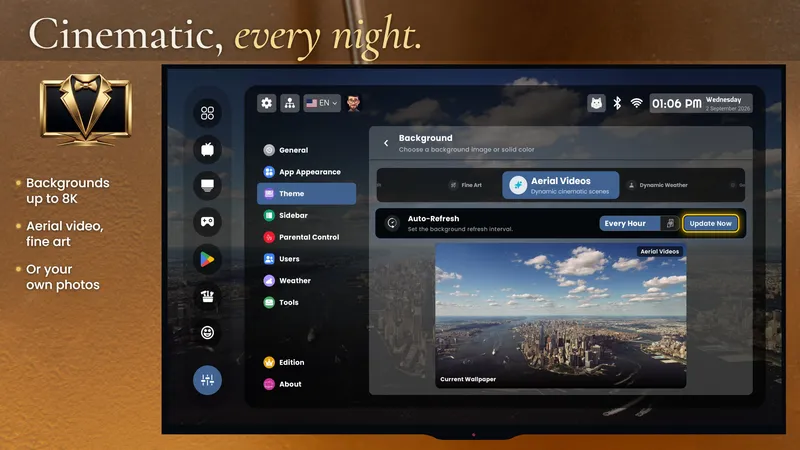
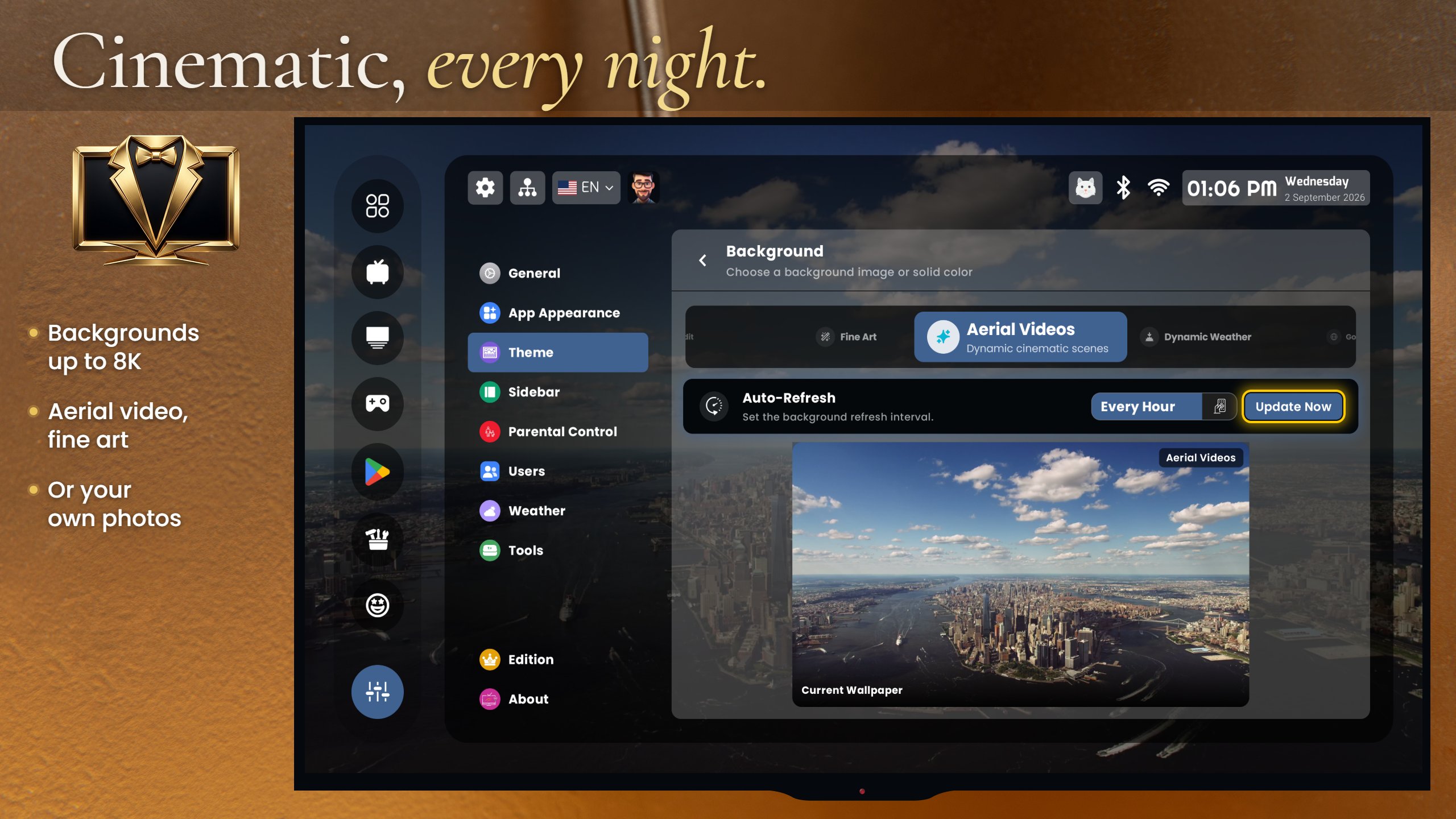
PLUI background settings with aerial video wallpapers
Aerial video as wallpaper and screensaver. PNG 4K original (5 MB) · PNG · JPG

Need a different screen? There are 30+ in the gallery, and we will capture any scene on request, on the device you name.

Store graphics

The eight listing frames, feature graphic and TV banner

The same files that are on Google Play: 2560×1440 JPG, with the headline text baked in. Use them as illustrations, not as “screenshots”.
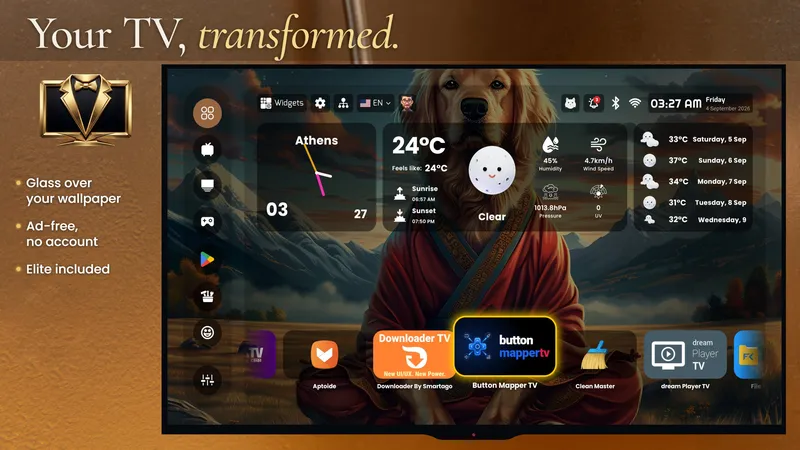
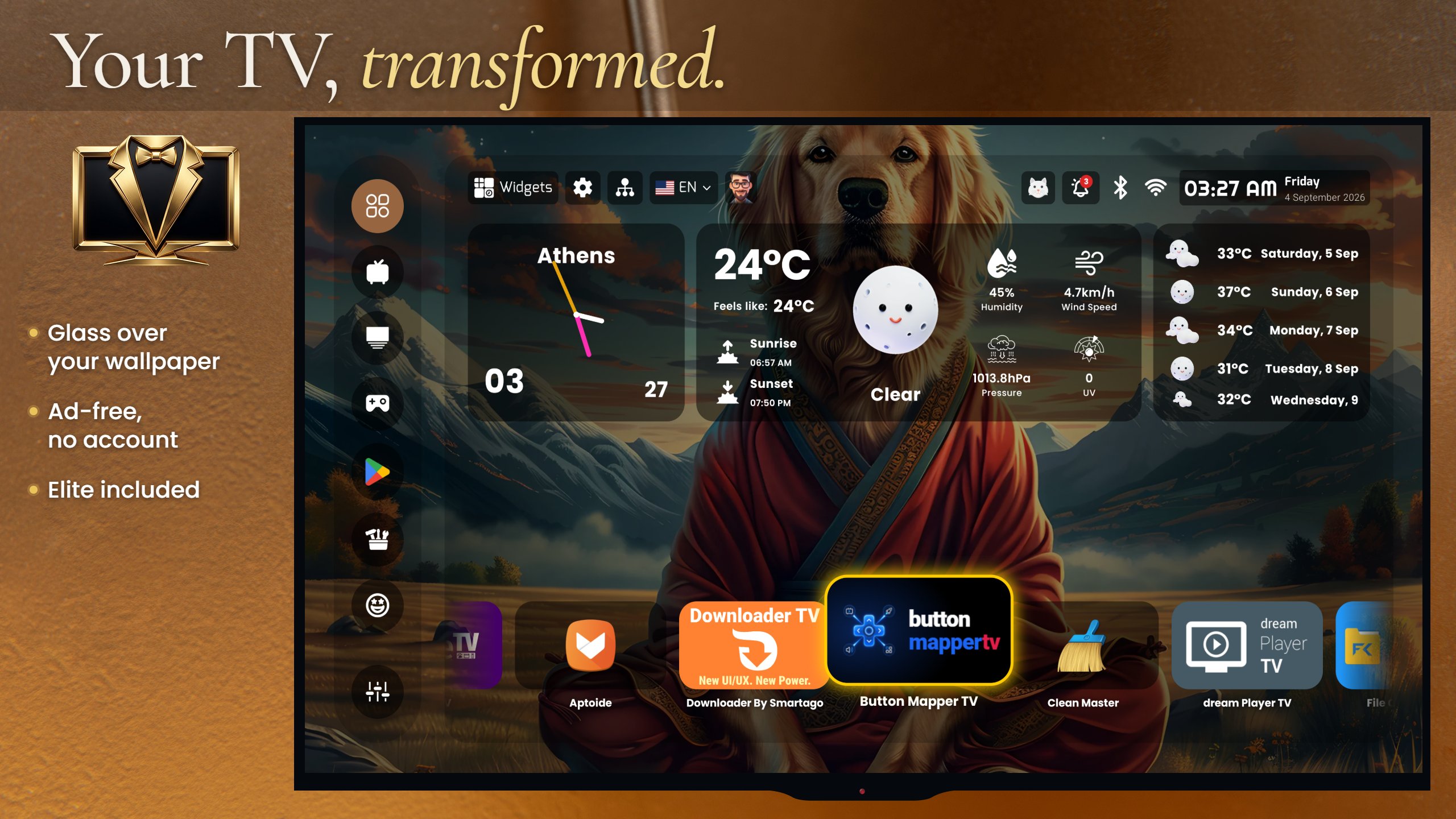
Store frame 1: Your TV, transformed
Your TV, transformed. 2560×1440
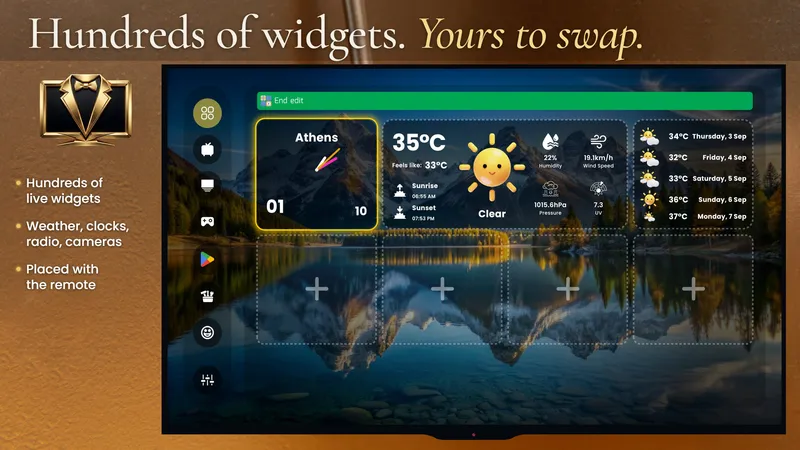
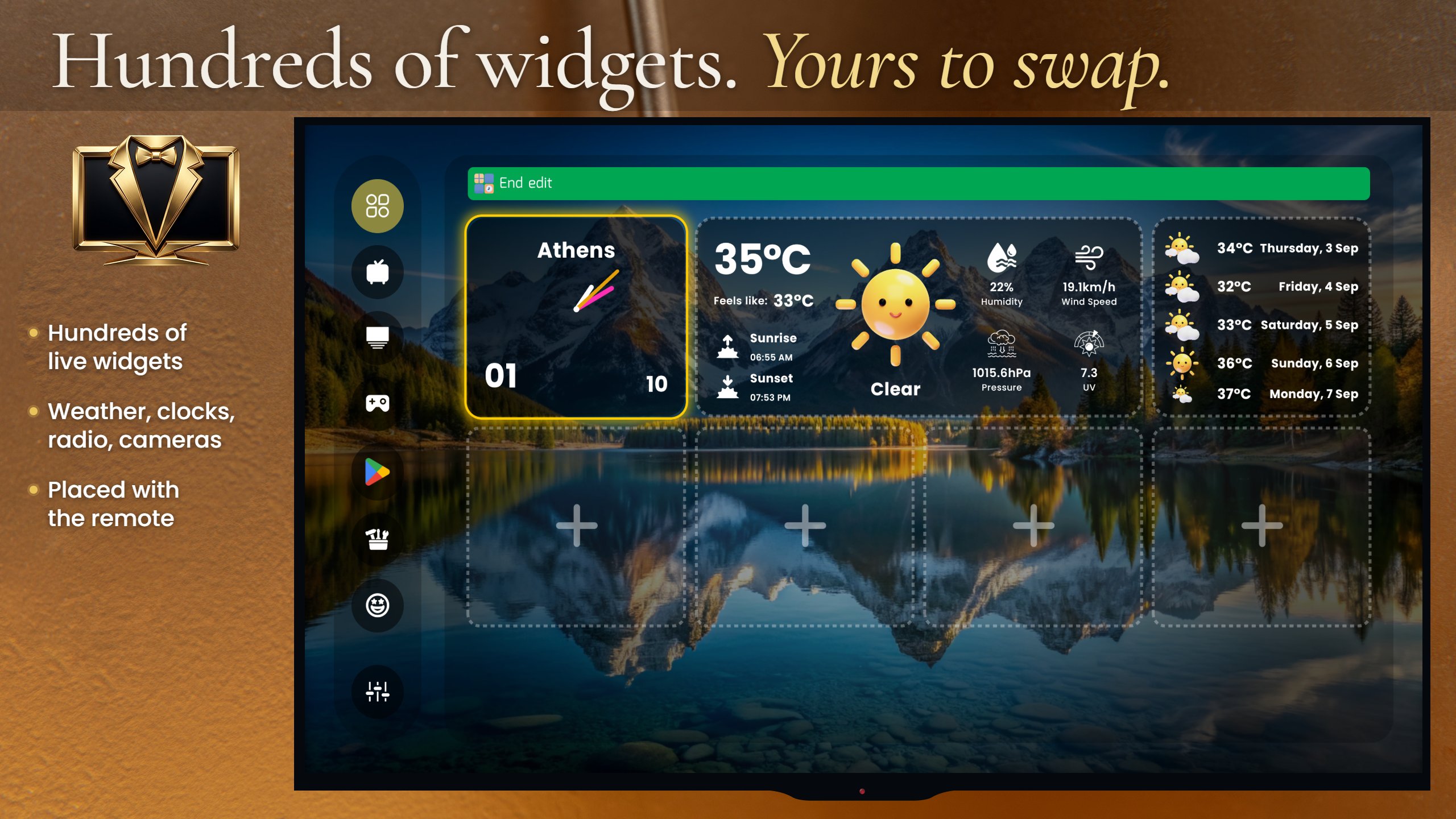
Store frame 2: Hundreds of widgets
Hundreds of widgets. 2560×1440
Store frame 3: Who's watching?
Who’s watching? 2560×1440
Store frame 4: Your house, on the screen
Your house, on the screen. 2560×1440
Store frame 5: Cinematic, every night
Cinematic, every night. 2560×1440
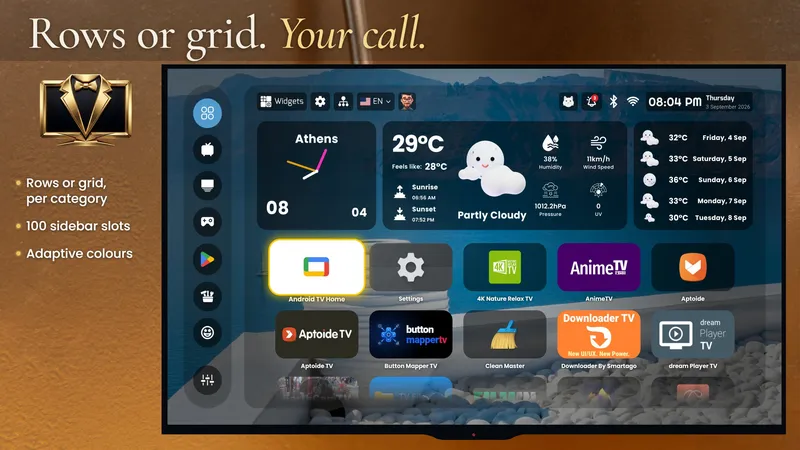
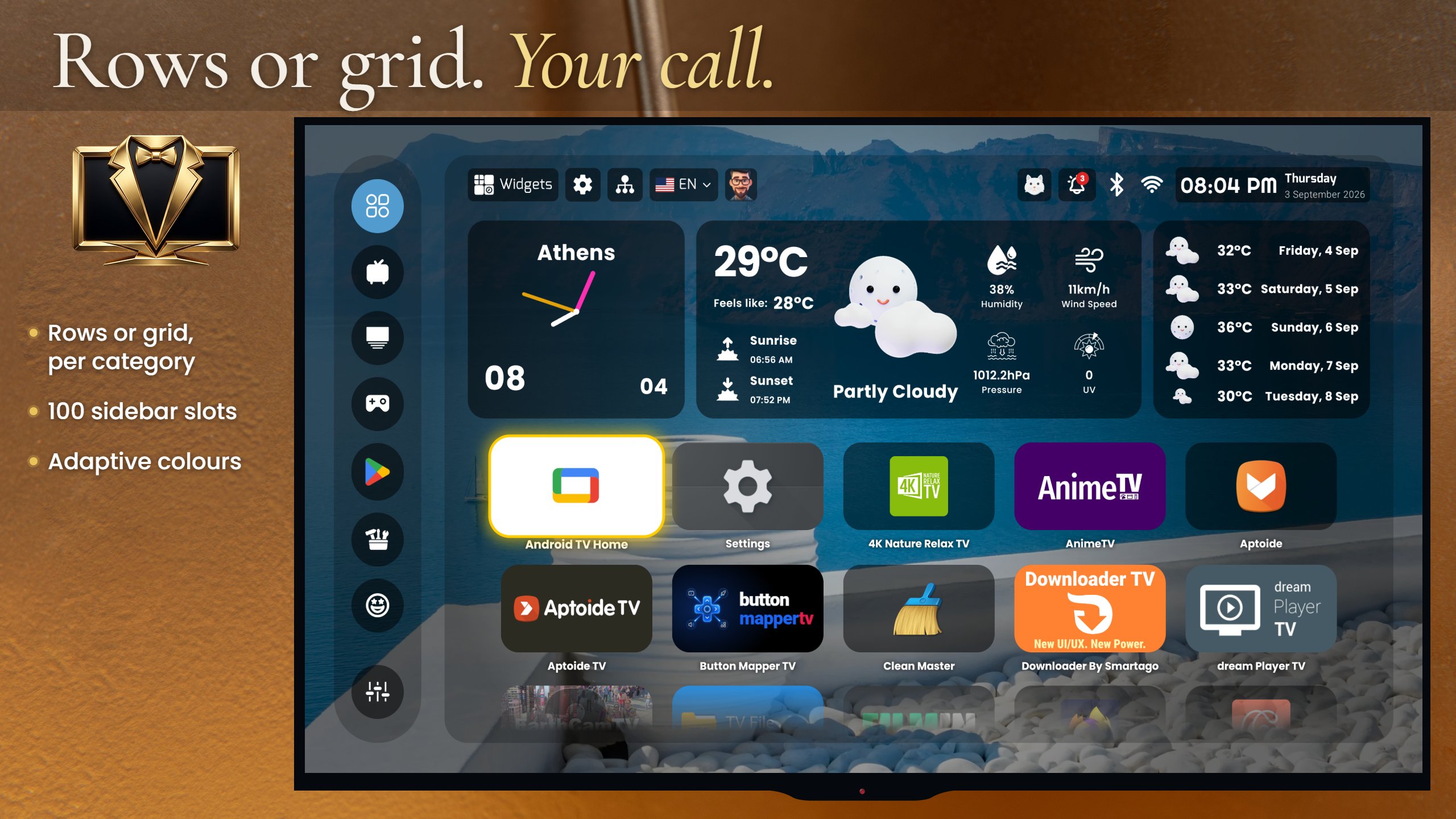
Store frame 6: Rows or grid
Rows or grid. Your call. 2560×1440
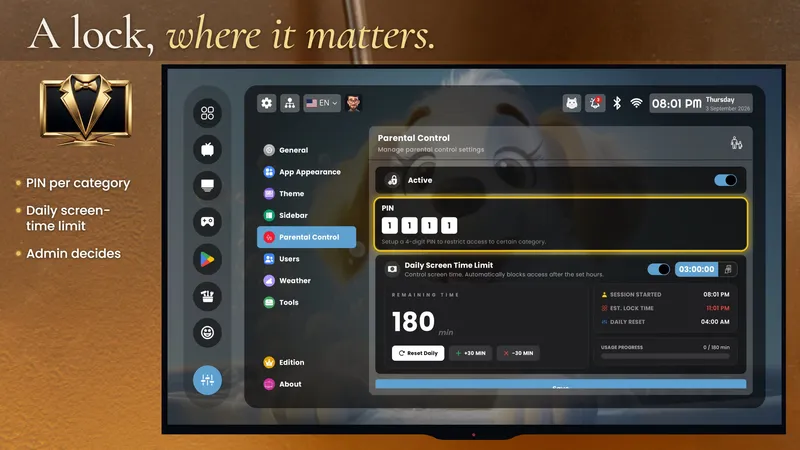
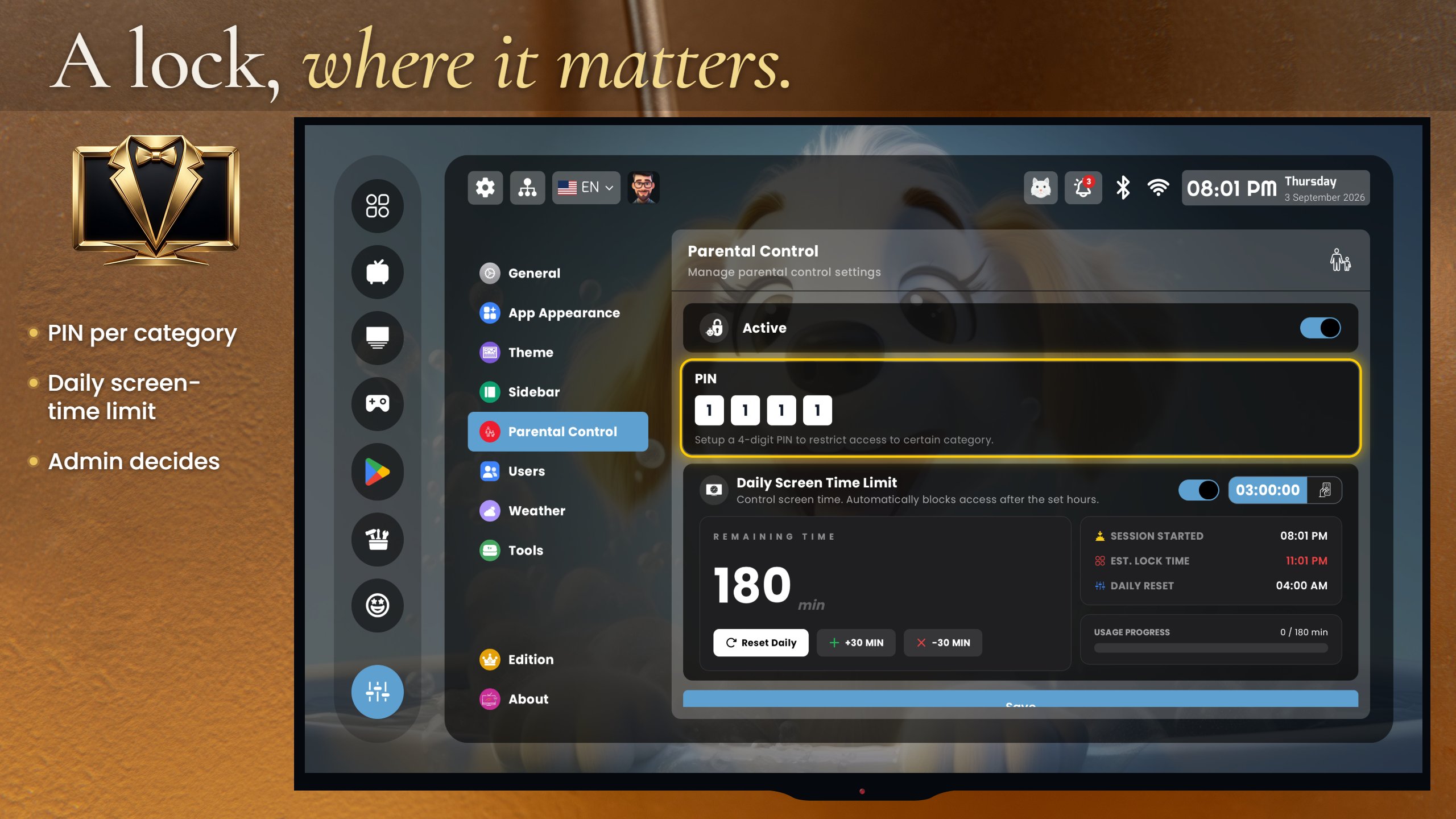
Store frame 7: A lock, where it matters
A lock, where it matters. 2560×1440
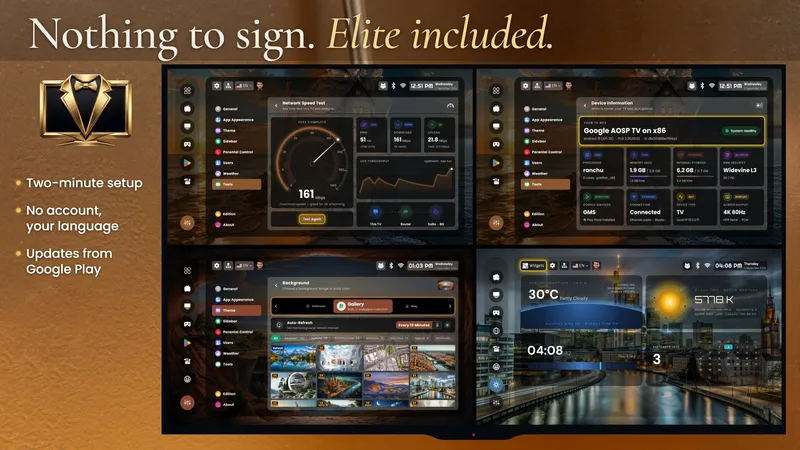
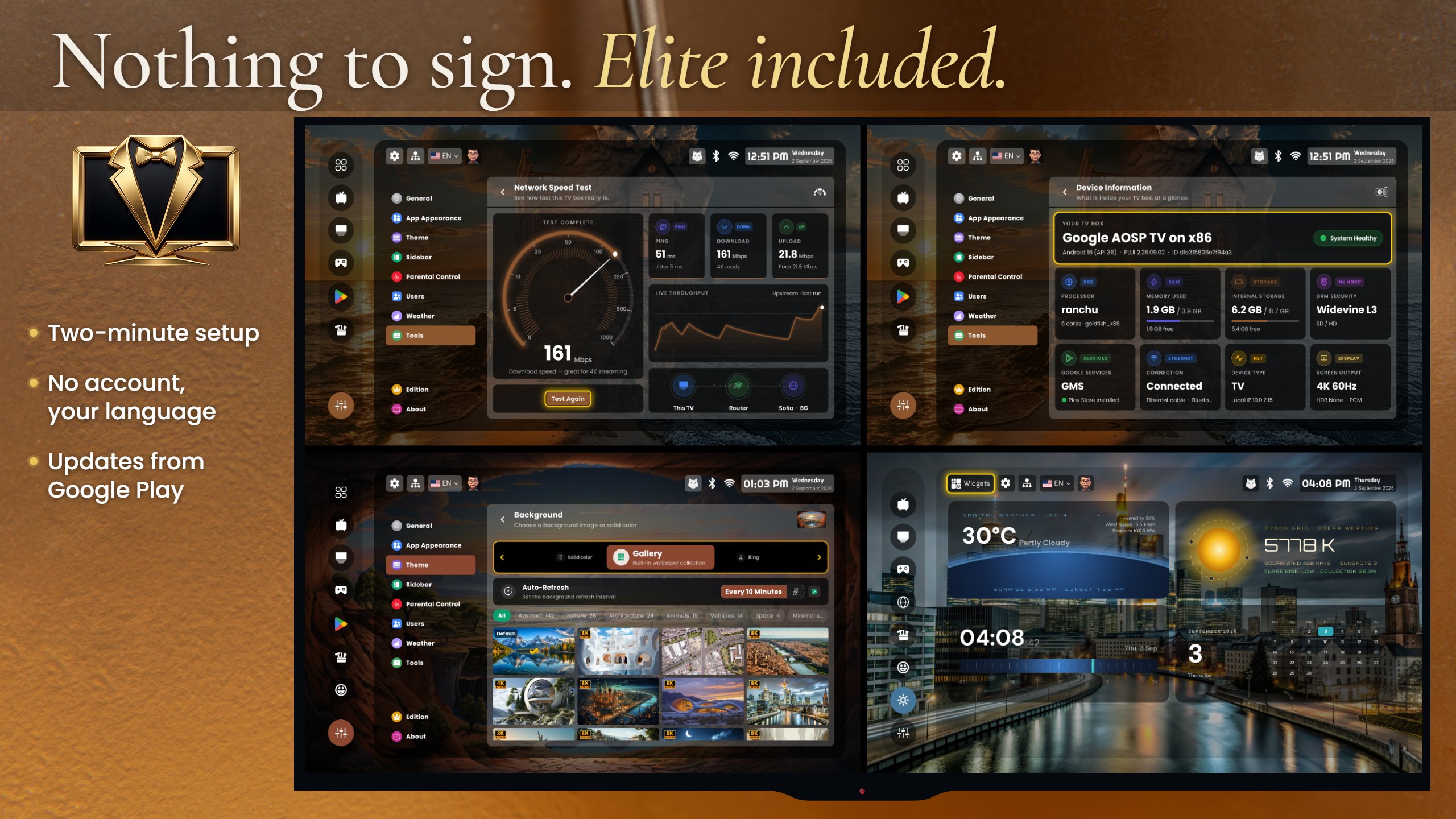
Store frame 8: Nothing to sign, Elite included
Nothing to sign. Elite included. 2560×1440
Google Play feature graphic
Feature graphic. PNG 1024×500
Android TV banner
Android TV banner. PNG 1280×720
Brand

Logo, wordmark, icon

Social banner1200×630 PNG
How to use themOn dark backgrounds, as delivered. Please do not recolour, stretch or add effects. “Premium TV Launcher UI” or “PLUI” in text; the icon may stand alone.
Honest limits

What it does not do — from us, before a reader tells you

Profiles are not streaming loginsEach profile has its own apps, sidebar, wallpaper, theme, language and widgets. Netflix, Disney+ and the rest keep their own accounts and profile pickers; no launcher can change that.
No “Continue watching” row from other appsAndroid’s Watch Next channel is readable only with a system-level permission that no Play or sideloaded launcher can hold. Any third-party launcher that shows one is showing its own data, not Netflix’s.
Cameras are viewed, not recordedONVIF/RTSP live view on the home screen. Recording, motion alerts and cloud storage stay with your NVR or camera app.
The HOME button on locked TVsGoogle Play rules do not let the Play build capture system buttons, and many TVs (Shield, Sony, Xiaomi, Chromecast) have no home-app picker. The Play build requests the launcher role where the device allows it; otherwise Button Mapper TV or the full sideload build does it. Every route.
Android TV 14 and accessibility servicesAndroid TV 14 switches off accessibility services by itself on some devices. That affects the sideload build’s HOME capture (and every launcher that uses the same method); the guide has the fix.
It is not minimalIf your reader wants the home screen they notice least, point them to Projectivy, AT4K, Monet or Arc. We say so on our own site.

Everything above, plus the reviewer guide and a FACTS.txt, in one archive. No sign-up, no form.